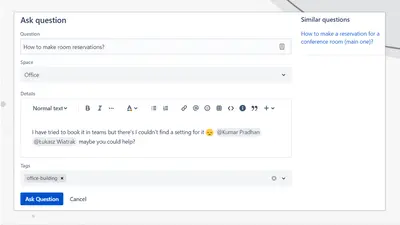
Community Questions for Confluence
Adds a searchable Q&A forum to Confluence with voting, tags, permissions, and notifications.
FirnityFreemium
Displays process stages and marks the current step in Confluence using a Progress Bar macro.
The Progress Bar macro displays each stage of a documented process in Confluence. It marks the current stage and adds visual indicators to process content.
Presents each stage of a process in Confluence.
Indicates the current stage within a process.
Adds visual process indicators to documented content.
121 plugins in Confluence · Content and communication
Price distribution: 37 free, 46 freemium, 38 paid
Adds a searchable Q&A forum to Confluence with voting, tags, permissions, and notifications.
Firnity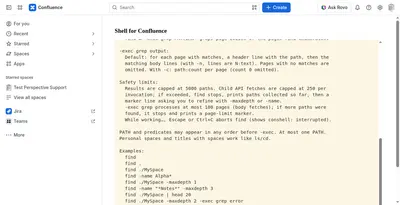
Manage Confluence pages through a command-line-style console for navigation, search, viewing, copying, and moving.
Kenputer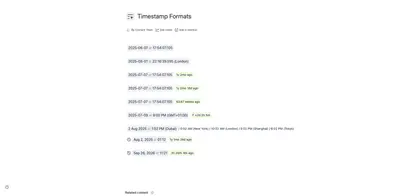
Adds natural-language timestamps, timezone conversions, countdowns, and ISO copying to Confluence pages.
Crenwiz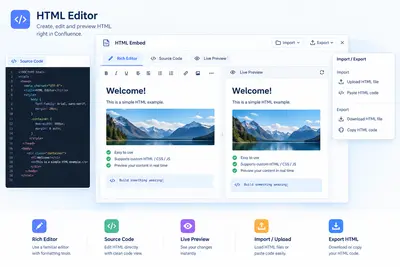
Embed HTML, iframe content, and Confluence Query Language searches in Confluence pages.
Come2Solution«Content Formatting Macros for Confluence Use Progress Bar macro for Confluence to create a clear visual representation of all stages in your documented processes, making it easy for users to follow along. Stage Visualization: Present and visualize each stage of a process with a clean design. Highlight Current Steps …»