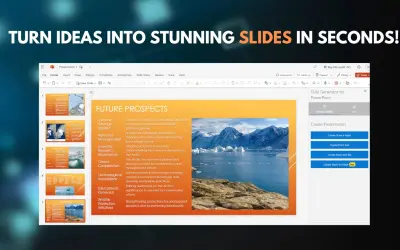
Slide Generator: AI-Powered Presentation Creator
A Microsoft PowerPoint add-in (web and desktop) that turns ideas into complete presentations with GPT-driven content generation.
Online Ocigrup SLPrice not published
Add presentation assets and creative tools to PowerPoint, including layouts, icons, media, QR codes, and image data extraction.
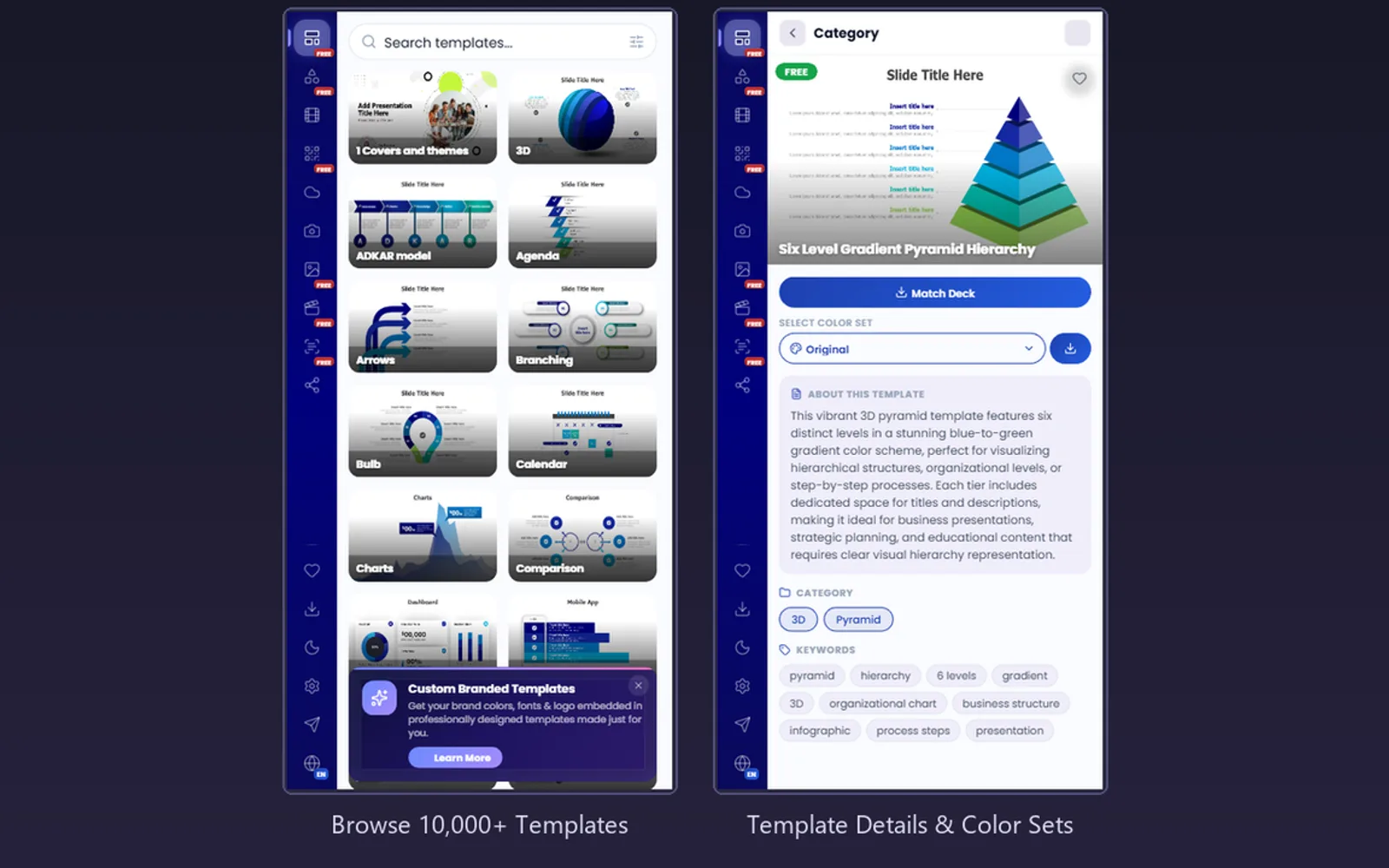
PPT-Design adds presentation layouts, icons, media search, QR code creation, word clouds, website captures, and image analysis within PowerPoint. Layouts can be searched, localized, filtered, saved, and inserted with selected formatting or color settings. Other functions include stock imagery, GIFs, social media media, multilingual interface support, and shared brand materials for teams.
Offers more than 10,000 layouts across categories such as timelines, SWOT diagrams, organization charts, process diagrams, and mind maps.
Provides searchable icons from 12 libraries with controls for dimensions, color, and presentation theme matching.
Builds QR codes from URLs or text and permits changes to patterns, corner forms, colors, gradients, and logos.
Turns entered text into word clouds with controls for themes, shapes, fonts, density, scale, rotation, and capitalization.
Finds Pexels photos and Giphy animated GIFs for insertion into PowerPoint slides.
Records websites as images at desktop, tablet, phone, or custom dimensions.
Reads text, tables, and chart data from uploaded or pasted images in 25 or more languages.
Provides centralized logos, brand colors, and custom templates for enterprise teams.
Individuals and teams.
PPT-Design Templates has a freemium pricing model, while Slide Generator: AI-Powered Presentation Creator has an unknown pricing model. Both use cloud deployment. PPT-Design Templates was updated on Mar 2026, while Slide Generator: AI-Powered Presentation Creator was updated in Feb 2025.
| Name | Pricing | Deployment | Updated |
|---|---|---|---|
| this plugin | Freemium | Cloud | |
| Slide Generator: AI-Powered Presentation Creator | Price not published | Cloud |
993 plugins in Microsoft Teams · Analytics
Price distribution: 35 free, 48 freemium, 324 paid, 586 price not published
A Microsoft PowerPoint add-in (web and desktop) that turns ideas into complete presentations with GPT-driven content generation.
Online Ocigrup SL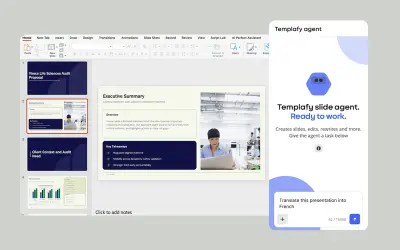
AI agent for PowerPoint that generates governed, on-brand slides from prompts using approved templates and business rules.
Templafy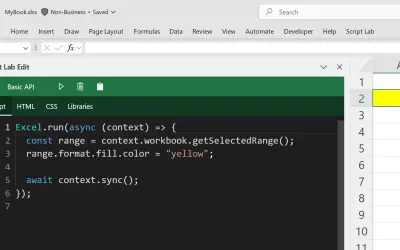
Script Lab Unity lets users create, edit, and run Office JavaScript API code snippets inside Excel, Outlook, PowerPoint, and Word.
Microsoft Corporation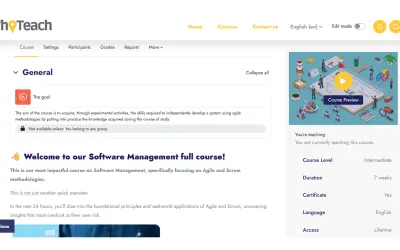
WhoTeach provides an AI-powered digital learning platform with LMS, virtual classroom, and content generation tools.
Social Things S.r.l.«PPT-Design is a comprehensive PowerPoint add-in that gives you everything you need to build stunning presentations without leaving PowerPoint. With 10,000+ professionally designed templates, 200,000+ icons, and a full suite of creative tools — all available in 9 languages — PPT-Design is trusted by individuals and …»