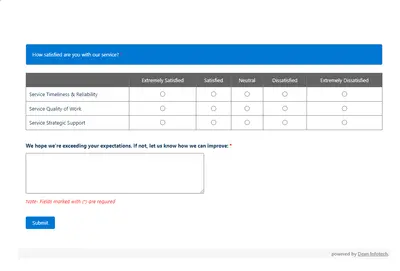
Automated CSAT Survey
Automates customer satisfaction surveys and stores responses in Salesforce.
Dean Infotech Pvt LtdFree
Display images beside picklists according to their values in Salesforce Platform.
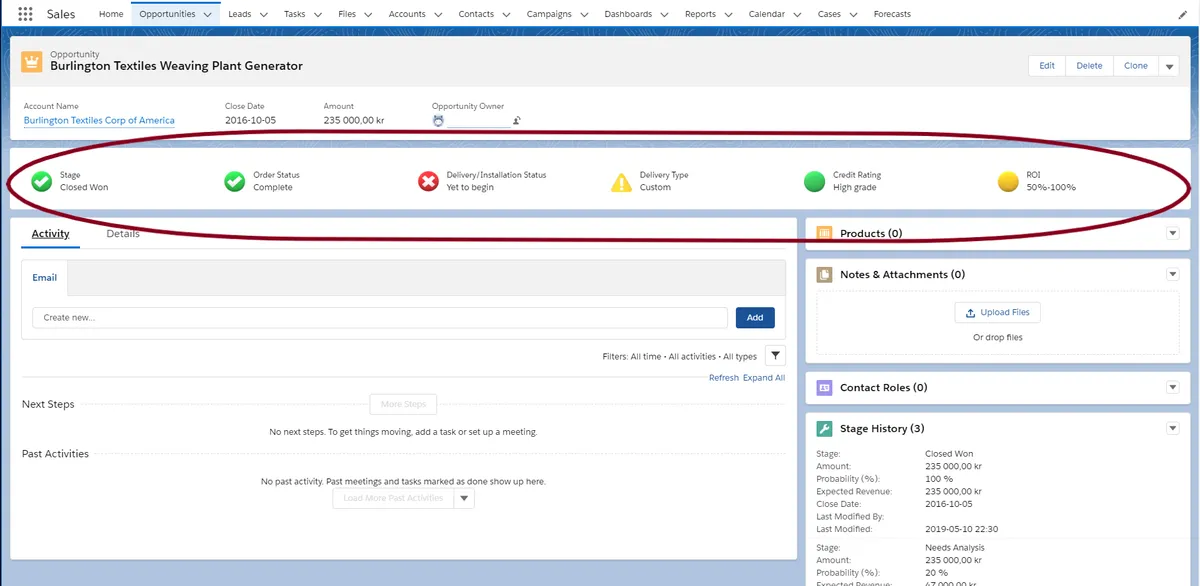
The component displays images next to picklists according to their values. It replaces a formula field for displaying an image based on a picklist value. One component displays up to six single-picklist fields. Custom images are added through a zipped static resource named DvPicc, with folders and image files arranged as specified by the vendor.
Displays images next to picklists according to their values.
Replaces a formula field for displaying an image based on a picklist value.
Displays up to six single-picklist fields in one component.
Supports adding custom images through a zipped static resource named DvPicc with specified folders and image files.
642 plugins in Salesforce Platform · Productivity
Price distribution: 308 free, 63 freemium, 271 paid
Automates customer satisfaction surveys and stores responses in Salesforce.
Dean Infotech Pvt Ltd
Send, sign, track, and store agreements from Salesforce records with DocuSign eSignature.
Docusign, Inc
Manage contracts in Salesforce with templates, negotiation tools, approvals, workflows, repository search, and analytics.
Docusign, Inc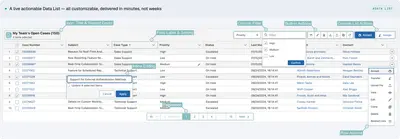
Automates data processing, rules, UI lists, action buttons, and cross-org synchronization in Salesforce Platform.
PUSHTOPIC«You will now be able to make record status clear at first sight by displaying images next to your picklist based on the value. Use default images to make record status clear or add custom images to make it obvious if it is a partner or not or a big or small account. Replace formula field to display image based on …»