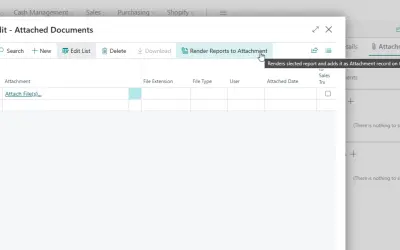
Report to Attachment
Creates reports with customizable layouts and charts in Microsoft Dynamics 365 Business Central and attaches them to records.
BCILITYPaid
Merges stationery and additional pages into PDFs produced in Microsoft Dynamics 365 Business Central.
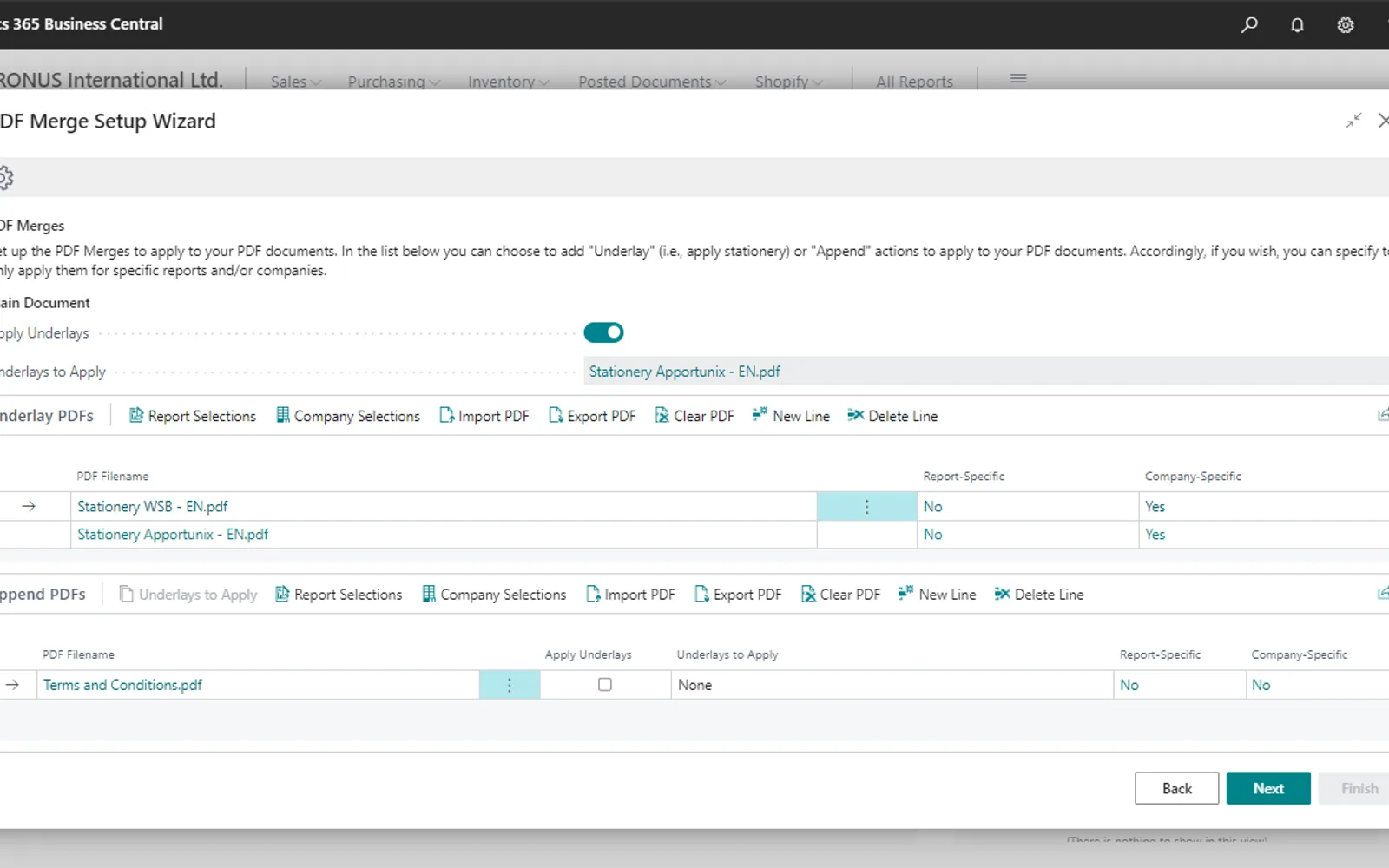
Adds PDF merge actions to documents produced in Microsoft Dynamics 365 Business Central. Actions can place company stationery beneath PDF content or append pages such as terms and conditions. Settings can apply actions to all scenarios or only when documents are printed, previewed, emailed, or downloaded or saved. Actions can also vary by company and report.
Applies company stationery beneath PDF documents produced in Business Central.
Adds additional pages to the end of PDF documents produced in Business Central.
Applies different PDF merge actions for each company.
Applies PDF merge actions only to specific reports.
Applies PDF merges during printing, preview, emailing, or downloading and saving.
PDF Merge and Report to Attachment are both paid add-ins with cloud deployment. PDF Merge was updated on Mar 2026, while Report to Attachment was updated in Dec 2025.
| Name | Pricing | Deployment | Updated |
|---|---|---|---|
| this plugin | Paid | Cloud | |
| Report to Attachment | Paid | Cloud |
349 plugins in Dynamics 365 Business Central · Analytics
Price distribution: 8 free, 11 freemium, 321 paid, 9 price not published
Creates reports with customizable layouts and charts in Microsoft Dynamics 365 Business Central and attaches them to records.
BCILITY
Records produced quantities and times used at workstations, with barcode entry, in Microsoft Dynamics 365 Business Central.
EOS Solutions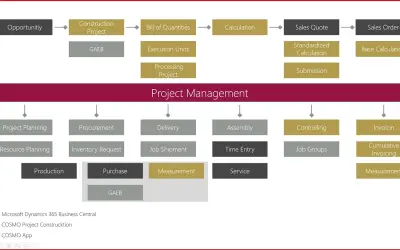
Construction ERP app for Dynamics 365 Business Central with tools for calculation, scheduling, and measurement documentation.
COSMO CONSULT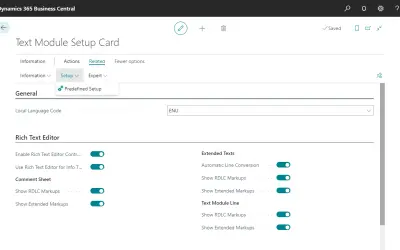
COSMO Text Module provides extended text management with a WYSIWYG editor for Microsoft Dynamics 365 Business Central.
COSMO CONSULT«Apply your company stationeries, append your terms and conditions to your PDF files, and have freedom in configuring when these should be added? With PDF Merge you have all these capabilities available to you! Add company- or even report-specific PDF merge actions to apply to the PDF files that you produce in …»