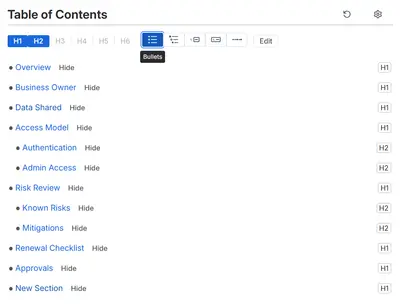
Table Of Contents Wizard
Create clickable outlines, numbered headings, and configurable tables of contents in Confluence Cloud.
CrenwizFreemium
Numbers Confluence page headings by level and creates a clickable table of contents.
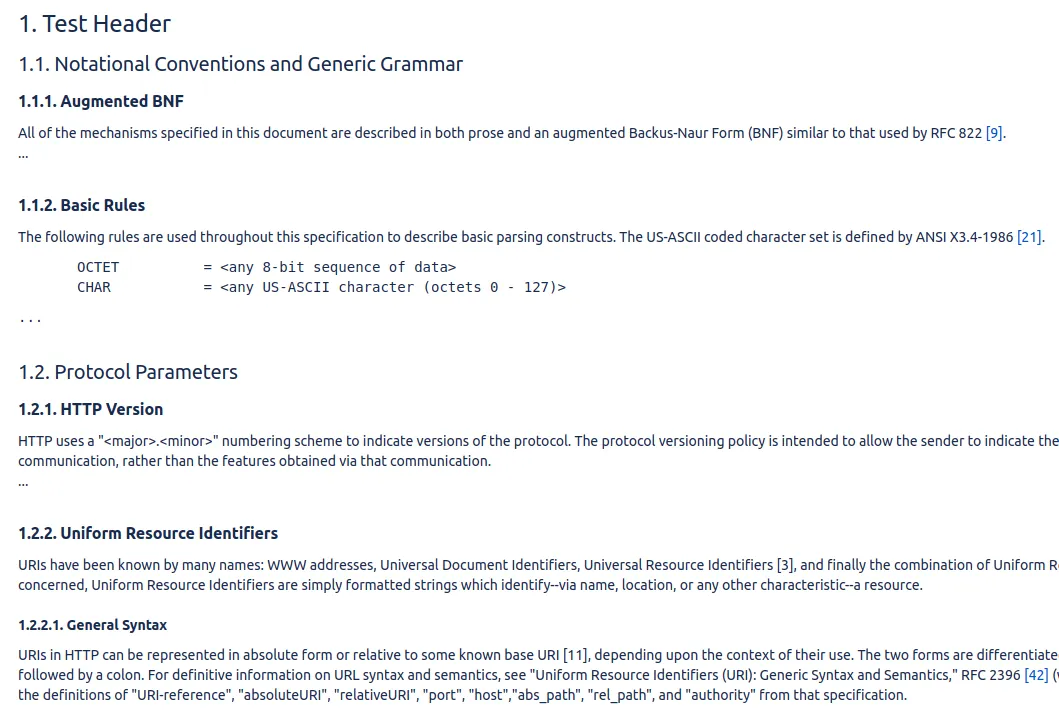
Page Headings Structured numbers headings in Confluence pages according to their levels. It can also build a clickable table of contents from the page headings. Both functions are enabled by default in the macro, with options to disable either one. A prefix on the first heading can set a starting number for the subsequent numbering.
Numbers Confluence page headings according to their levels.
Builds a clickable table of contents from the headings on a page.
Uses a prefix on the first heading to start numbering from a specified number.
Allows heading numbering and table-of-contents creation to be turned on or off separately.
990 plugins in Confluence · Content and communication
Price distribution: 228 free, 378 freemium, 384 paid
Create clickable outlines, numbered headings, and configurable tables of contents in Confluence Cloud.
Crenwiz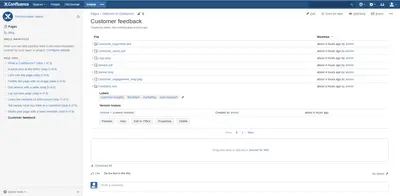
Display Confluence attachments in paginated lists, with controls for page size and child-page attachments.
BranchCreation S.L.U.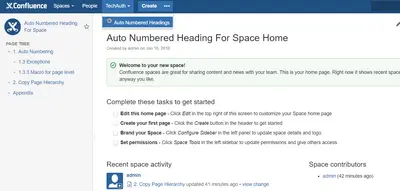
Number headings, page titles, tables, images, equations, and examples in Confluence.
Hivestone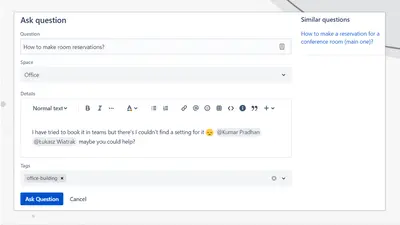
Adds a searchable Q&A forum to Confluence with voting, tags, permissions, and notifications.
Firnity«numerate the headings in your confluence pages according to their level build a clickable table of contents Both of the options are turned on by default in the macro, one could turn any of those off if needed. In some pages one might want to just numerate the headings, or vice-versa - just to create a table of …»