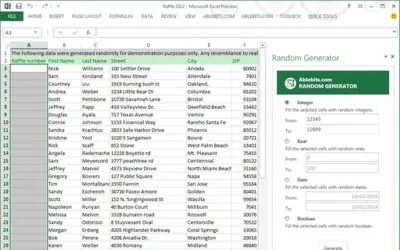
Random Generator
Random Generator populates selected cells in Excel with random integers, reals, dates, and Booleans within defined ranges.
Tyrant Ventures LLCPrice not published
Track FedEx, UPS, USPS, DHL, and Japan Post shipments in Excel using package tracking numbers.
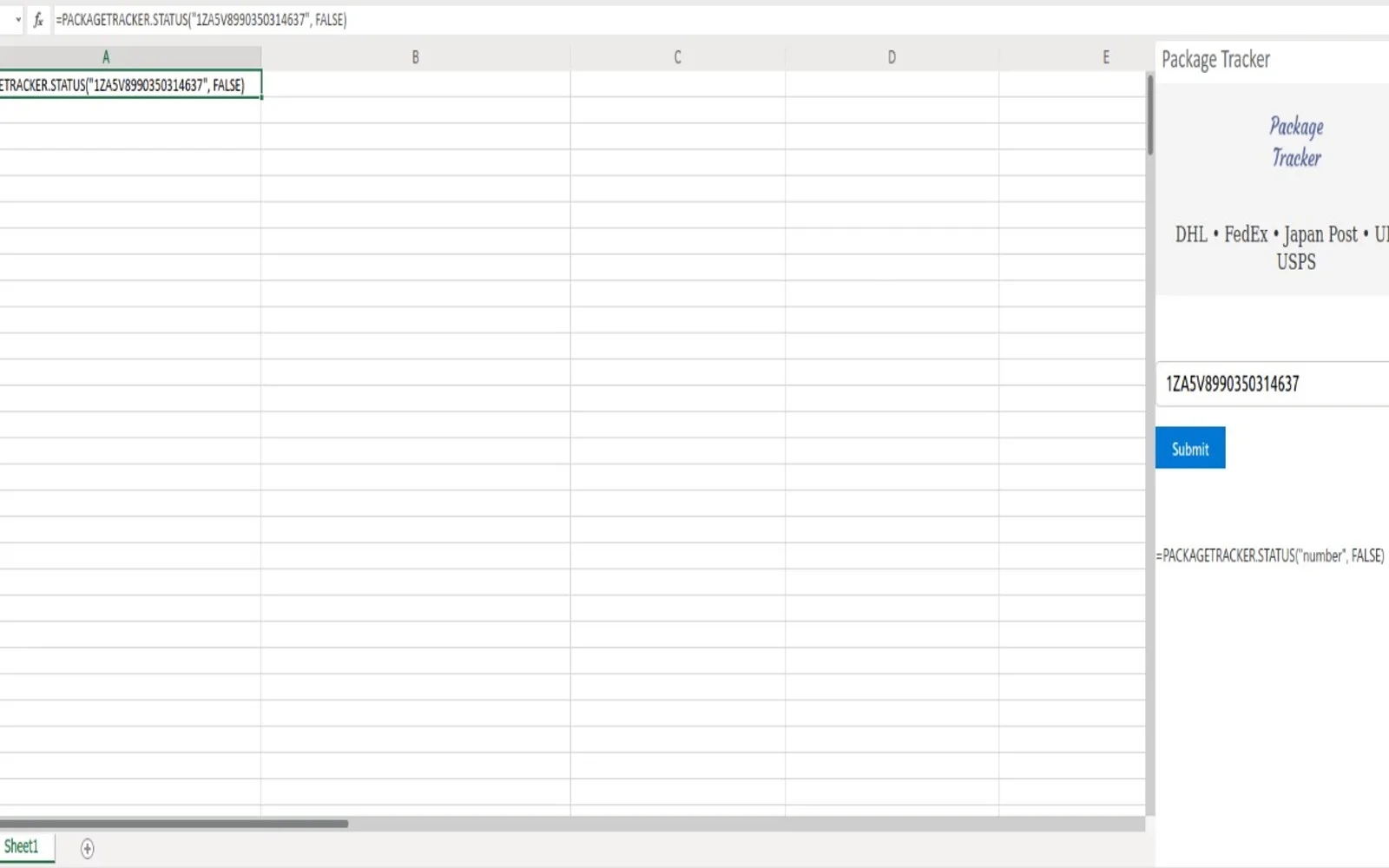
Tracks shipments from FedEx, UPS, USPS, DHL, and Japan Post in Excel. A worksheet formula can return the full tracking history or only the latest status for a package.
Tracks packages from FedEx, UPS, USPS, DHL, and Japan Post in Excel.
Returns the full shipment history for a tracking number.
Returns only the latest shipment status for a tracking number.
69 plugins in Excel · Productivity
Price distribution: 1 free, 6 paid, 62 price not published
Random Generator populates selected cells in Excel with random integers, reals, dates, and Booleans within defined ranges.
Tyrant Ventures LLC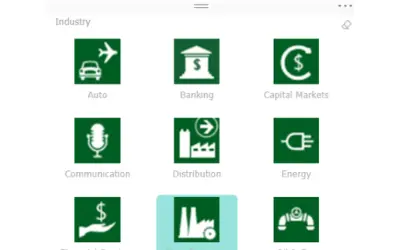
Button-based slicer for Power BI that can be arranged horizontally or as a matrix, with cross highlighting and image support.
Microsoft Corporation
Automates formulas, data cleanup, reporting, and bulk row-by-row tasks in Microsoft Excel from plain-language prompts.
TALARIAN S. à r.l.
Artemis Sheets pulls blockchain, protocol, and stablecoin metrics into Excel workbooks using CapIQ-like formula syntax.
Artemis Analytics«Package Tracker from Lovely API lets you track shipments of your FedEx, UPS, USPS, DHL and Japan Post packages in Excel. Simply enter =PACKAGETRACKER.STATUS("my-tracking-number", TRUE) to get the full history or =PACKAGETRACKER.STATUS("my-tracking-number", FALSE) to get only the latest status.»