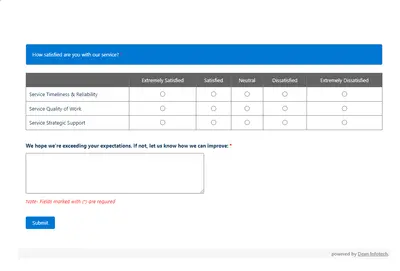
Automated CSAT Survey
Automates customer satisfaction surveys and stores responses in Salesforce.
Dean Infotech Pvt LtdFree
Displays Salesforce org limits as usage-percentage bars in Salesforce Platform locations.
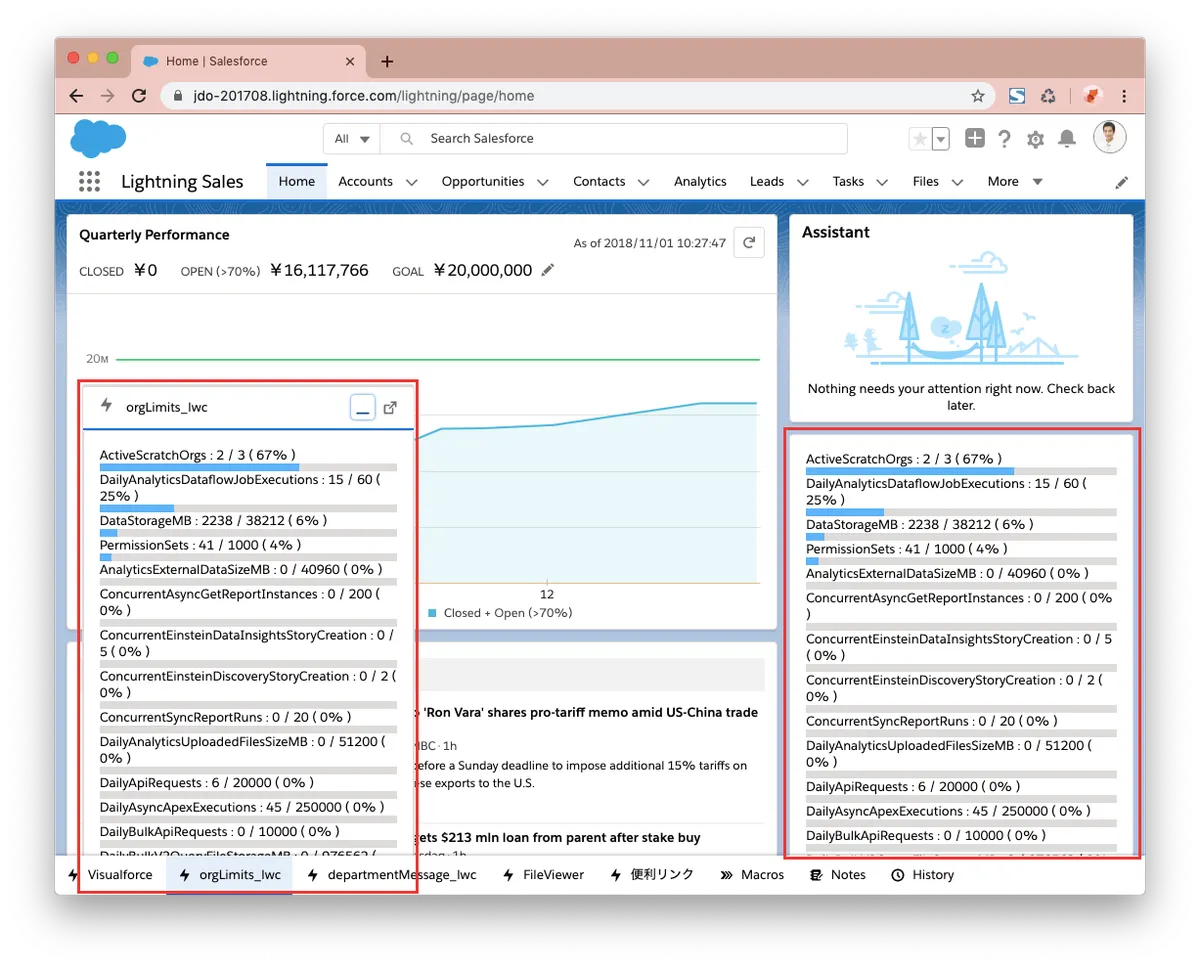
orgLimits can be placed in the Utility bar, a Lightning Home or App page, or a Lightning component tab. Bars are ordered from highest to lowest usage percentage.
The component can appear in the Utility bar, on a Lightning Home or App page, or in a Lightning component tab.
Bars display org limits in descending order of usage percentage.
332 plugins in Salesforce Platform · Analytics
Price distribution: 154 free, 33 freemium, 145 paid
Automates customer satisfaction surveys and stores responses in Salesforce.
Dean Infotech Pvt Ltd
Send, sign, track, and store agreements from Salesforce records with DocuSign eSignature.
Docusign, Inc
Manage contracts in Salesforce with templates, negotiation tools, approvals, workflows, repository search, and analytics.
Docusign, Inc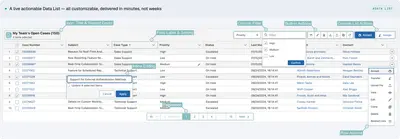
Automates data processing, rules, UI lists, action buttons, and cross-org synchronization in Salesforce Platform.
PUSHTOPIC«Put orgLimits component where you like, Utility bar, Lightning Home/App page and Lightning component tab. Tiny and handy! Bars appear in descending order of usage percentage.»