
TS Documents - Easy Automated Document Generation App to Generate Pdf | Word doc
Generate PDF, Word, Google Docs, and other files from Salesforce data using Google Doc templates.
Thorias Software SolutionsPaid
Merge supported documents into one PDF and save it in Salesforce Files.
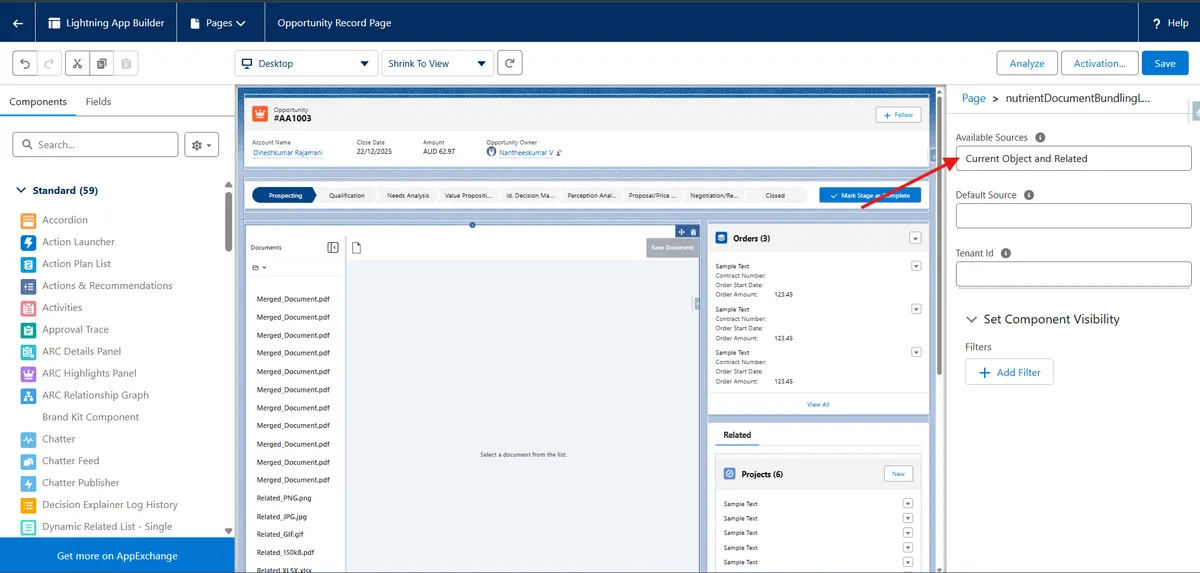
The add-in combines multiple documents into one PDF in Salesforce. It previews PDFs, images such as JPEG, JPG, and PNG files, and Microsoft Office files within the Salesforce interface. Merging runs in the end user's browser, and the resulting PDF can be saved to Salesforce Files.
Previews PDF, image, and Microsoft Office files within Salesforce.
Combines multiple supported files into one PDF.
Performs document merging in the end user's browser within Salesforce.
Saves the merged PDF back to Salesforce Files.
MergeEase combines service contracts from the same account into a master service contract. Nutrient Document Merge instead combines supported PDFs, images, and Microsoft Office files into one PDF and saves the result to Salesforce Files.
| Name | Pricing | Deployment | Updated |
|---|---|---|---|
| this plugin | Paid | Cloud | |
| MergeEase | Free | Cloud |
1,106 plugins in Salesforce Platform · Documents and content
Price distribution: 265 free, 166 freemium, 675 paid
Generate PDF, Word, Google Docs, and other files from Salesforce data using Google Doc templates.
Thorias Software Solutions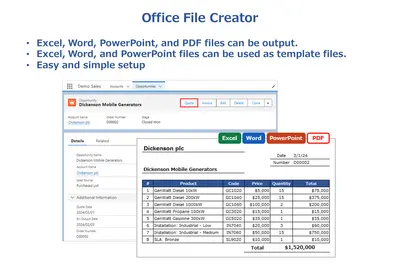
Generate Excel, Word, PowerPoint, and PDF files from Salesforce records and save them as Salesforce files or attachments.
Generipse LLC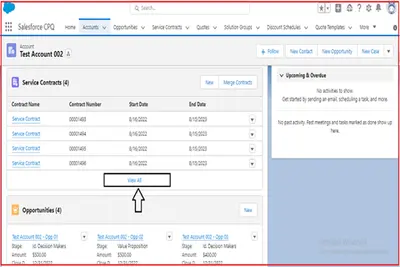
Combines Service Contracts from one Salesforce Platform account into a Master Service Contract.
Advanz101 Business Systems Inc
Bring Microsoft Teams chats, channels, and shared files into Salesforce.
DKBMC«Nutrient Document Merge is a document merging solution that enables the user to combine multiple documents into a single file directly within Salesforce and also provides the following specific functionality: - Preview PDF, Image (e.g., JPEG, JPG, PNG), and Microsoft Office files within Salesforce - Merge multiple …»