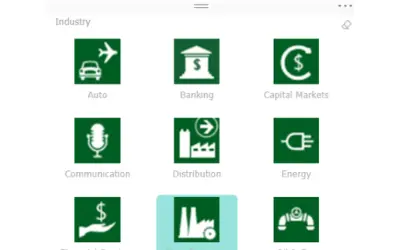
Chiclet Slicer
Button-based slicer for Power BI that can be arranged horizontally or as a matrix, with cross highlighting and image support.
Microsoft CorporationPaid
Manage defined names in the active Excel workbook with filters, substring search, editing, deletion, and visibility controls.
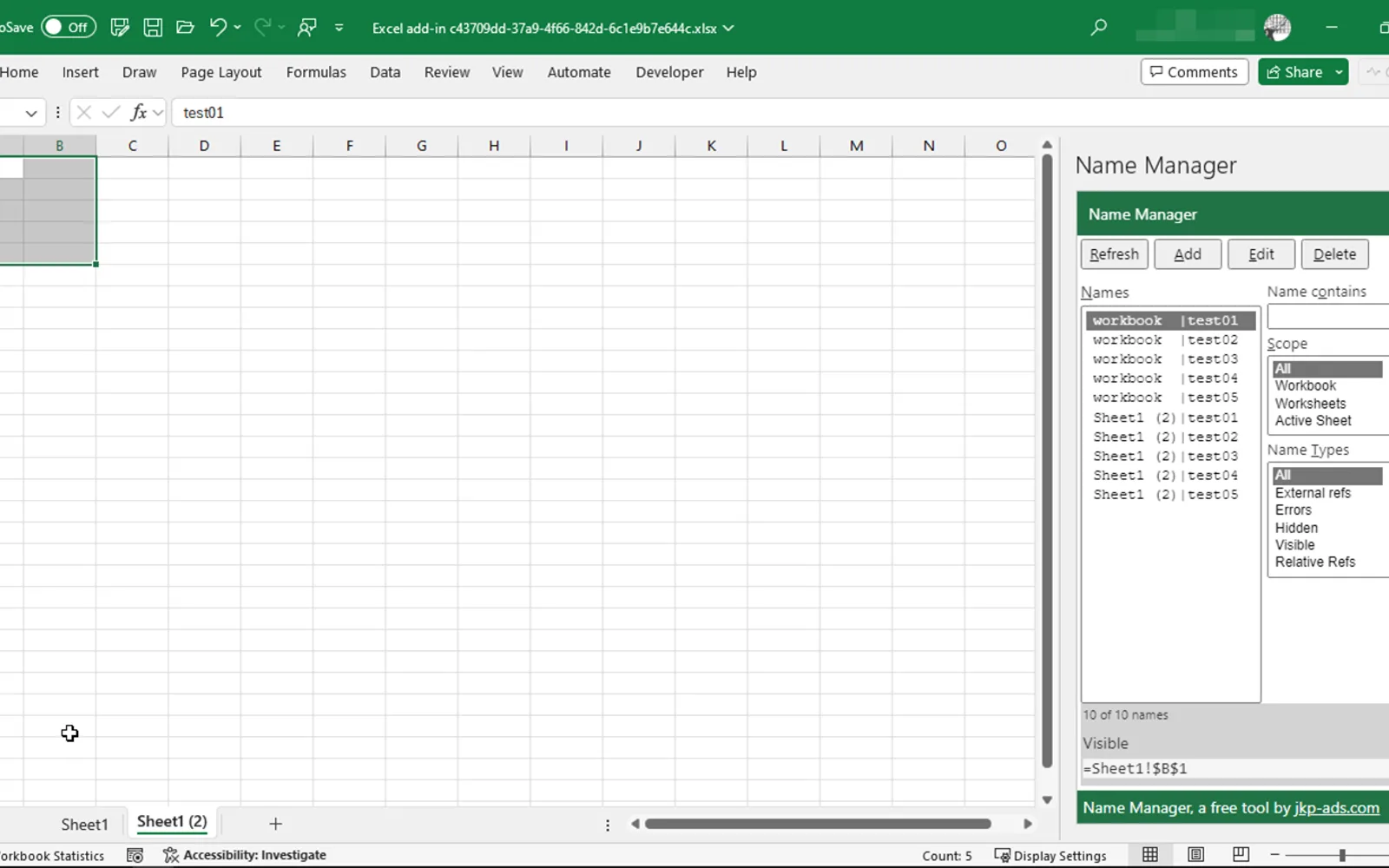
Lists defined names in the active Excel workbook and filters them by external references, errors, hidden status, or visible status. Names can also be searched by substring, edited in a dialog, or deleted, hidden, and unhidden.
Displays defined names from the active Excel workbook.
Filters names by external references, errors, hidden status, or visible status.
Shows names that contain a specified substring.
Provides a dialog for editing names.
Deletes, hides, or unhides selected names.
20 plugins in Excel · Utilities
Price distribution: 2 paid, 18 price not published
Button-based slicer for Power BI that can be arranged horizontally or as a matrix, with cross highlighting and image support.
Microsoft Corporation
Automates formulas, data cleanup, reporting, and bulk row-by-row tasks in Microsoft Excel from plain-language prompts.
TALARIAN S. à r.l.
Artemis Sheets pulls blockchain, protocol, and stablecoin metrics into Excel workbooks using CapIQ-like formula syntax.
Artemis Analytics
Excel add-in providing real-time quotes and up to 30+ years of historical price and fundamental data for 80,000+ global assets.
SheetsFinance«If you are in need of a utility to manage defined names in your Excel models, this one is a must-have. List all names in your active workbook. Filter them using filters, e.g. "With external references", "With errors", Hidden, Visible. Show just names that contain a substring. Edit them in a simple dialog. Delete …»