Flexpricer® CPQ, Subscription Management, Quotes, Quoting, Quote to Cash Pricing
Configure products, calculate prices, and manage quotes and subscriptions in Salesforce Revenue Cloud (CPQ).
CRM.Team™Freemium
Display assigned approval items in Salesforce CPQ and take approval actions from the homepage.
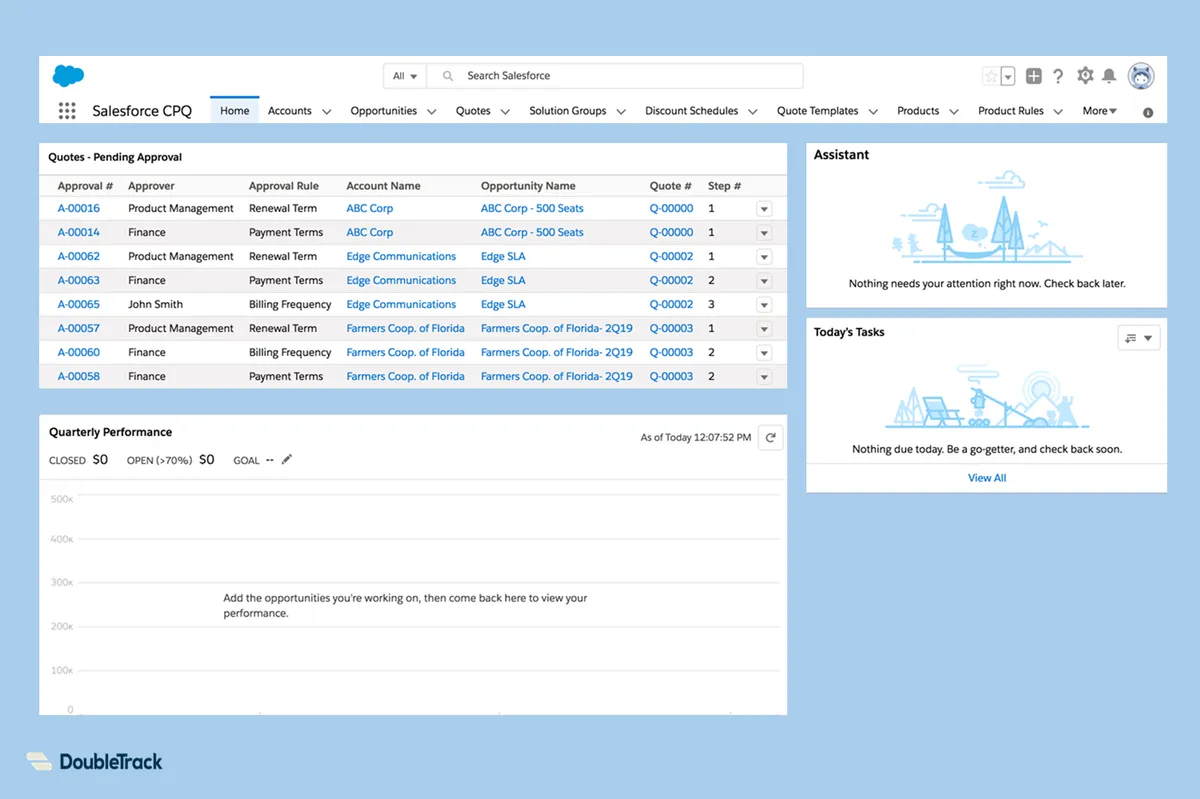
Provides a consolidated list of approvals assigned to a user or a group of which the user is a member. The homepage supports approving, rejecting, or reassigning items. The component can be added to any Lightning Page or the Salesforce mobile app.
Lists approvals assigned to the current user or to a group of which the user is a member.
Allows items to be approved, rejected, or reassigned from the homepage.
Can be added to any Lightning Page or the Salesforce mobile app.
8 plugins in Revenue Cloud (CPQ) · Productivity
Price distribution: 2 free, 1 freemium, 5 paid
Configure products, calculate prices, and manage quotes and subscriptions in Salesforce Revenue Cloud (CPQ).
CRM.Team™
Connects Salesforce CRM, CPQ and Revenue Cloud with m3ter for shared account, pricing and billing data.
m3ter UK Limited
Generate editable Salesforce agreements using customer, product, pricing, and opportunity data.
Docusign, Inc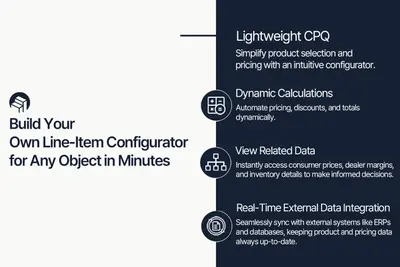
Configure Salesforce Revenue Cloud (CPQ) line items with dynamic pricing, product options, and related or external data.
Windmillsoft«Advanced Approvals and Salesforce CPQ are a powerful combination, but out-of-the-box there is no easy way to review and take action on a full list of approvals that are assigned to you or a group of which you are a member. This Lightning Component offers you a consolidated, actionable list view from any Lightning Page …»