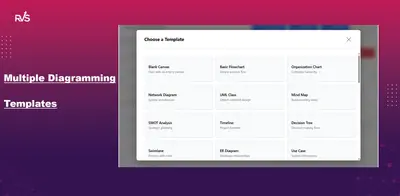
Draw Diagrams for Confluence
Create and embed flowcharts, UML, BPMN, network, ER and architecture diagrams in Confluence pages.
RVS SoftekFree
Create flowcharts, architecture diagrams, process maps, user flows, and UML diagrams in Confluence.
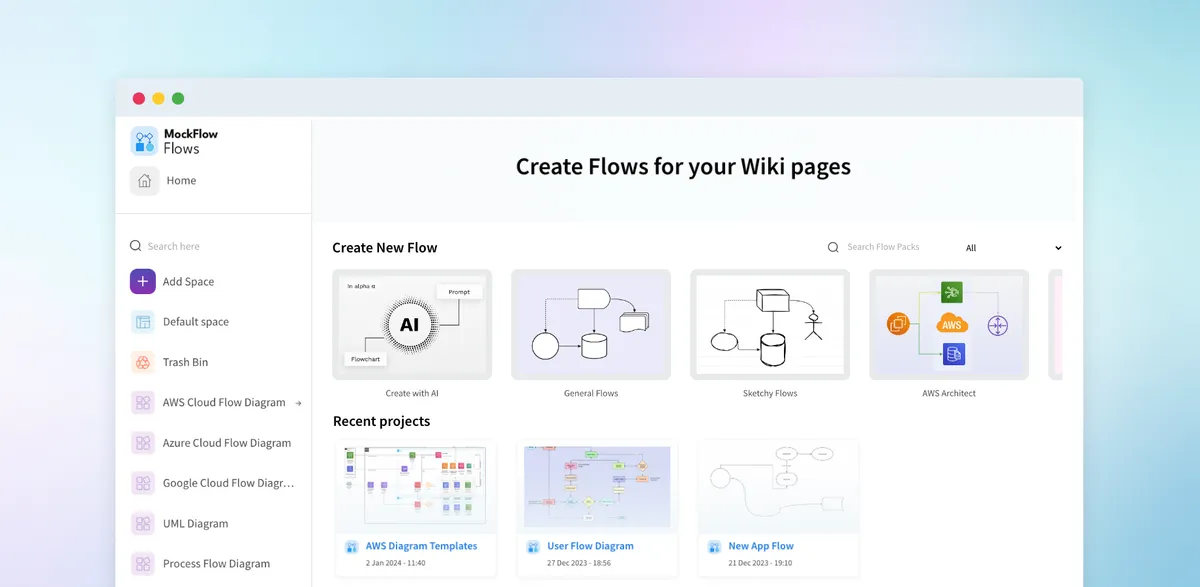
MockFlow Flows lets Confluence users create flowcharts and other diagrams within Confluence documents. Diagram types include cloud architecture, user flow, process map, and UML diagrams. The add-in provides shapes, connectors, icons, and templates for diagram creation. Diagrams can be used in project, UX, and process documentation and shared for collaboration in Confluence.
Creates simple and complex flowcharts with shapes and connectors.
Includes icons for AWS, Azure, and Google architecture diagrams, plus ready-made templates.
Creates diagrams representing user journeys and interactions.
Creates maps for documenting complex processes.
Supports UML diagram creation within Confluence.
Supports collaboration on flow diagrams in Confluence.
220 plugins in Confluence · Design and diagramming
Price distribution: 54 free, 106 freemium, 60 paid
Create and embed flowcharts, UML, BPMN, network, ER and architecture diagrams in Confluence pages.
RVS Softek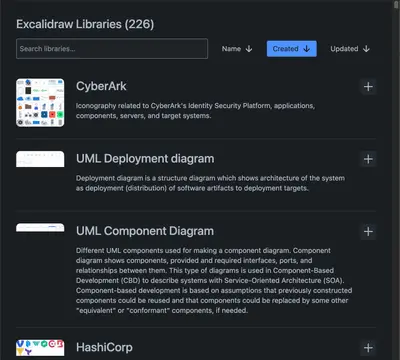
Create and edit Excalidraw whiteboards and Mermaid diagrams within Confluence.
NGPILOT
Create Mermaid diagrams, including flowcharts and UML visuals, directly within Confluence.
Narva Software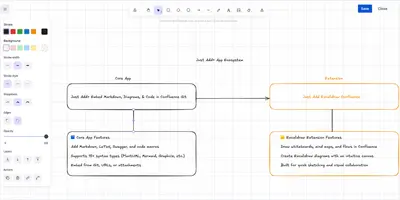
Create and embed flowcharts, mind maps, wireframes, and other Excalidraw diagrams in Confluence pages.
Modus Create«Create all types of flowcharts for your Confluence documents within minutes using MockFlow Flows . Whether you are drawing simple flowcharts, or complex cloud architecture diagrams, user flow diagrams, process maps, UML diagrams etc., use MockFlow Flows. With MockFlow Flows for Confluence, you can: Effortlessly create …»