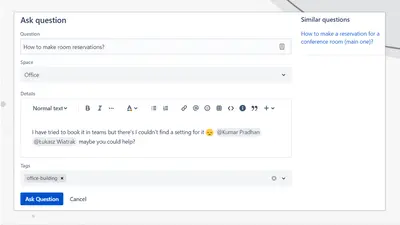
Community Questions for Confluence
Adds a searchable Q&A forum to Confluence with voting, tags, permissions, and notifications.
FirnityFreemium
Create and publish Markdown content in Confluence with a split-pane editor, live preview, imports, exports, and templates.
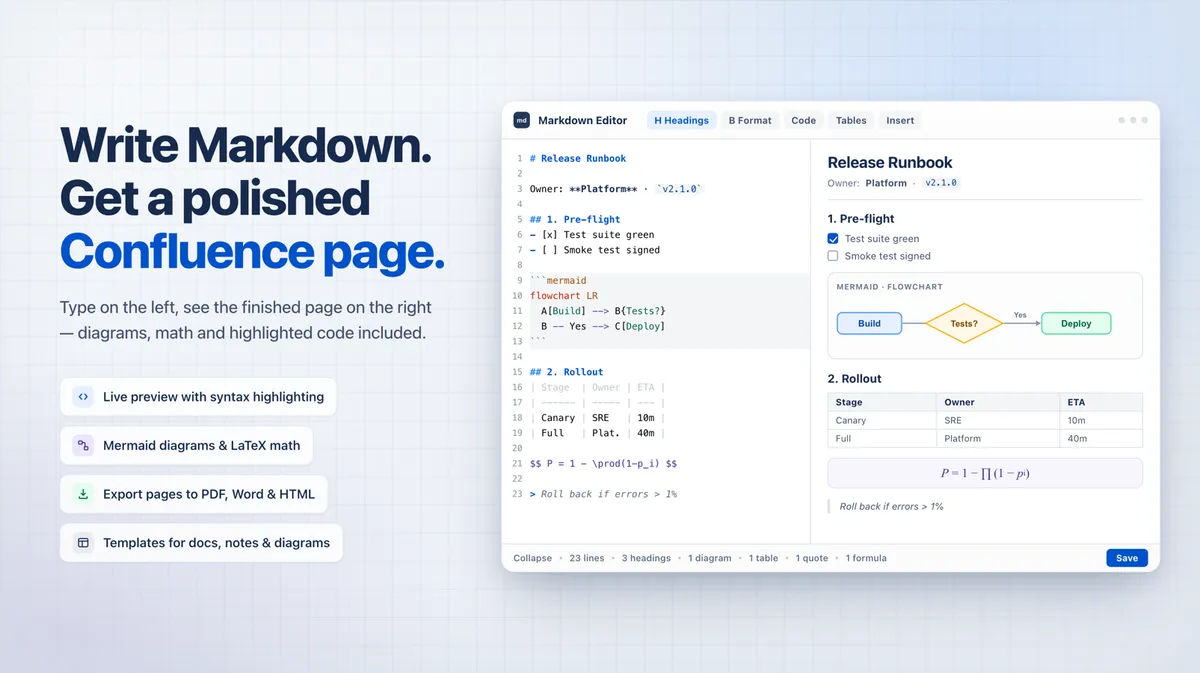
The add-in provides a split-pane Markdown editor for Confluence, with live preview, line numbers, syntax highlighting, and an adjustable divider. It imports Markdown and HTML files, converting HTML automatically, and exports content in Markdown or HTML. It includes 12 templates for content such as meeting notes, API documentation, release notes, and project documentation. Published pages can render Markdown with formatted headings, paragraphs, code blocks, tables, KaTeX equations, and Mermaid diagrams.
The editor displays Markdown input alongside a real-time preview, with line numbers, syntax highlighting, and an adjustable layout.
The add-in imports Markdown and HTML files and exports content in Markdown or HTML.
It provides 12 templates covering items such as meeting notes, API documentation, release notes, bug reports, and onboarding guides.
Published content renders on Confluence pages with headings, paragraphs, code blocks, tables, KaTeX equations, and Mermaid diagrams.
It is intended for technical teams and documentation specialists.
47 plugins in Confluence · Content and communication
Price distribution: 23 free, 8 freemium, 16 paid
Adds a searchable Q&A forum to Confluence with voting, tags, permissions, and notifications.
Firnity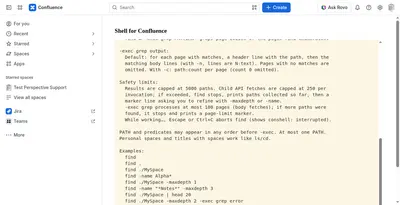
Manage Confluence pages through a command-line-style console for navigation, search, viewing, copying, and moving.
Kenputer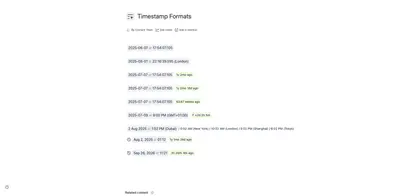
Adds natural-language timestamps, timezone conversions, countdowns, and ISO copying to Confluence pages.
Crenwiz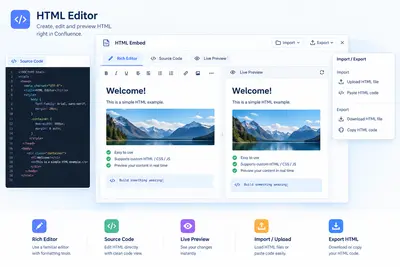
Embed HTML, iframe content, and Confluence Query Language searches in Confluence pages.
Come2Solution«Transform Confluence with Professional Markdown Editing Perfect for technical teams and documentation specialists who need powerful Markdown capabilities in Confluence. Core Features Split-Pane Interface Write Markdown on the left, see live preview on the right. Monaco-style editor with line numbers, syntax …»