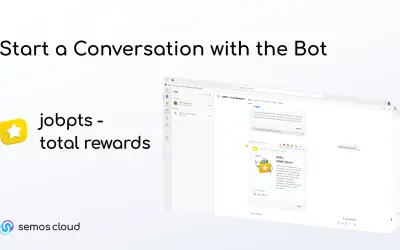
JobPts – Total Rewards
Employees give shoutouts, awards, and frequent thanks to colleagues via the JobPts bot directly within Microsoft Teams.
Semos Cloud SolutionsPrice not published
Recognition and engagement platform for Microsoft Teams with bot and messaging extension setup.
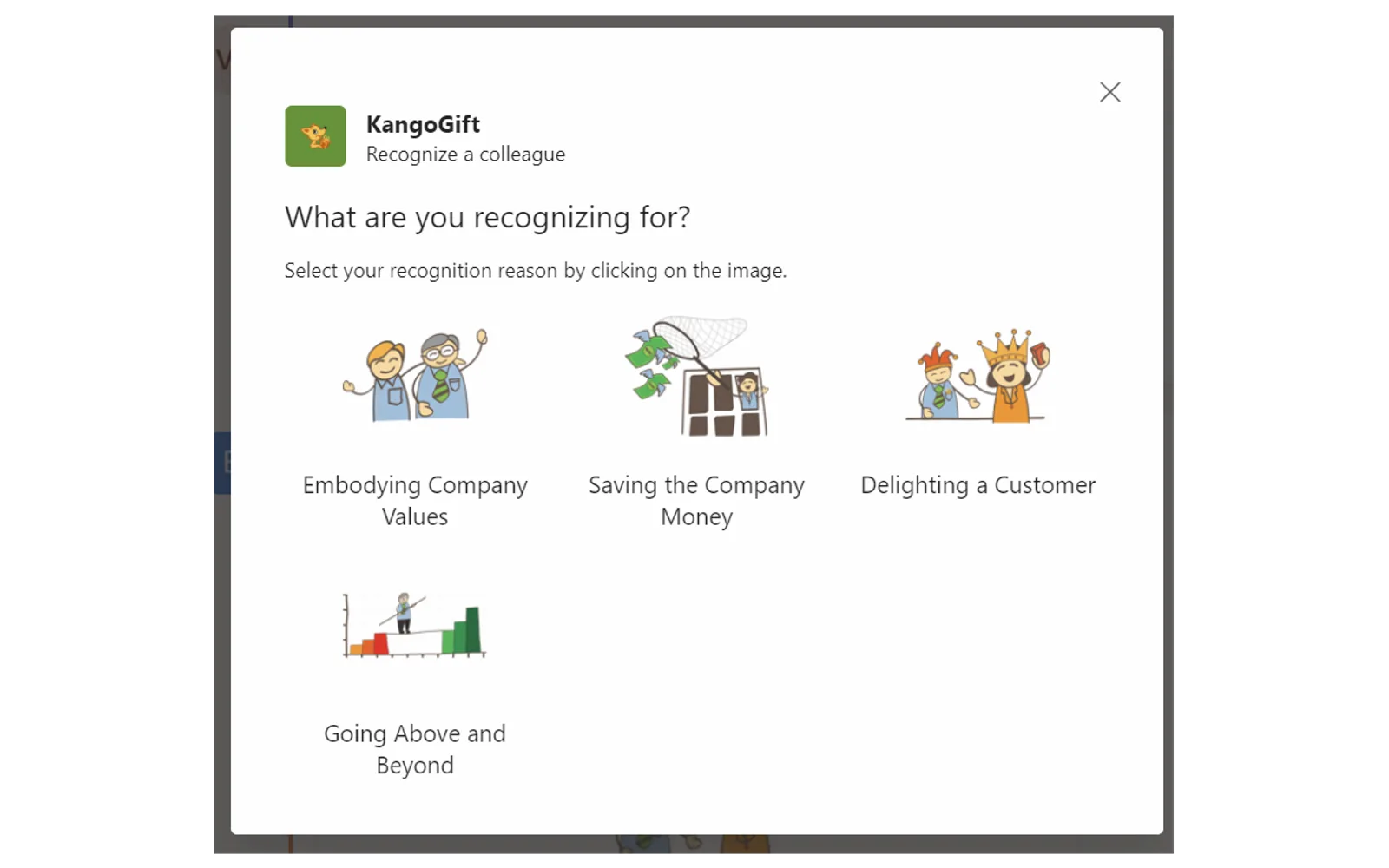
Provides recognition and engagement features within Microsoft Teams. An existing KangoGift account is required. Setup includes choosing a Teams channel, adding the bot, and registering through a bot conversation or messaging extension. A KangoGift support representative completes account registration.
Provides recognition features within Microsoft Teams.
Provides engagement features within Microsoft Teams.
Turns a selected Teams channel into a recognition news feed.
Adds a bot to the selected Teams channel for setup and interaction.
Offers a KangoGift messaging extension with a Register button.
KangoGift, JobPts – Total Rewards, Whistle Rewards, and Unipos are listed with unknown pricing and cloud deployment. KangoGift was updated on May 2023, compared with February 2025 for JobPts – Total Rewards, January 2024 for Whistle Rewards, and February 2023 for Unipos.
| Name | Pricing | Deployment | Updated |
|---|---|---|---|
| this plugin | Price not published | Cloud | |
| JobPts – Total Rewards | Price not published | Cloud | |
| Whistle Rewards | Price not published | Cloud | |
| Unipos | Price not published | Cloud |
950 plugins in Microsoft Teams · Collaboration
Price distribution: 19 free, 11 freemium, 100 paid, 820 price not published
Employees give shoutouts, awards, and frequent thanks to colleagues via the JobPts bot directly within Microsoft Teams.
Semos Cloud Solutions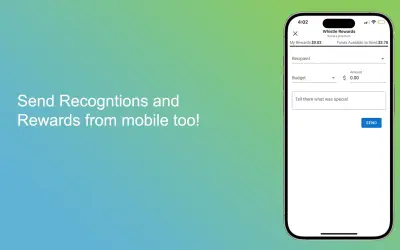
Sends employee recognitions and rewards directly within Microsoft Teams and requires an active Whistle Rewards account.
Whistle Rewards
Unipos Bot lets users send appreciation messages with point rewards to colleagues in Microsoft Teams, Outlook, and Office.
Unipos Inc
Cloud-based tool that replaces BIOS passwords with certificate-based configuration management for Dell commercial devices.
Dell Technologies«KangoGift recognition and engagement platform for Microsoft Teams. An existing account is required to start. For more information visit KangoGift. Setup steps: • Connect with your KangoGift account representative to walk you through the setup. • Go to a Teams channel that you want to turn into a recognition news feed …»