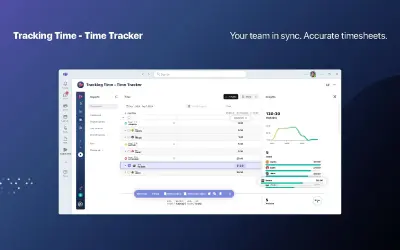
Tracking Time - Time Tracker
Tracking Time app for companies that tracks working hours in real time and creates time analytics and performance reports.
TrackingTimePrice not published
Organizes work, priorities, and workflow stages on boards within Microsoft Teams.
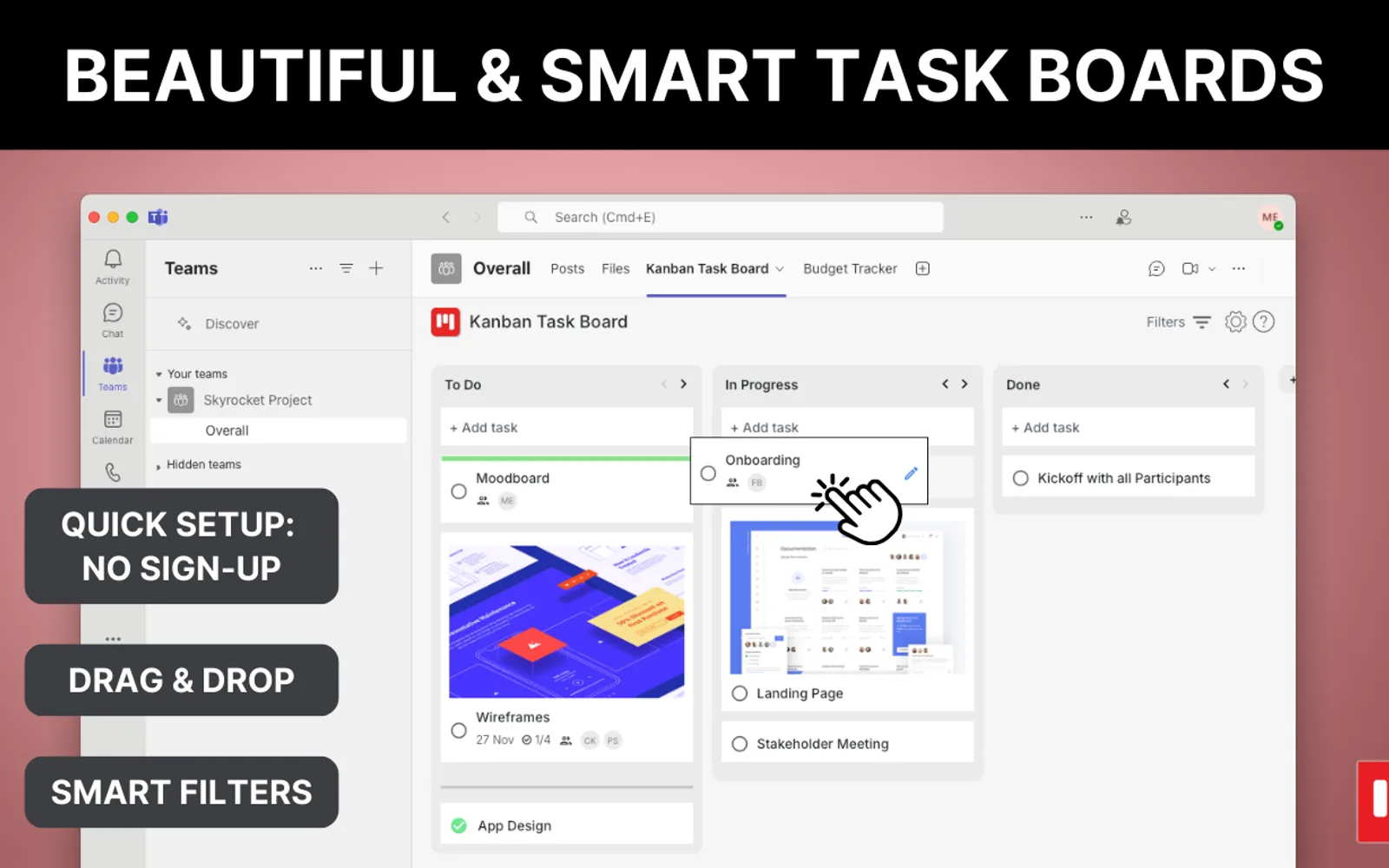
Kanban Task Board presents tasks and project items in a Kanban view inside Microsoft Teams. Cards can include formatted notes, checklists, links, images, files, labels, and cover images. Boards can be shared in channels, chats, and meetings, with notifications about changes, deadlines, and status updates. It also supports recurring tasks, work-in-progress limits, reusable board structures, templates, and guest access. The free version provides unlimited boards with restricted lists and tasks; Premium adds advanced features, automation, and unrestricted usage.
Places tasks, workflow stages, project items, and backlog items on a board.
Moves cards to change priority, task status, and workflow position.
Assigns tasks to people in the Microsoft Teams directory.
Adds formatted text, images, links, and documentation to tasks.
Adds checklist items to tasks for progress and acceptance tracking.
Attaches files and cover images to task cards.
Creates repeating tasks, reminders, and recurring processes.
Copies board structures across channels and chats and creates templates for new projects.
The listing names agile teams and people managing structured processes as intended users.
Kanban Task Board has cloud deployment and an unknown pricing type. Smartsheet also has cloud deployment but uses a paid pricing type. Tracking Time - Time Tracker, Team Board In/Out Status List, Xakia for Outlook, and ScrumGenius - Automate daily standups also use cloud deployment with unknown pricing types.
| Name | Pricing | Deployment | Updated |
|---|---|---|---|
| this plugin | Price not published | Cloud | |
| Smartsheet | Paid | Cloud | |
| Tracking Time - Time Tracker | Price not published | Cloud | |
| Team Board In/Out Status List | Price not published | Cloud | |
| Xakia for Outlook | Price not published | Cloud | |
| ScrumGenius - Automate daily standups | Price not published | Cloud |
844 plugins in Microsoft Teams · Analytics
Price distribution: 27 free, 45 freemium, 294 paid, 478 price not published
Tracking Time app for companies that tracks working hours in real time and creates time analytics and performance reports.
TrackingTime
Collaboration and work management platform that works with Microsoft products, including Azure Active Directory single sign-on.
Smartsheet Inc.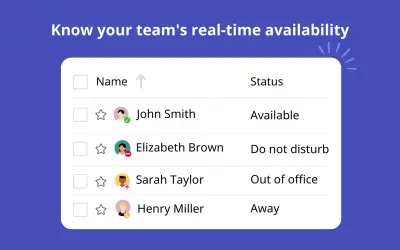
Team status dashboard for Microsoft Teams with calendar integration, direct contact options, and attendance history reports.
AVISTA INFORMATION SYSTEMS LLP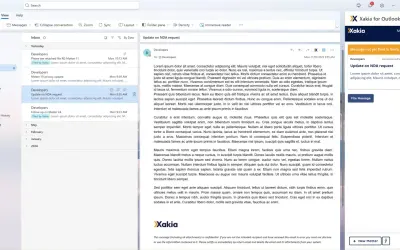
Microsoft Outlook add-in for Xakia that creates matters from email content, updates matter status, and files email threads.
Xakia Technologies«Welcome to Kanban Task Board for Microsoft Teams – an easy way to organize tasks and manage workflows and processes. Improve team productivity and track project progress and task status in a clear and structured Kanban board view. Why Kanban Task Board? • Instant Setup: Start in seconds – no external login required. • …»