
MockFlow AnnotatePro for Confluence
Annotate screenshots and images inside Confluence pages with markup, stickers, effects and annotation components.
ProdulePaid
Adds selectable hover effects to images in Confluence, changing their appearance when the pointer moves over them.
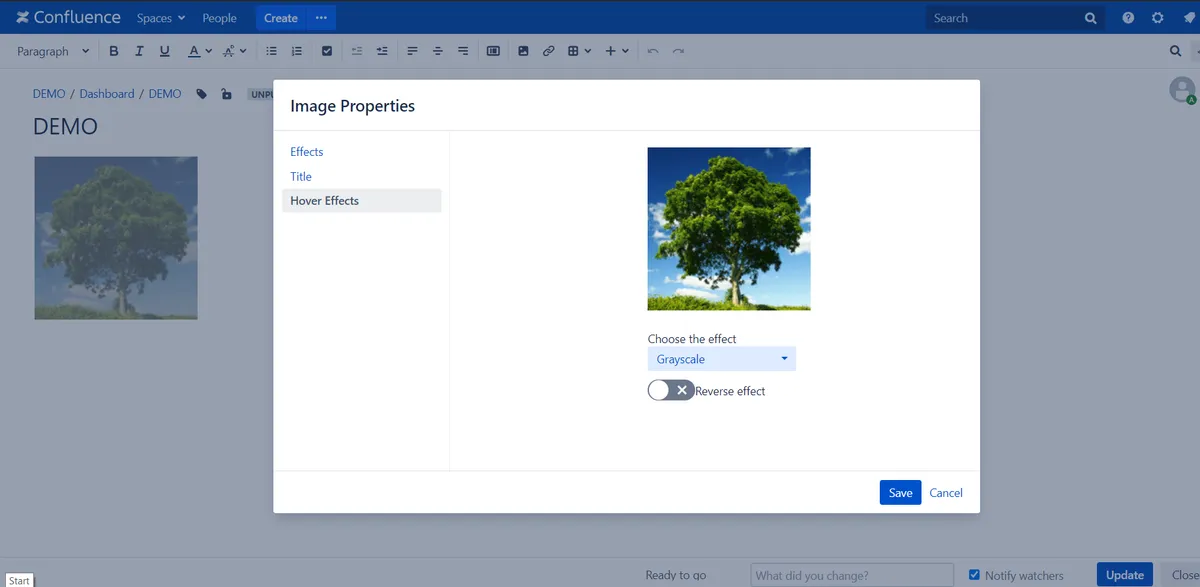
Adds hover effects to images in Confluence. Available effects include scale, shadow, sepia, grayscale, blur, and transparency, with the image changing when the mouse hovers over it.
Applies a scale change to an image when the mouse hovers over it.
Applies a shadow effect to an image on mouse hover.
Applies a sepia effect to an image on mouse hover.
Applies a grayscale effect to an image on mouse hover.
Applies a blur effect to an image on mouse hover.
Applies a transparency effect to an image on mouse hover.
220 plugins in Confluence · Design and diagramming
Price distribution: 54 free, 106 freemium, 60 paid
Annotate screenshots and images inside Confluence pages with markup, stickers, effects and annotation components.
Produle
Adds a searchable Q&A forum to Confluence with voting, tags, permissions, and notifications.
Firnity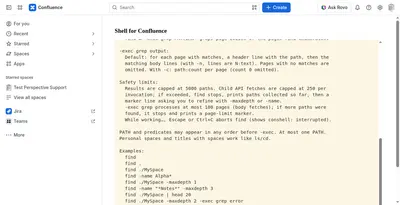
Manage Confluence pages through a command-line-style console for navigation, search, viewing, copying, and moving.
Kenputer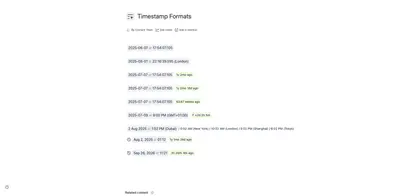
Adds natural-language timestamps, timezone conversions, countdowns, and ISO copying to Confluence pages.
Crenwiz«Supported hover effects Scale Shadow Sepia Grayscale Blur Transparency Choose from several effects: You can choose several hover effects for your images Non hovered Image: This screenshot shows a non-hovered image Hovered Image: When the mouse hovers over the image the images changes according to the selected effect»