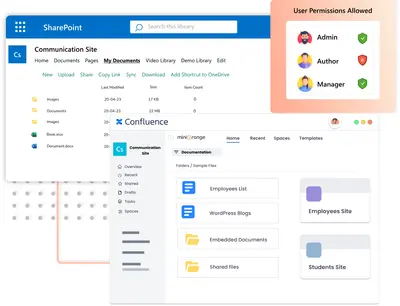
Sharepoint and OneDrive Integration for Confluence
Embed SharePoint and OneDrive document libraries and content in Confluence Cloud pages.
miniOrangeFreemium
Embed and edit Google Docs within Confluence pages.
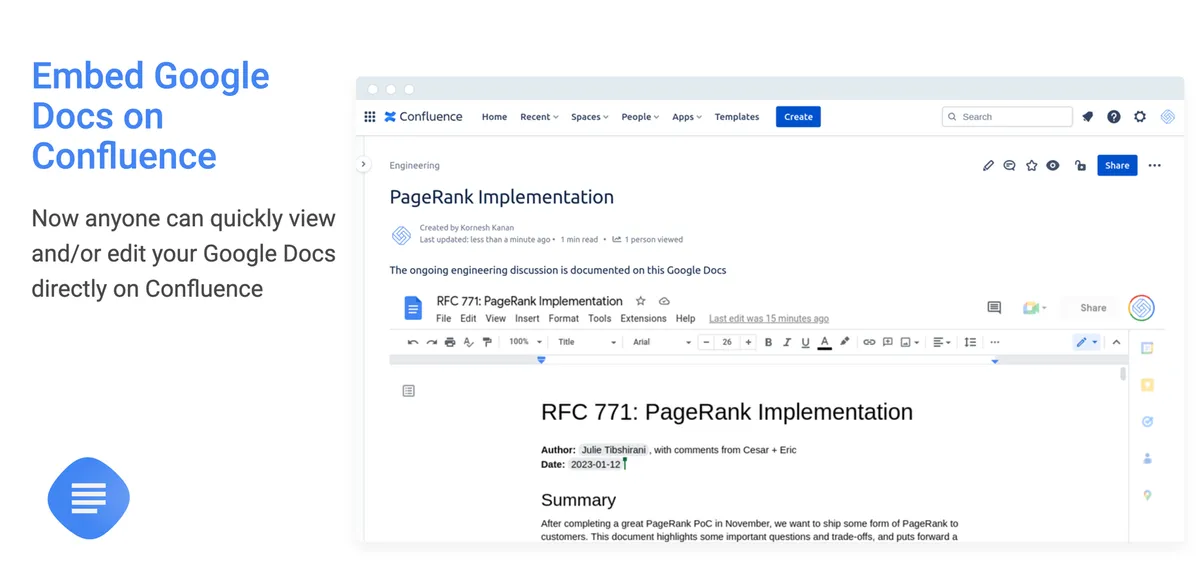
Google Docs for Confluence embeds Google Docs in Confluence pages from a pasted document link. Documents can be viewed and edited without leaving Confluence. A slash command can insert a document and set its macro width and height.
Pasting a Google Docs link automatically embeds the document in a Confluence page.
Google Docs can be viewed and edited without leaving Confluence.
A slash command inserts a Google Doc and allows its macro width and height to be set.
Teams that work with Google Docs in Confluence.
Google Docs for Confluence (PageBrain) and Sharepoint and OneDrive Integration for Confluence are freemium cloud listings. Google Docs+ for Confluence is also freemium and cloud, with an update date of Sep 2026. [DEPRECATED] Geckoboard Dashboards for Confluence is paid, supports data-center and cloud deployment.
| Name | Pricing | Deployment | Updated |
|---|---|---|---|
| this plugin | Freemium | Cloud | |
| Google Docs | Freemium | Cloud | |
| Sharepoint and OneDrive Integration for Confluence | Freemium | Cloud | |
| Google Docs+ for Confluence | Freemium | Cloud |
990 plugins in Confluence · Content and communication
Price distribution: 228 free, 378 freemium, 384 paid
Embed SharePoint and OneDrive document libraries and content in Confluence Cloud pages.
miniOrange
Embed Avocode designs and symbols in Confluence documents with live previews.
Avocode Inc.
Embed Google Docs and related content in configurable tabs within Confluence pages.
Apps+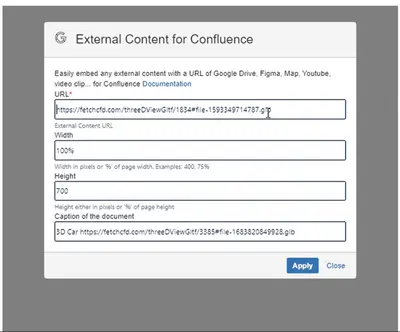
Embed Google content and other linked external resources in Confluence, with direct macro option updates.
TinySoft«Say goodbye to the frustration of hunting down links or trying to reconcile outdated versions. Simply paste a Google Docs link and the document will be automatically embedded into your page. Quickly view your Google Docs without leaving Confluence and allow your team to work together in one place. Ensures that …»