Smartsheet
Collaboration and work management platform that works with Microsoft products, including Azure Active Directory single sign-on.
Smartsheet Inc.Paid
Manage project schedules in Microsoft Teams with tasks, dependencies, resources, notes, progress, and CSV or PDF export.
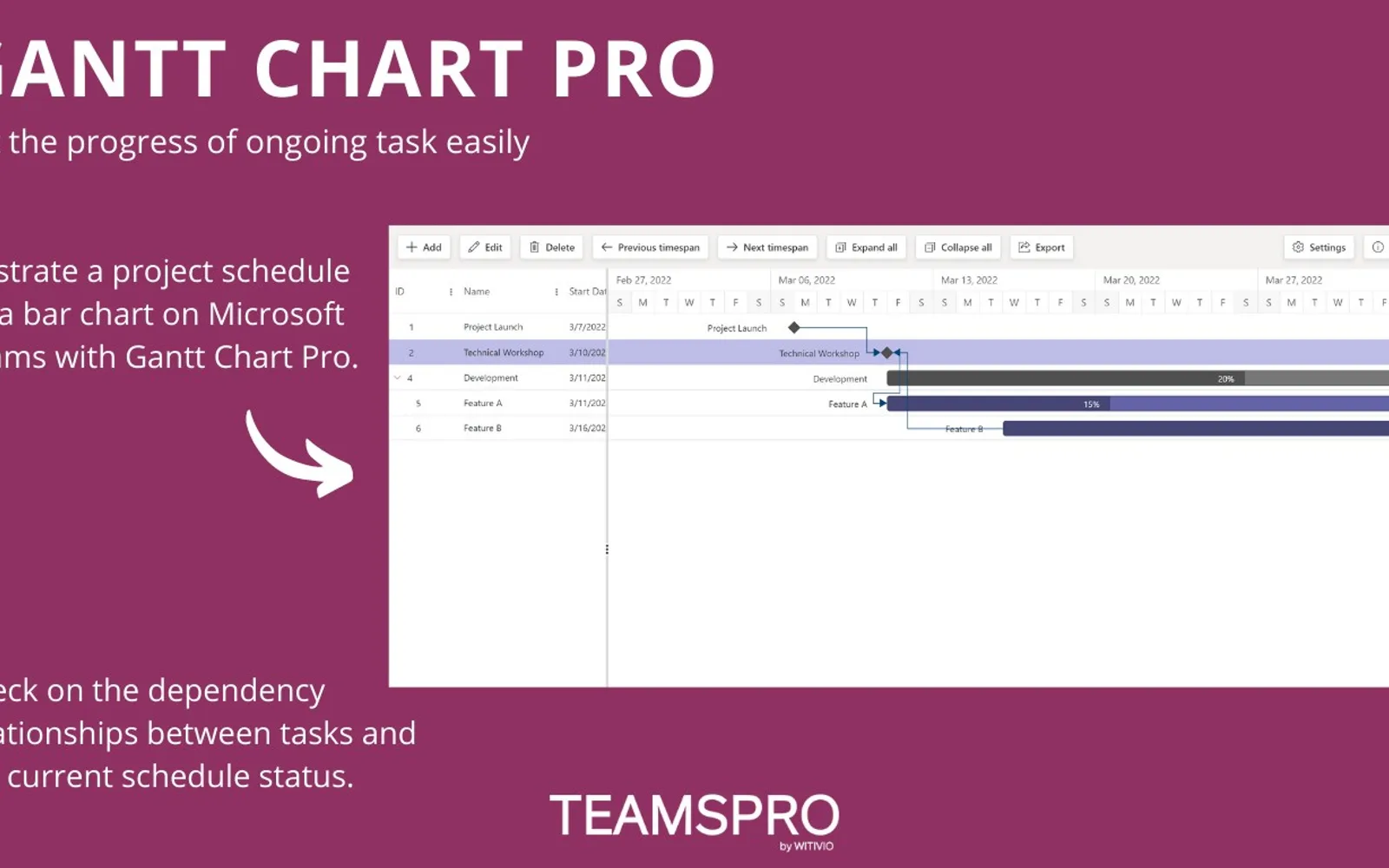
Gantt Chart Pro lets users add tasks, set task dates, create dependencies, allocate resources, write notes, and set task progress. Gantt charts can be exported to CSV or PDF. The app can be added to Microsoft Teams channels, with editing limited to the owner or available to everyone on the team.
Users can add tasks and specify their start and end dates.
Users can create dependencies between tasks.
Users can allocate resources.
Users can write notes.
Users can set the progress of an ongoing task.
Users can export the Gantt chart to CSV or PDF.
Users can add the chart to a Microsoft Teams channel and choose who can edit it.
The listing names project managers and teams.
Gantt Chart Pro has an unknown pricing model, while Smartsheet is listed as paid. Both are deployed in the cloud.
| Name | Pricing | Deployment | Updated |
|---|---|---|---|
| this plugin | Price not published | Cloud | |
| Gantt Chart | Free | Cloud | |
| Smartsheet | Paid | Cloud |
844 plugins in Microsoft Teams · Analytics
Price distribution: 27 free, 45 freemium, 294 paid, 478 price not published
Collaboration and work management platform that works with Microsoft products, including Azure Active Directory single sign-on.
Smartsheet Inc.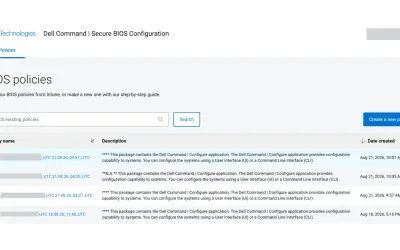
Cloud-based tool that replaces BIOS passwords with certificate-based configuration management for Dell commercial devices.
Dell Technologies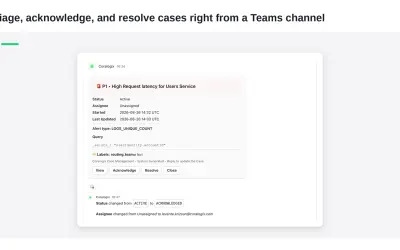
Delivers Coralogix observability notifications and case previews directly into Microsoft Teams channels for review and action.
Coralogix LTD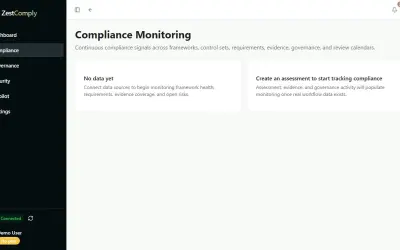
ZestComply manages industry frameworks, generates policies and control mappings, and produces defensible evidence.
"Zest Creations."«It sounds complicated but it's not. It is so simple to use that anyone could manage a simple project with Gantt Chart Pro. You don't need to be an expert Project Manager to use the app. Here's what you can do: • Add new tasks • Specify the start and end of a task • Create dependencies between tasks • Allocate …»