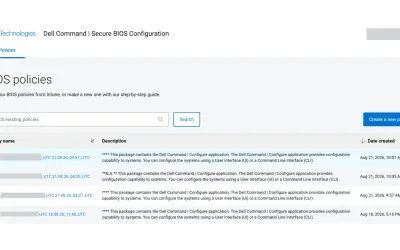
Dell Command | Secure BIOS Configuration
Cloud-based tool that replaces BIOS passwords with certificate-based configuration management for Dell commercial devices.
Dell TechnologiesPaid
Create and share class seating plans in Microsoft Teams with tools for grouping, random selection and timed activities.
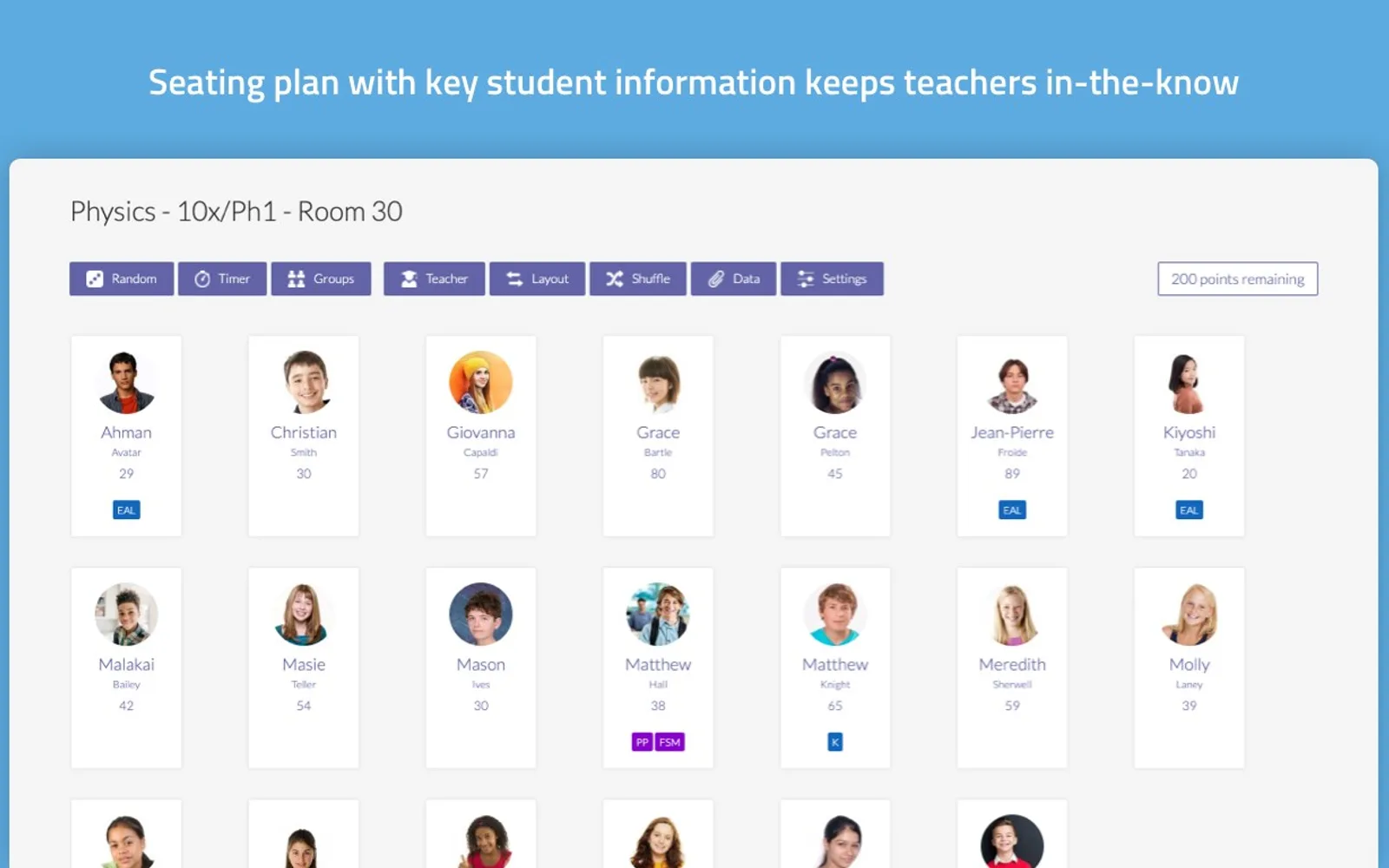
Firefly Seating Plan lets teachers create multiple seating plans for classes in Microsoft Teams. Plans can be shared with colleagues, adjusted using drag-and-drop controls, and built from templates or alternative layouts. In-class tools include student grouping, random student selection and shared countdown timers. Teachers can display or hide key information about students while presenting.
Teachers can create multiple seating plans for their classes.
Drag-and-drop functionality moves students within a seating plan.
Templates provide starting points for seating arrangements.
A countdown tool lets teachers share a timer with a class.
A random picker selects a student for the teacher.
A grouping tool assigns students to groups automatically.
Key student information can be shown or hidden when presenting.
The app is for teachers and colleagues who share seating plans.
950 plugins in Microsoft Teams · Collaboration
Price distribution: 19 free, 11 freemium, 100 paid, 820 price not published
Cloud-based tool that replaces BIOS passwords with certificate-based configuration management for Dell commercial devices.
Dell Technologies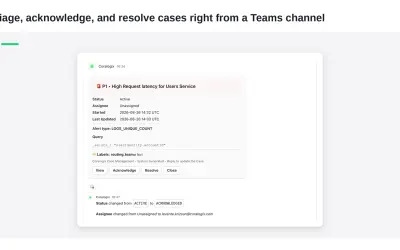
Delivers Coralogix observability notifications and case previews directly into Microsoft Teams channels for review and action.
Coralogix LTD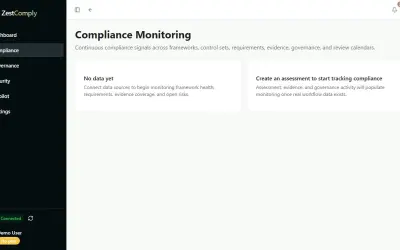
ZestComply manages industry frameworks, generates policies and control mappings, and produces defensible evidence.
"Zest Creations."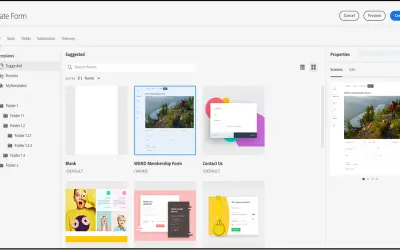
A DAM and CMS for building websites, mobile apps, and forms that delivers marketing content and assets to any channel.
Adobe US«Create and organise your seating plans within Microsoft Teams Seating plans made easy Enables teachers to create and share seating plans with other colleagues, make instant changes and view key personal information about each student. Our app allows teachers to design seating plans with great flexibility using …»