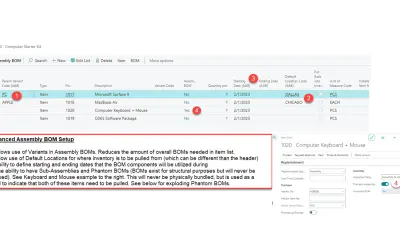
Advanced Assembly BOMs
Advanced Assembly BOMs lets Business Central users create assembly orders without requiring full production functionality.
RUX SoftwarePaid
Shows inventory availability in Business Central order lists using colored indicators and location-based inventory details.
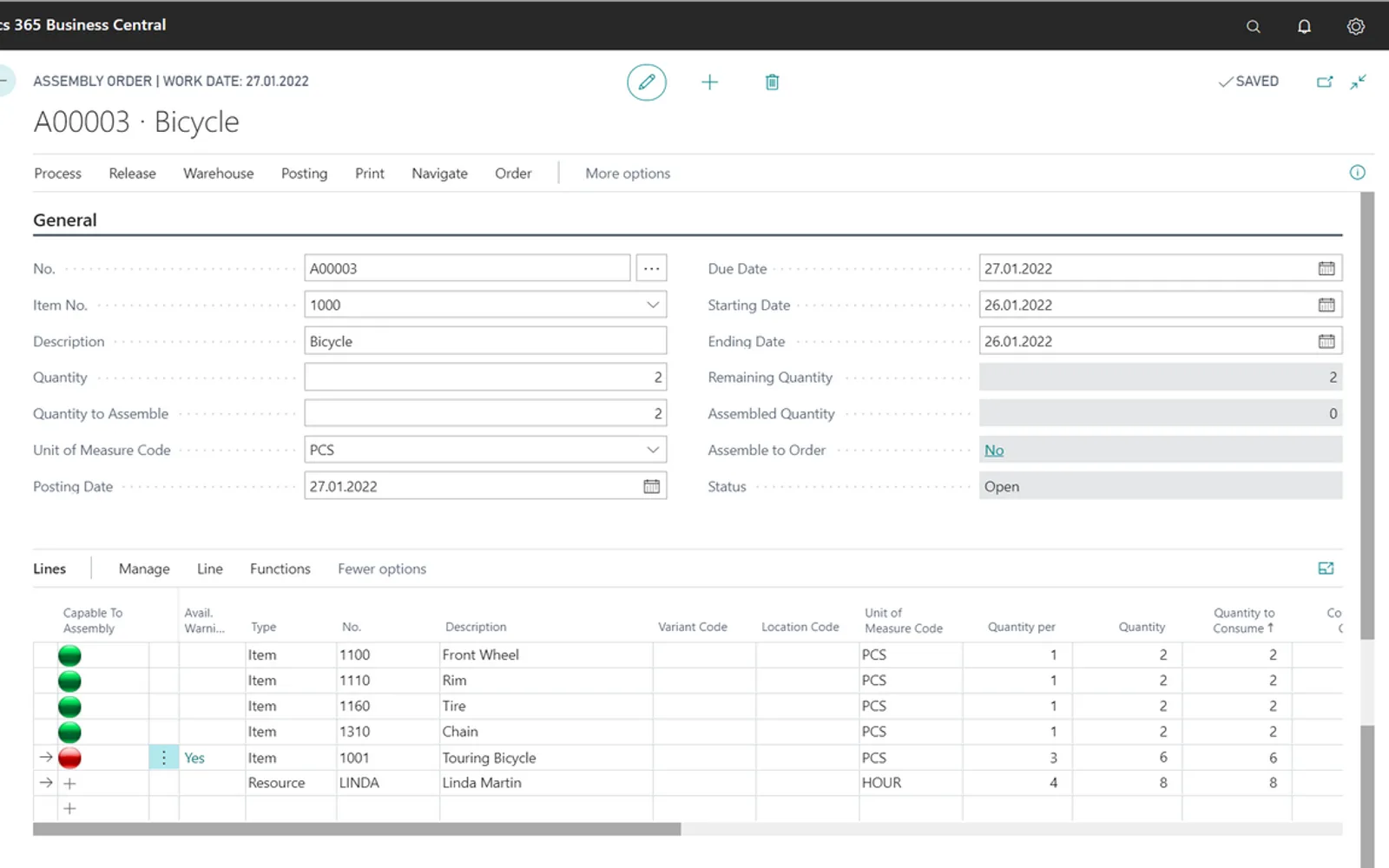
Displays stock-availability indicators on sales, delivery, production, job, service, transfer, and assembly lists and lines in Microsoft Dynamics 365 Business Central. Indicator colors represent stock-availability thresholds. A factbox shows inventory by location. The app supports the Essential and Premium editions and is deployed in the cloud.
Displays colored indicators for stock availability on supported order lists and lines.
Uses indicator colors to represent different stock-availability thresholds.
Provides a factbox with inventory by location.
Adds indicators to sales, delivery, production, job, service, transfer, and assembly lists and lines.
Evo Visual Indicators and Advanced Assembly BOMs are both paid cloud add-ins. Evo Visual Indicators was updated on May 2026, while Advanced Assembly BOMs was updated on Jul 2026.
| Name | Pricing | Deployment | Updated |
|---|---|---|---|
| this plugin | Paid | Cloud | |
| Advanced Assembly BOMs | Paid | Cloud |
200 plugins in Dynamics 365 Business Central · Sales
Price distribution: 11 free, 5 freemium, 178 paid, 6 price not published
Advanced Assembly BOMs lets Business Central users create assembly orders without requiring full production functionality.
RUX Software
Records produced quantities and times used at workstations, with barcode entry, in Microsoft Dynamics 365 Business Central.
EOS Solutions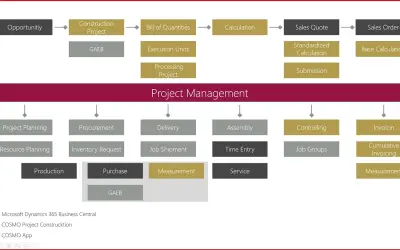
Construction ERP app for Dynamics 365 Business Central with tools for calculation, scheduling, and measurement documentation.
COSMO CONSULT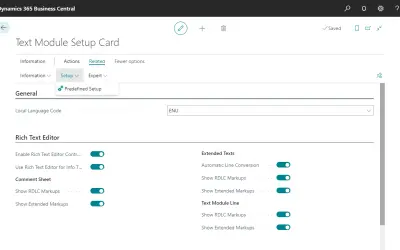
COSMO Text Module provides extended text management with a WYSIWYG editor for Microsoft Dynamics 365 Business Central.
COSMO CONSULT«It is hard to know what can be shipped just by looking at the sales order list, or transfer order list? Do you know what you can consume in assembly, service, jobs, or production orders? In order to see what items are available to be shipped or consumed, users have to open each order and check the inventory for each …»