
CoreGPT AI for Outlook
CoreGPT AI for Outlook drafts, replies, summarizes, and translates emails inside Microsoft Outlook using GLM and GLM.
Shhapps Ltd. Liability Co.Price not published
Browse and search Enablix content in Outlook and insert internal or external links into emails.
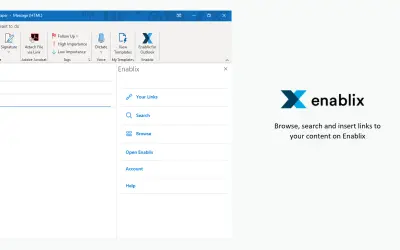
Browse and search Enablix content from within Outlook. After sign-in, the add-in fetches Enablix content through Enablix services and displays it in the add-in. While composing Outlook emails, it can insert internal and external links to Enablix content.
Browse Enablix content directly in Outlook.
Search Enablix content from the Outlook add-in.
Insert internal and external links to Enablix content while composing Outlook email.
129 plugins in Outlook · Sales
Price distribution: 3 free, 3 freemium, 16 paid, 107 price not published
CoreGPT AI for Outlook drafts, replies, summarizes, and translates emails inside Microsoft Outlook using GLM and GLM.
Shhapps Ltd. Liability Co.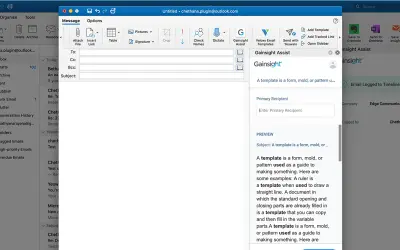
Gainsight Assist lets users access Gainsight email templates and log messages to the Gainsight Timeline directly from Outlook.
Gainsight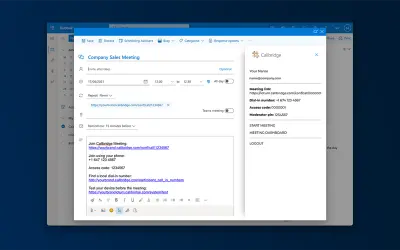
Adds the Callbridge meeting URL and information to the body of new or existing Microsoft Outlook calendar events.
Iotum Inc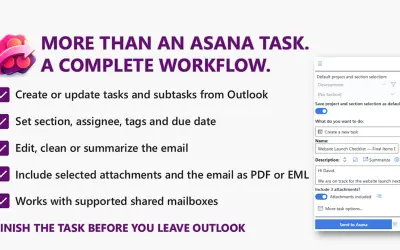
Send to Asana converts Outlook emails into structured Asana tasks and subtasks with configurable fields and attachments.
Kryl Solutions«This Outlook add-in allows Enablix users to browse and search their content directly in the Outlook. Once the user sign-in to their Enablix account, the add-in will use Enablix services to fetch their content and show it in the add-in. It also provides features to insert internal and external links to their content …»