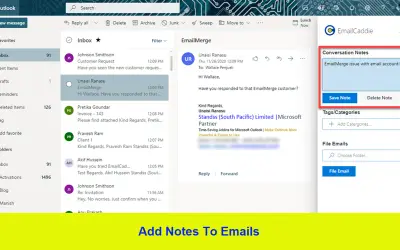
EmailCaddie
EmailCaddie adds notes, tags, and folder filing to Outlook on the Web and Outlook Desktop 2016 or later for M365.
Standss (South Pacific) LimitedPrice not published
Adds private notes to Outlook emails and syncs them across Outlook Desktop and OWA.
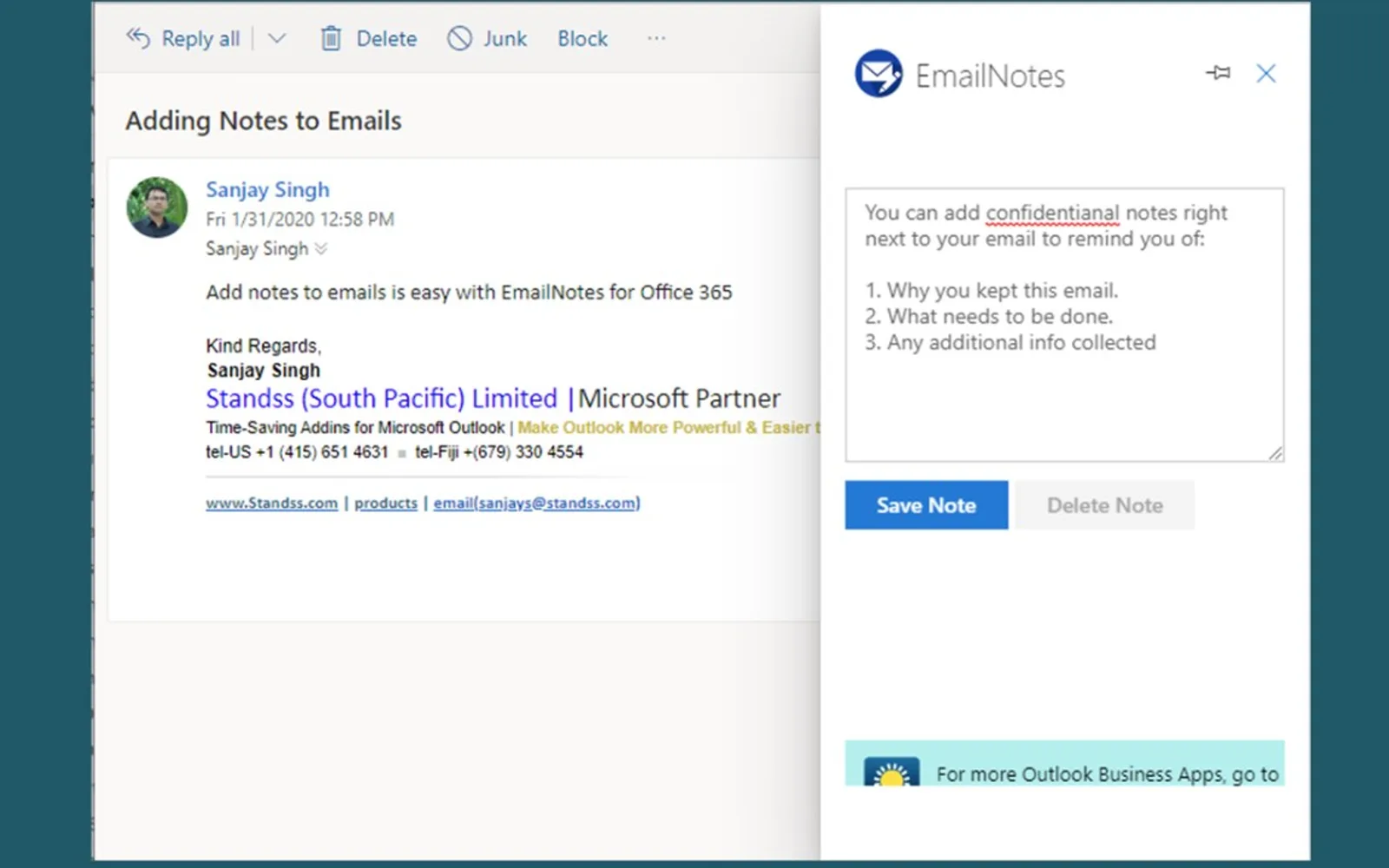
Adds notes to Outlook emails for reminders, future actions, and information collected by phone. Notes are not included in replies or forwards. Notes are stored in the mailbox rather than on the vendor's servers. Notes can be written and viewed in Outlook Desktop or OWA and sync between devices with email.
Adds notes to Outlook emails.
Stores notes in the mailbox rather than on the vendor's servers.
Syncs notes between devices with email.
Supports writing and viewing notes in Outlook Desktop and OWA.
Keeps notes out of replies and forwards.
EmailNotes for Outlook is paid and cloud-deployed, like eM Client and Travel Time for Outlook. EmailCaddie and MAILcolab have unknown pricing, while Edit In Outlook is free. EmailNotes for Outlook was updated on Dec 2025, compared with EmailCaddie in Apr 2022 and eM Client in Dec 2025.
| Name | Pricing | Deployment | Updated |
|---|---|---|---|
| this plugin | Paid | Cloud | |
| eM Client | Paid | Cloud | |
| Travel Time for Outlook | Paid | Cloud | |
| EmailCaddie | Price not published | Cloud | |
| MAILcolab | Price not published | Cloud | |
| Edit In Outlook | Not in catalog | ||
105 plugins in Outlook · Productivity
Price distribution: 1 free, 21 paid, 83 price not published
EmailCaddie adds notes, tags, and folder filing to Outlook on the Web and Outlook Desktop 2016 or later for M365.
Standss (South Pacific) Limited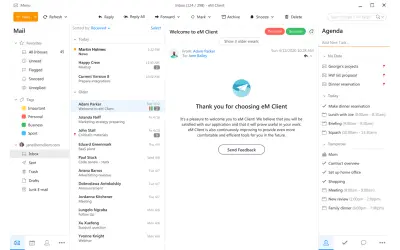
eM Client integrates email, calendar, tasks, contacts, notes, and chat into a desktop application for Windows and Mac.
eM Client s.r.o.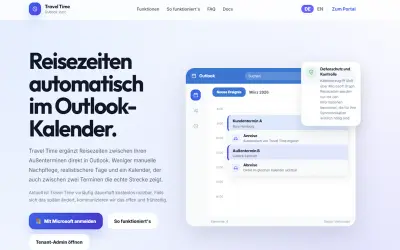
Travel Time for Outlook calculates real routes and inserts travel blocks into Outlook and Microsoft 365 calendars.
Almer | Unternehmensentwicklung
Outlook add-in that summarizes email threads, suggests replies, refines drafts, and provides real-time tone feedback.
LizTec IT Consultants«Remind yourself why you left an email in your Inbox • Remind yourself of future actions • Add information collected over the phone etc Write anything you want with confidence knowing your notes are are for your eyes only. • The notes are not included in replies and forwards. • Your notes are stored confidentially in …»