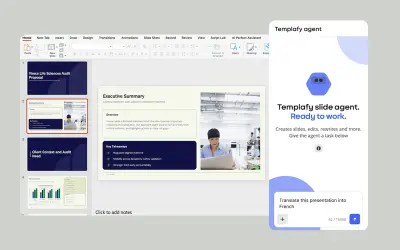
Templafy | AI Presentations and Slides
AI agent for PowerPoint that generates governed, on-brand slides from prompts using approved templates and business rules.
TemplafyPrice not published
Add polls to PowerPoint presentations and display audience responses on the slide.
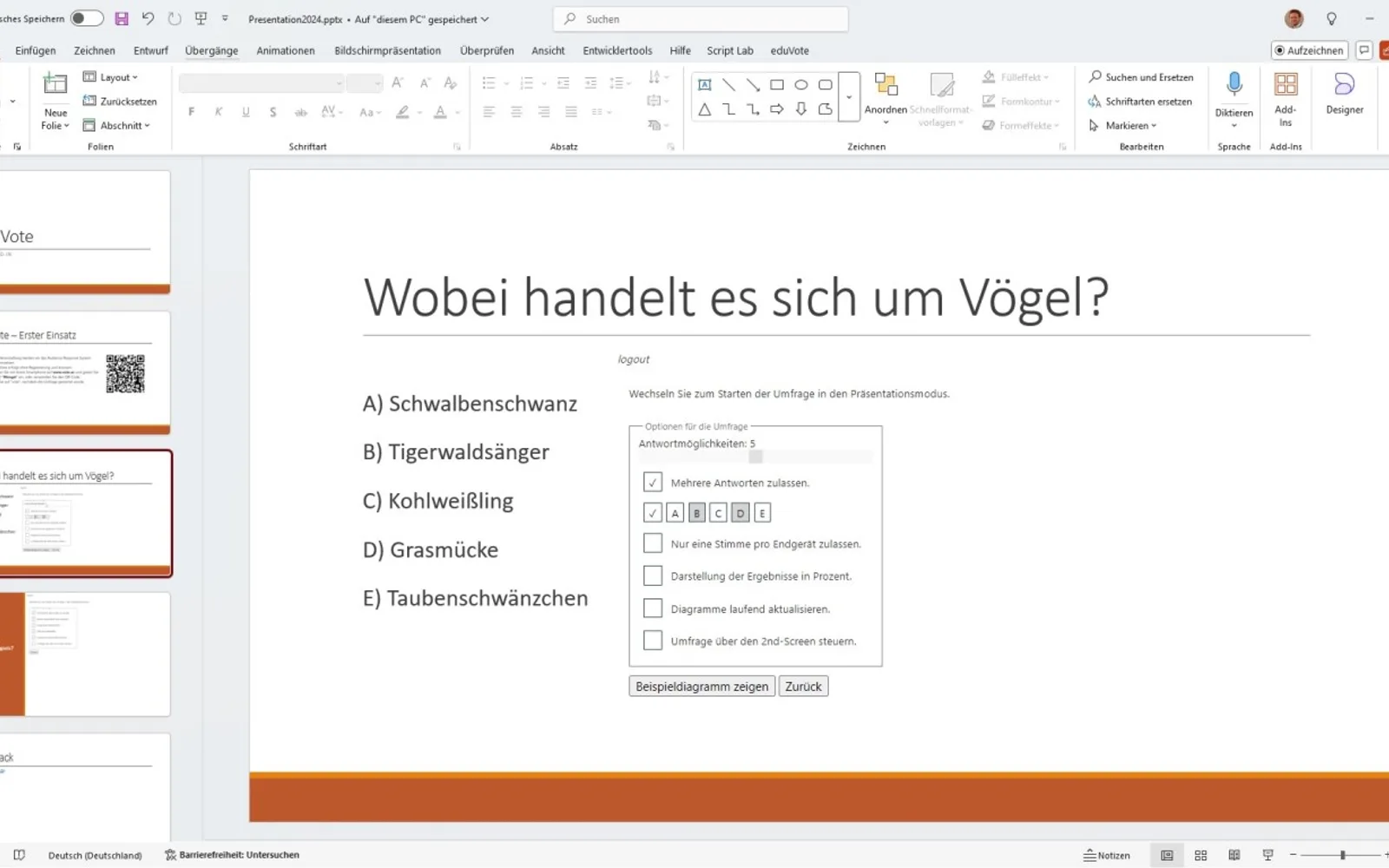
eduVote adds polls to PowerPoint presentations without requiring the presentation to be closed. It supports multiple-choice, yes/no, and word-cloud questions. During presentation mode, polls can be started and participants respond through www.vote.ac. Results can be shown directly on the PowerPoint slide, and the poll can optionally be controlled by phone.
Polls can be integrated into a PowerPoint presentation.
Questions can use multiple-choice, yes/no, or word-cloud formats.
Poll results can be displayed directly on the PowerPoint slide.
Polls can optionally be controlled with a mobile phone.
45 plugins in PowerPoint · Productivity
Price distribution: 4 paid, 41 price not published
AI agent for PowerPoint that generates governed, on-brand slides from prompts using approved templates and business rules.
Templafy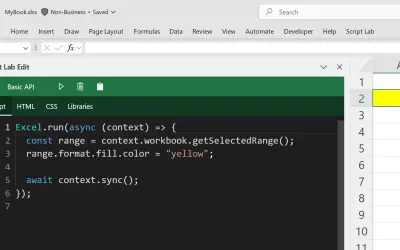
Script Lab Unity lets users create, edit, and run Office JavaScript API code snippets inside Excel, Outlook, PowerPoint, and Word.
Microsoft Corporation
WhoTeach provides an AI-powered digital learning platform with LMS, virtual classroom, and content generation tools.
Social Things S.r.l.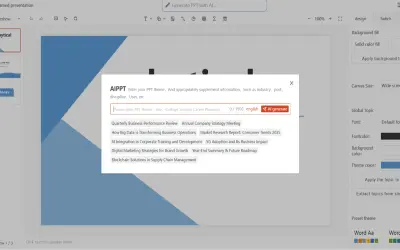
Bytical generates editable Microsoft PowerPoint decks from topics, outlines, or documents for sales teams and other presenters.
Bytical Solutions Private Limited«Mit dem Audience Response System eduVote können Sie Umfragen direkt in Ihre PowerPoint-Präsentation integrieren. Für die Umfrage müssen Sie PowerPoint nicht verlassen und können diese, wenn Sie möchten mit Ihrem Handy steuern. Die Ergebnisse werden direkt auf der PowerPoint-Folie angezeigt. Sie können zwischen …»