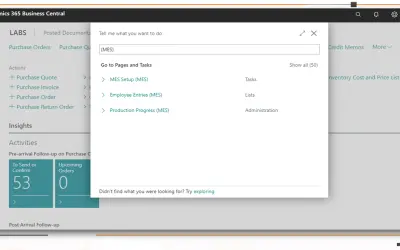
MES Manufacturing execution system
Records produced quantities and times used at workstations, with barcode entry, in Microsoft Dynamics 365 Business Central.
EOS SolutionsPaid
Uploads multiple files to Business Central standard Attachments by drag and drop.
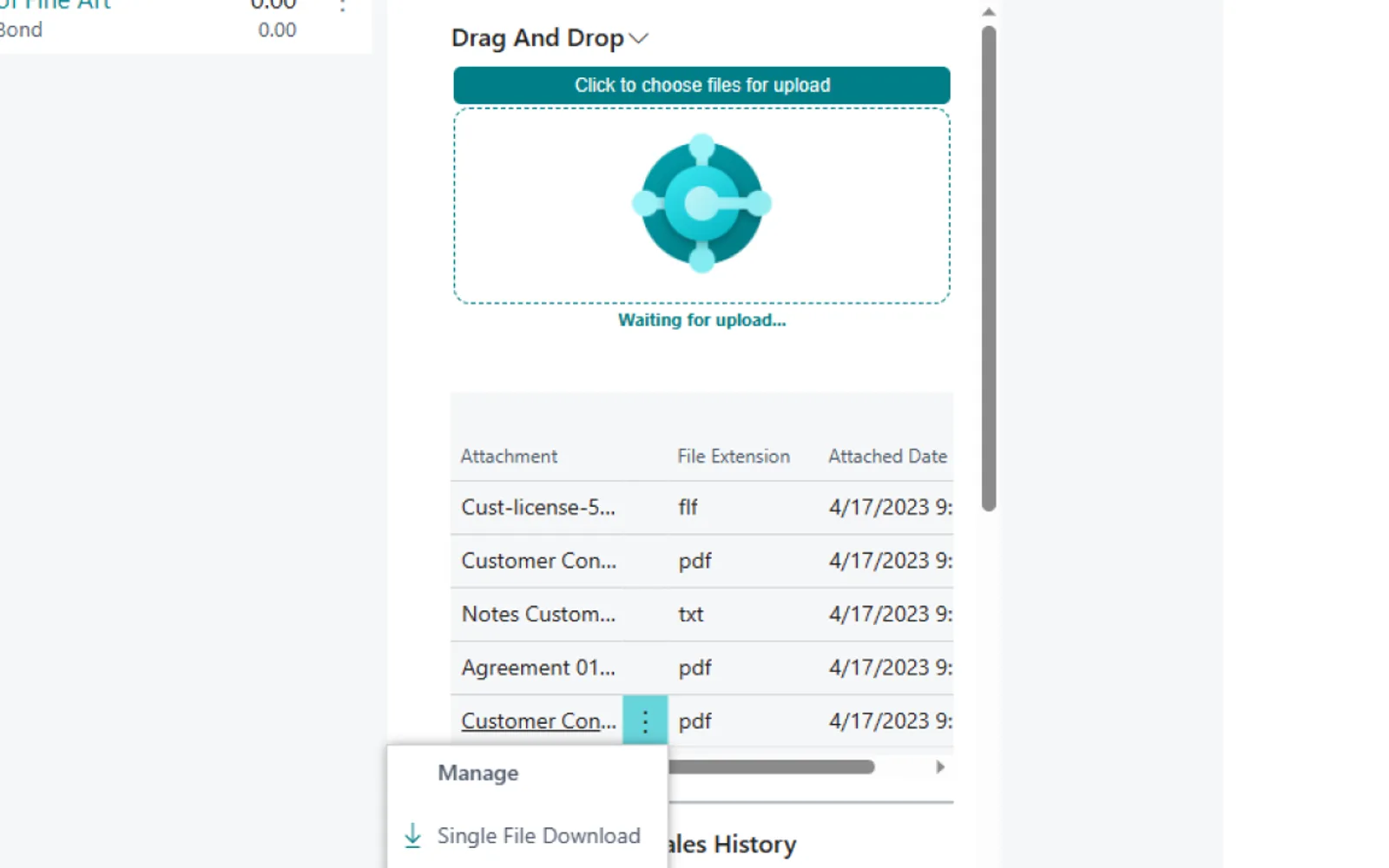
Adds multiple files to Business Central standard Attachments through a drag-and-drop action. An optional list can show uploaded attachments on the page. Files can also be downloaded from the preview list in a FactBox without opening the Attachments page.
Drag and drop multiple files into Business Central standard Attachments.
Display a list of uploaded attachments on the page.
Download an attachment from the preview list in a FactBox without opening the Attachments page.
63 plugins in Dynamics 365 Business Central · Productivity
Price distribution: 5 free, 1 freemium, 57 paid
Records produced quantities and times used at workstations, with barcode entry, in Microsoft Dynamics 365 Business Central.
EOS Solutions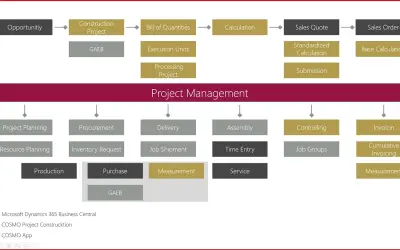
Construction ERP app for Dynamics 365 Business Central with tools for calculation, scheduling, and measurement documentation.
COSMO CONSULT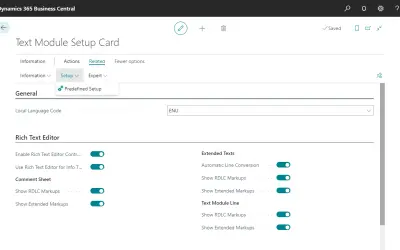
COSMO Text Module provides extended text management with a WYSIWYG editor for Microsoft Dynamics 365 Business Central.
COSMO CONSULT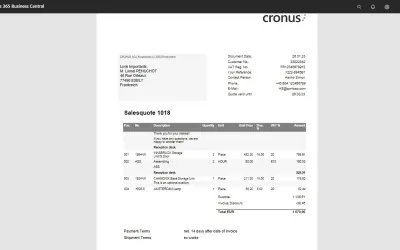
COSMO Document Set applies a master layout to standardize reports and documents in Microsoft Dynamics 365 Business Central.
COSMO CONSULT«Our Drag and Drop extension for Business Central is designed to make it easier and faster to upload multiple files to the Business Central standard Attachments. Dragging and dropping multiple files into a single action allows you to quickly add multiple attachments without having to individually select files each …»