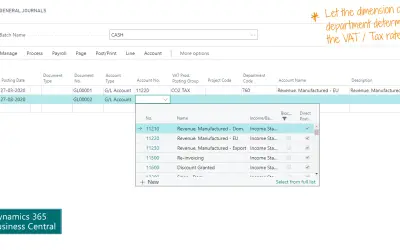
VAT Rate per Dimension
Sets the correct VAT/Tax Posting Group on journal, purchase, and sales lines based on the selected dimension in Business Central.
AbakionPaid
Enforces balancing rules for selected General Ledger dimensions in Business Central.
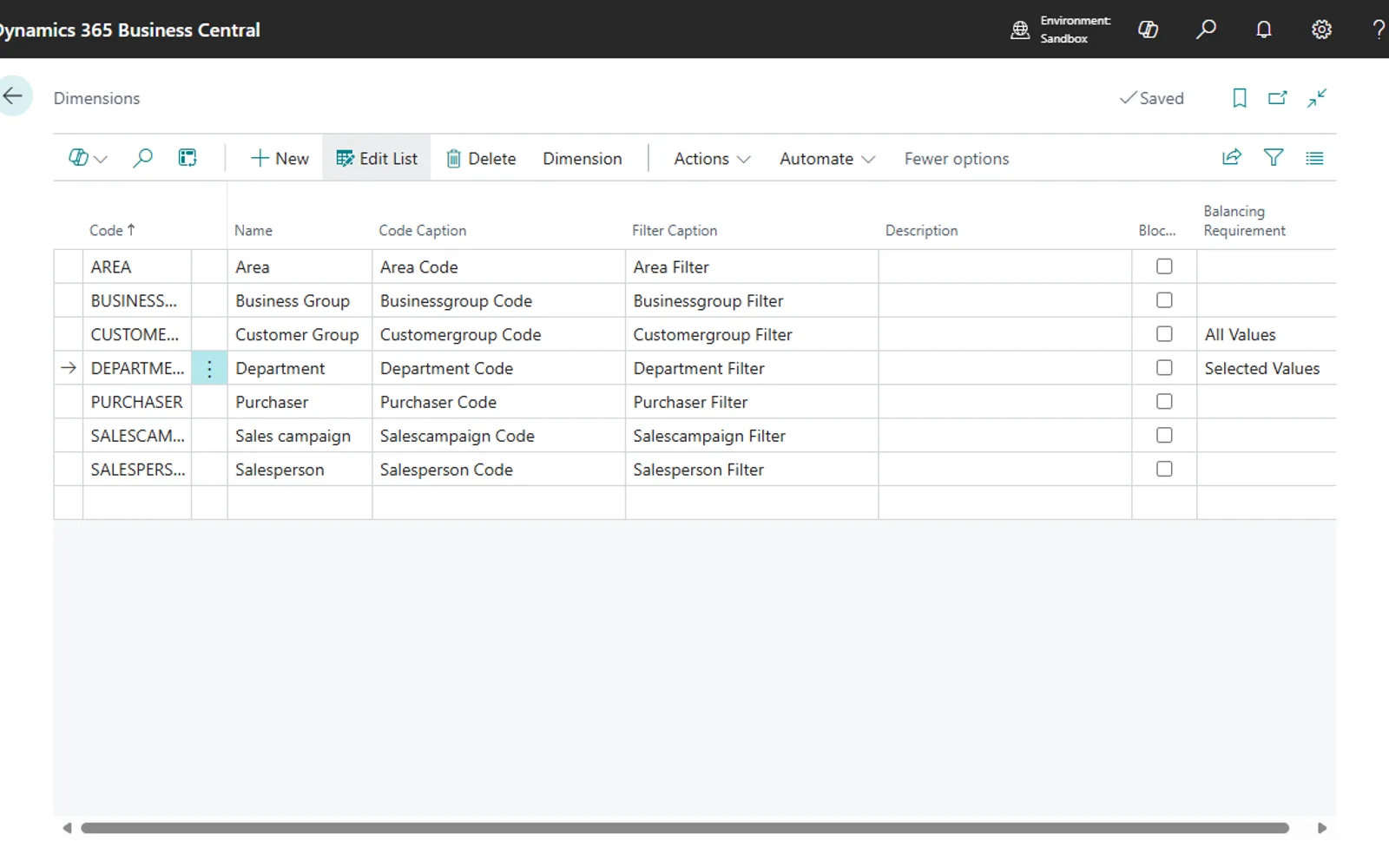
Dimension Balancing checks journal entries and can stop posting when selected dimensions do not balance. Rules can apply across a dimension or only to specified values. The extension also controls differences between document header and line dimensions in Sales and Receivables, Purchasing, and Service Management. User Setup controls who may edit requirements or apply overrides.
Displays related posting errors in the standard Business Central Journal Check preview factbox.
Applies balancing requirements to any dimension defined and allowed for use in the system.
Applies balancing requirements to all values in a dimension or to selected values only.
Controls which differences between document header and line dimensions are allowed in Sales and Receivables, Purchasing, and Service Management.
Allows authorized users to override requirements for journal lines and selected document lines.
Restricts requirement maintenance and line-level overrides through User Setup.
Dimension Balancing is free, while VAT Rate per Dimension, Quick Sums, Customer Item Invoice History, and Payment Journal Import are paid. Dimension Balancing and all four listed alternatives use cloud deployment. Dimension Balancing was updated on Dec 2024, while the alternatives show update dates of Jul 2026, Nov 2024, May 2026, and Jan 2026, respectively.
| Name | Pricing | Deployment | Updated |
|---|---|---|---|
| this plugin | Free | Cloud | |
| VAT Rate per Dimension | Paid | Cloud | |
| Quick Sums | Paid | Cloud | |
| Customer Item Invoice History | Paid | Cloud | |
| Payment Journal Import | Paid | Cloud |
251 plugins in Dynamics 365 Business Central · Finance
Price distribution: 16 free, 6 freemium, 228 paid, 1 price not published
Sets the correct VAT/Tax Posting Group on journal, purchase, and sales lines based on the selected dimension in Business Central.
Abakion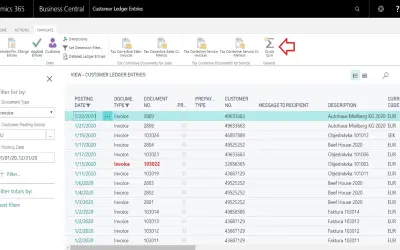
Adds one-click totals for defined fields on ledger entry pages in Microsoft Dynamics 365 Business Central, without Excel exports.
Konica Minolta IT Solutions Czech s.r.o.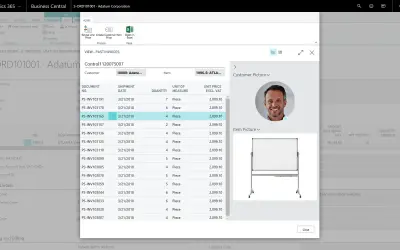
Shows past item charges per customer and updates line pricing on sales documents in Dynamics 365 Business Central.
Rand Group, LLC
Imports payments and applications into Dynamics 365 Business Central from Excel, with user-selected fields and validation.
Lighthouse Experts Group«Control Dimension Balancing requirements If you have a need or requirement to prevent out-of-balance posting for some or all General Ledger Dimensions in your system, this is an extension that will help you achieve and meet that requirement. It is easy to use with very little setup required.»