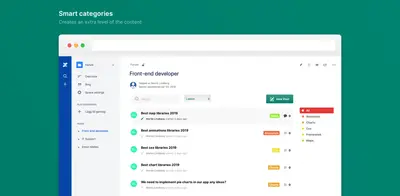
Forum for Confluence
Create searchable Confluence forums for questions, discussions, markdown content, and syntax-highlighted code blocks.
ConvertonPaid
Highlight selected parts of code in Confluence while preserving syntax formatting.
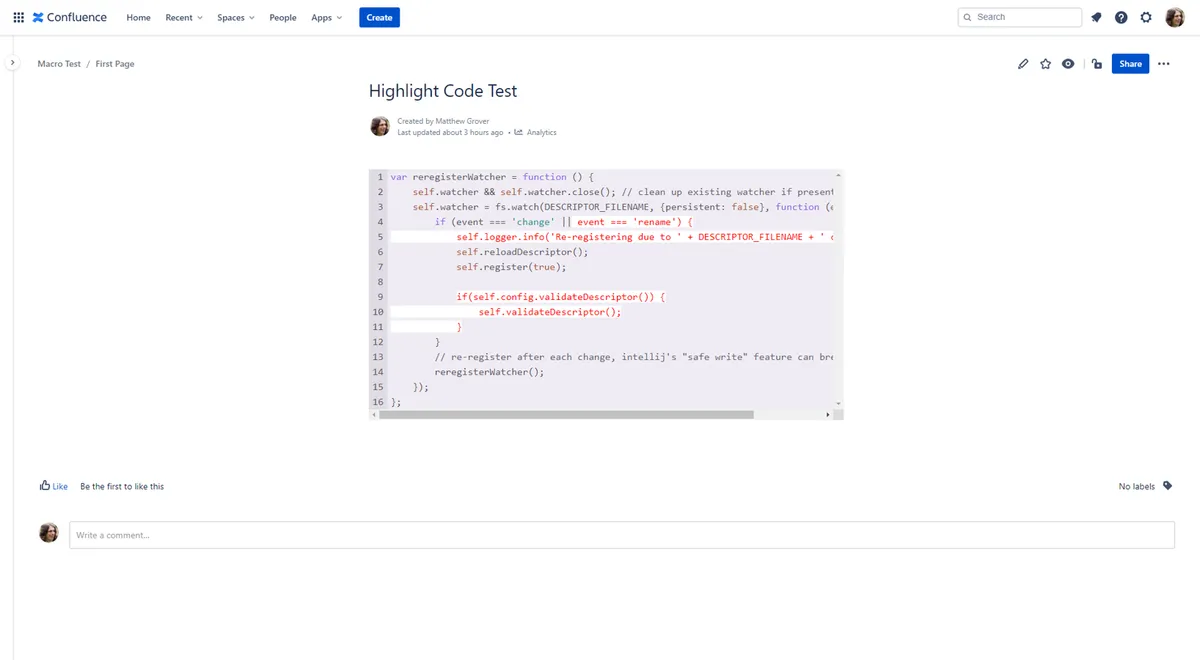
Pastes code into Confluence with syntax highlighting while marking selected sections for emphasis. Highlighted areas are defined with HTML tags placed before and after the code to emphasize. Language detection and syntax highlighting apply automatically to the remaining code.
Highlights multiple code sections marked with start and stop tags.
Uses a simple highlight HTML tag to define the sections to emphasize.
Detects the code language automatically and applies syntax highlighting to non-highlighted sections.
Forum for Confluence is also paid and supports data-center, cloud, and server deployments. Advanced Codeblocks for Confluence is paid across data-center, cloud, and server.
| Name | Pricing | Deployment | Updated |
|---|---|---|---|
| this plugin | Paid | Cloud | |
| Forum for Confluence | Paid | Cloud · Data Center · Server | |
| Advanced Codeblocks for Confluence | Paid | Cloud · Data Center · Server |
990 plugins in Confluence · Content and communication
Price distribution: 228 free, 378 freemium, 384 paid
Create searchable Confluence forums for questions, discussions, markdown content, and syntax-highlighted code blocks.
Converton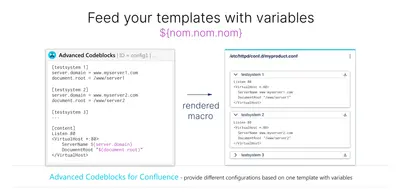
Render code blocks in Confluence with variable-based templates, syntax highlighting, themes, downloads, and clipboard copying.
codeclou GmbH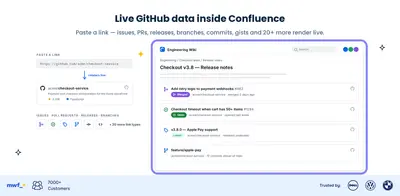
Embed GitHub repository content and delivery metrics in Confluence.
Move Work Forward
Edit Confluence Cloud page HTML with source editing, validation, modification previews, and code-navigation tools.
Bordant Technologies«Allows you to paste in code and keep the formatting whilst highlighting the most important parts of the code that you want to bring people's attention to. Simply add a tag before the start of any code you want highlighted and a tag to stop the highlighting. Highlight just the important parts of code: Easily point out …»