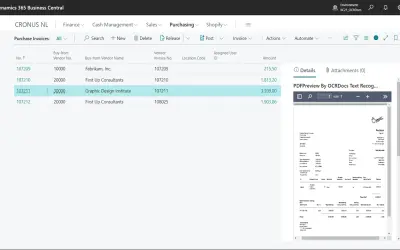
PDF Preview
PDF Preview displays purchase invoice PDFs directly within Microsoft Dynamics 365 Business Central without opening document links.
Q-Team SolutionsPaid
Configure locations and default bins for production order lines and components in Dynamics 365.
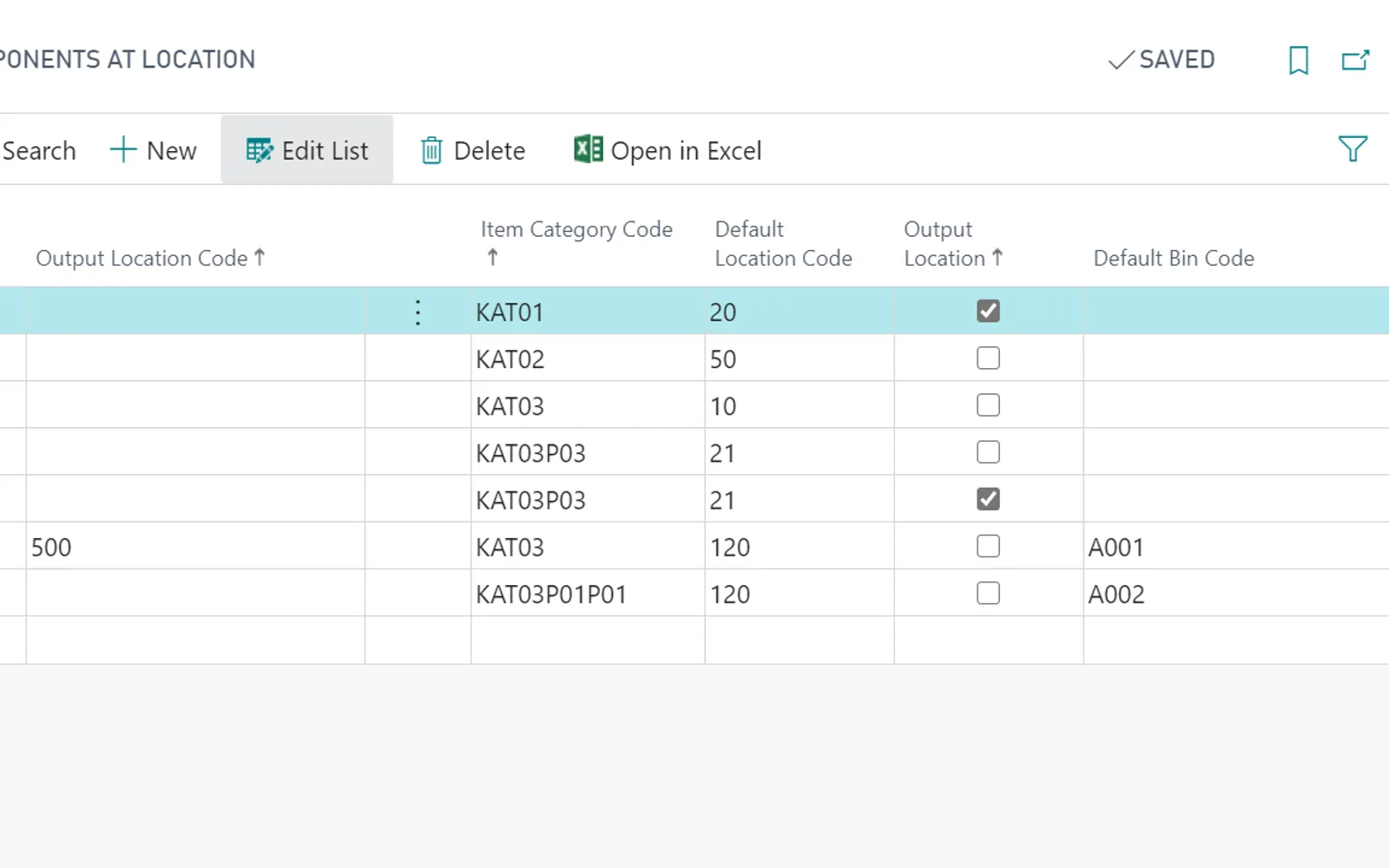
The add-on configures locations for production order lines and components through item categories. It can assign different component locations based on the location used on a production order line. Locations are filled automatically on production orders, and default bins can also be configured.
Configures locations used on production order lines through item categories.
Configures locations for production order components using item categories.
Sets different component locations according to the location used on a production order line.
Allows default bins to be configured.
14 plugins in Dynamics 365 · Utilities
Price distribution: 1 free, 13 paid
PDF Preview displays purchase invoice PDFs directly within Microsoft Dynamics 365 Business Central without opening document links.
Q-Team Solutions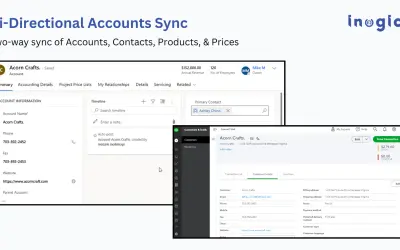
InoLink synchronizes Intuit QuickBooks Online and Microsoft Dynamics 365 CRM bi-directionally for sales and finance teams.
Inogic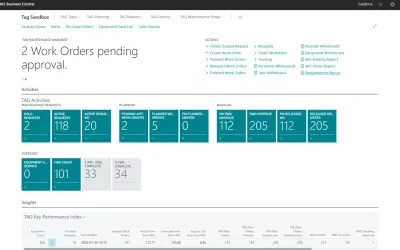
TAG delivers native enterprise asset management within Microsoft Dynamics 365 Business Central and related modules.
Verosoft Design INC. (VSD)
Imports official exchange rates from 90+ central banks into Microsoft Dynamics 365 Finance & Operations for multi-entity groups.
MEMENTO SRL«With this add-on, you can setup locations used on production order lines and production order components using item categories. Furthermore, you can setup different component locations depending on location used on production order lines. This means locations on your production orders will fill automatically. Since …»