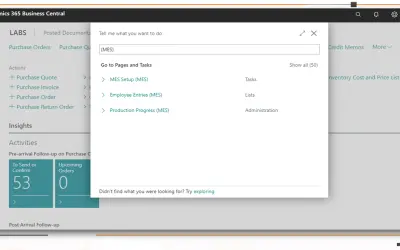
MES Manufacturing execution system
Records produced quantities and times used at workstations, with barcode entry, in Microsoft Dynamics 365 Business Central.
EOS SolutionsPaid
Color General Journal lines in Business Central using account numbers, dimensions, amounts, or other process criteria.
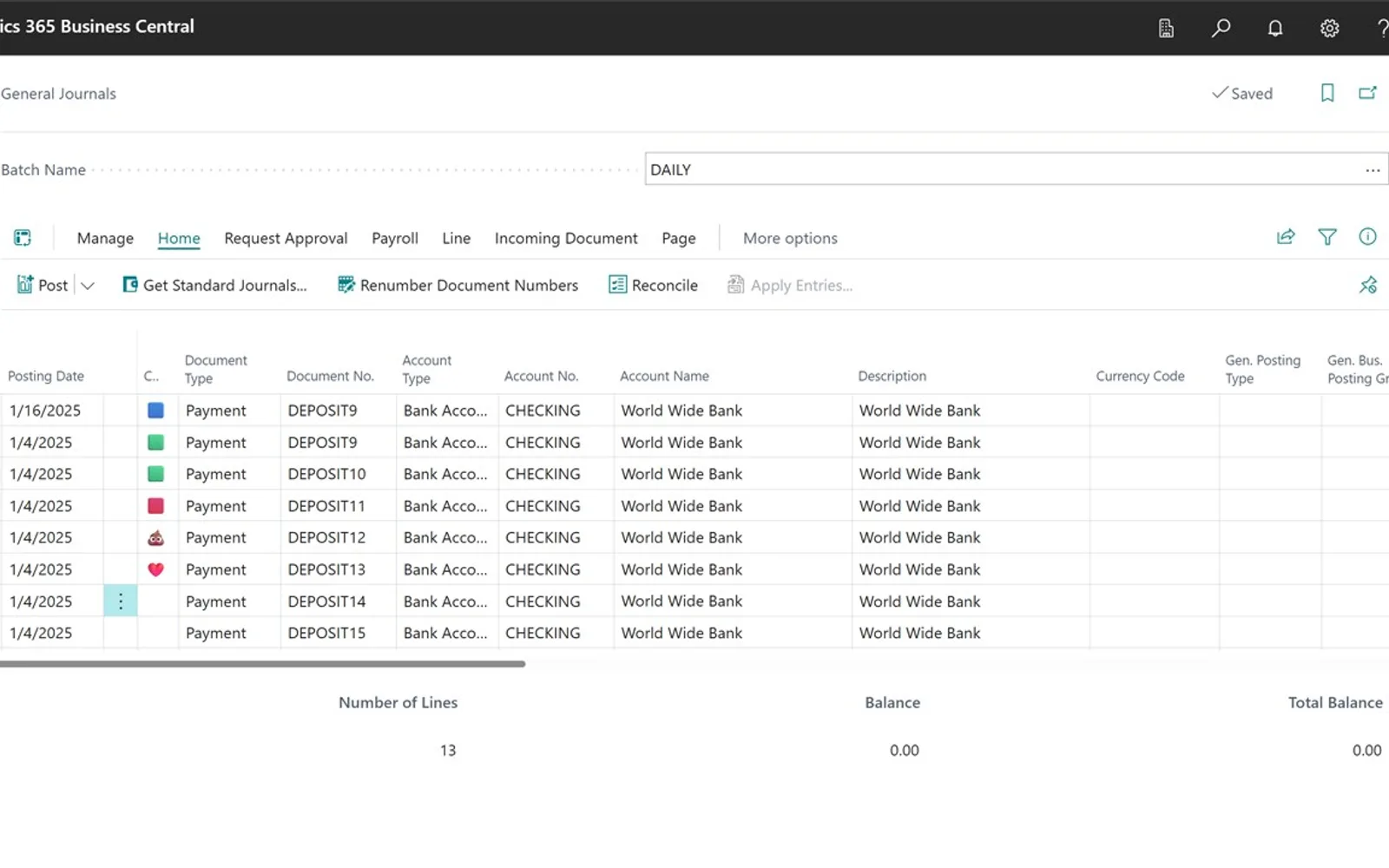
Adds color highlighting to General Journal lines in Business Central. Colors can be assigned based on account numbers, dimensions, amounts, or other criteria used in a process. The vendor states that no configuration is needed before use.
Assigns colors to General Journal lines in Business Central.
Colors journal lines based on account numbers.
Colors journal lines based on dimensions.
Colors journal lines based on amounts.
370 plugins in Dynamics 365 Business Central · Finance
Price distribution: 17 free, 6 freemium, 269 paid, 78 price not published
Records produced quantities and times used at workstations, with barcode entry, in Microsoft Dynamics 365 Business Central.
EOS Solutions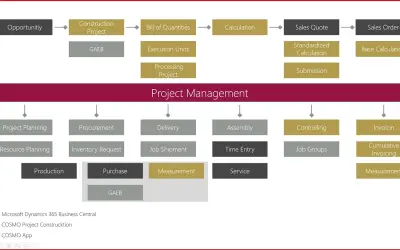
Construction ERP app for Dynamics 365 Business Central with tools for calculation, scheduling, and measurement documentation.
COSMO CONSULT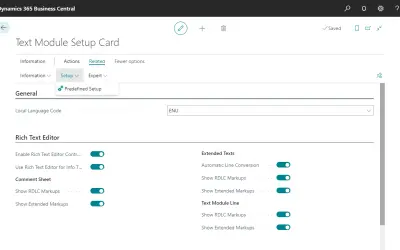
COSMO Text Module provides extended text management with a WYSIWYG editor for Microsoft Dynamics 365 Business Central.
COSMO CONSULT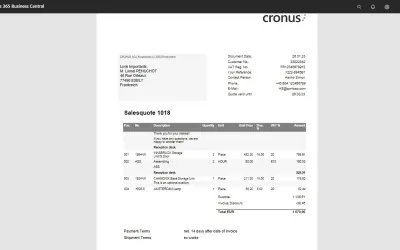
COSMO Document Set applies a master layout to standardize reports and documents in Microsoft Dynamics 365 Business Central.
COSMO CONSULT«Add Color to Your Journals – for Free! Tired of staring at rows of identical journal lines in Business Central? Our Color Coded Journals app brings the simplicity of Excel-style highlighting to your General Journals. Easily assign colors to lines based on account numbers, dimensions, amounts – or whatever makes sense …»