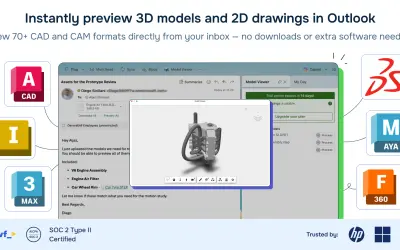
Model Viewer for Outlook
Model Viewer for Outlook lets non-engineering teams preview 2D and 3D CAD attachments directly within the email client.
Move Work Forward AppsPrice not published
Adds a web part that arranges pictures from a selected library into a random collage.

The component can be added to pages and configured with the name of a picture library on the parent website. It then arranges images from that library into a collage.
Arranges images from a selected picture library into a collage.
Allows the component to be added to pages through the web part or app gallery.
Accepts the name of a picture library on the parent website as its configuration value.
48 plugins in Design & Engineering
Price distribution: 2 freemium, 7 paid, 39 price not published
Model Viewer for Outlook lets non-engineering teams preview 2D and 3D CAD attachments directly within the email client.
Move Work Forward Apps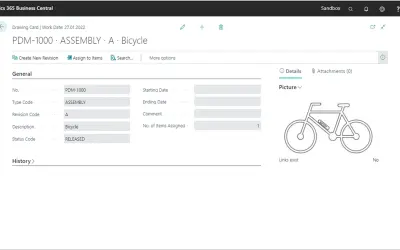
COSMO Product Data Management manages technical drawings, revisions, and change processes within Dynamics 365 Business Central.
COSMO CONSULT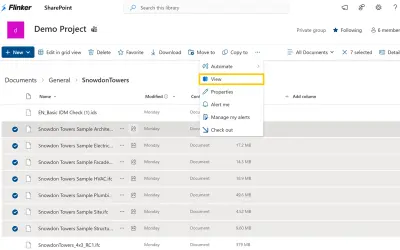
A free viewer for opening, analyzing, and sharing IFC and BIM models in 3D within Microsoft SharePoint and Microsoft Teams.
Flinker GmbH
MediaValet Enterprise DAM provides organizations with a cloud-native platform for managing all media types using AI features.
MediaValet«Collage app to Display pictures from a picture library in a random collage . Steps to use this app : Install the app. The app will give a app webpart on the webpart or app gallery. You can add that to any of your pages similar to any app or webpart. You need to point the webpart to a picture library on the parent …»