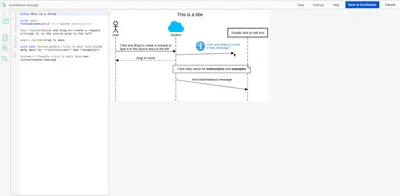
SequenceDiagram.org for Confluence
Create UML sequence diagrams in Confluence with text notation or drag-and-drop editing.
NoSpareTime ABFreemium
Convert JavaScript code into flowcharts on Confluence pages.
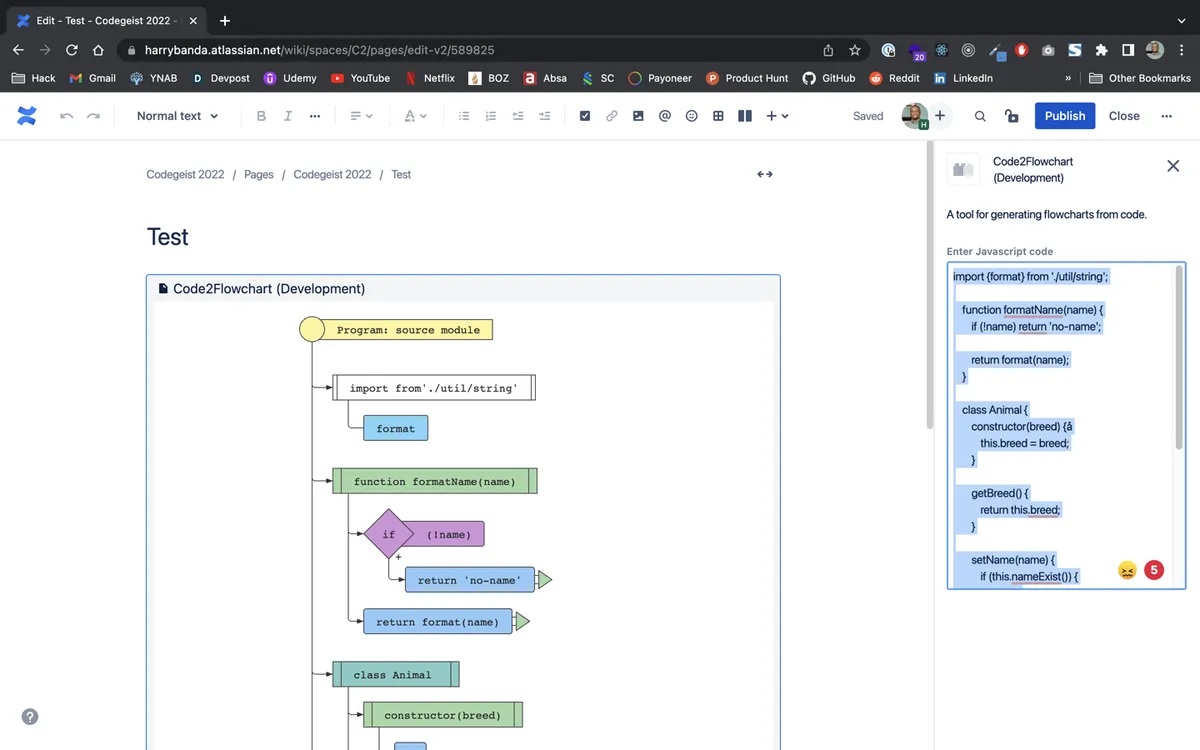
Code2Flowchart adds a macro to a Confluence page where JavaScript code or an algorithm can be entered. It generates a flowchart with controls for viewing different abstraction levels and the source code.
Adds a Code2Flowchart macro to a new Confluence page.
Converts pasted JavaScript code or an algorithm into a flowchart.
Provides Next and Previous controls for viewing the flowchart at different abstraction levels.
Provides a View code control for viewing the code.
220 plugins in Confluence · Design and diagramming
Price distribution: 54 free, 106 freemium, 60 paid
Create UML sequence diagrams in Confluence with text notation or drag-and-drop editing.
NoSpareTime ABEmbed Overflow user flow diagrams and design presentations in Confluence pages.
Overflow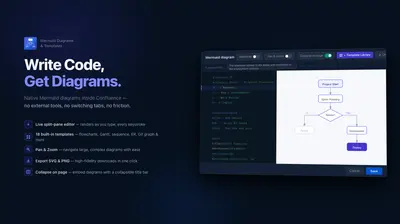
Build Mermaid diagrams in Confluence, preview them live, use templates, and export them as SVG or PNG.
Aptify Tech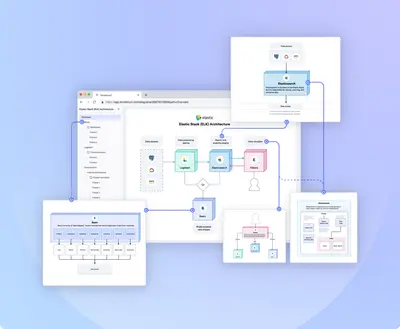
Create D2 diagrams and add them to Confluence pages through a diagramming IDE.
Terrastruct«1. Once the app is installed open a new Confluence page and type "/Code2Flowchart" to add a new macro 2. Click the edit icon to configure the Macro 3. All you need to do is paste in your Javascript code/algorithm and the flowchart will be generated 4. Publish the page and press the "Next" or "Previous" button to view …»