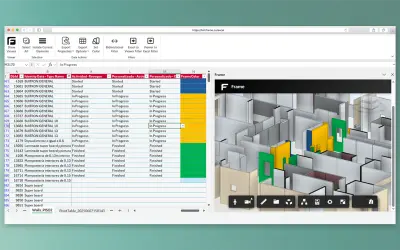
BIM Frame
Frame for Excel converts BIM models into filterable Excel datasets for Revit, Navisworks, and IFC projects.
BIM FramePrice not published
Collects and updates building asset manufacturer and warranty data in Power Apps.
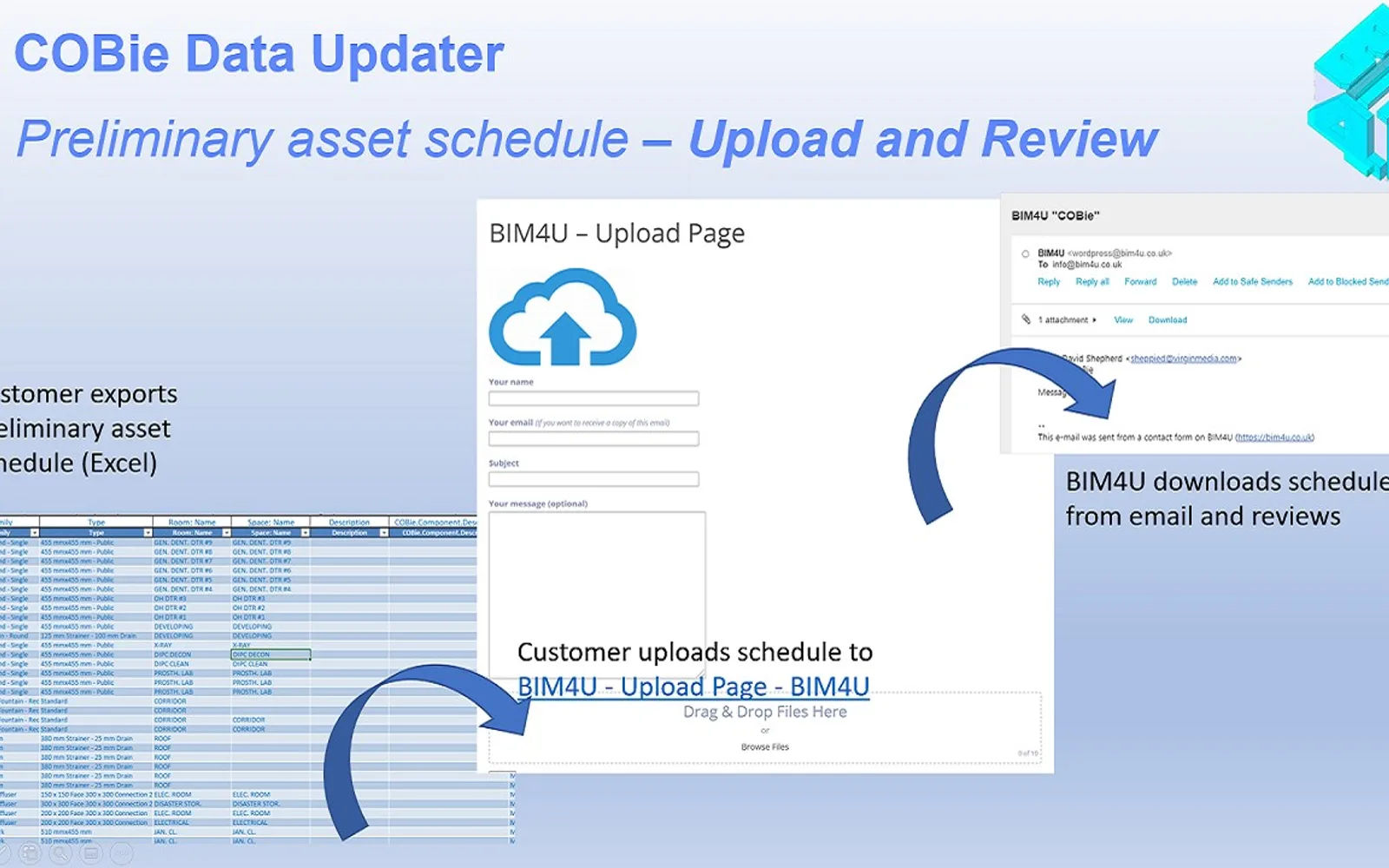
The Power Apps canvas app collects and manages manufacturer, model number, and warranty information for building assets. Asset schedules can be exported in Excel format as structured as-built data.
Updates manufacturer, model number, and warranty information.
Exports asset schedules in Excel format as structured as-built data.
Construction teams collecting and managing building asset information.
COBie Data Updater is listed as a paid cloud add-in, while BIM Frame and Open IFC Viewer have unknown pricing and cloud deployment. COBie Data Updater was updated on Nov 2024, while BIM Frame shows May 2026 and Open IFC Viewer shows Mar 2026. The listing provides asset data collection, updates, and Excel schedule exports; no comparable capabilities are stated for the alternatives.
| Name | Pricing | Deployment | Updated |
|---|---|---|---|
| this plugin | Paid | Cloud | |
| BIM Frame | Price not published | Cloud | |
| Open IFC Viewer | Freemium | Cloud |
28 plugins in Power Apps · Design & Engineering
Price distribution: 3 paid, 25 price not published
Frame for Excel converts BIM models into filterable Excel datasets for Revit, Navisworks, and IFC projects.
BIM FrameOpen IFC Viewer lets Microsoft Teams users view, analyze, and share IFC models with 3D visualization and measurement tools.
Flinker GmbH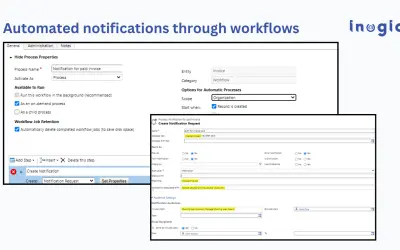
Alerts4Dynamics creates, schedules, and manages pop-up and email notifications for Microsoft Dynamics 365 CRM entities.
Inogic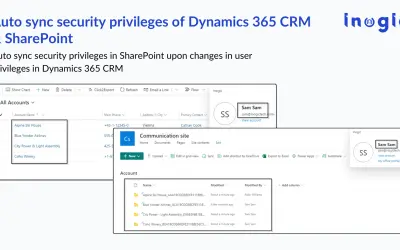
Replicates Dynamics 365 CRM security roles and record-level access in SharePoint to control document permissions.
Inogic«The COBie Data Updater Power App makes it easy for any construction team to collect and manage comprehensive manufacturer and warranty information for every single asset in your building project. The canvas app was built through Power Apps and is integrated with SharePoint Lists. To meet the latest BIM standards (e.g …»