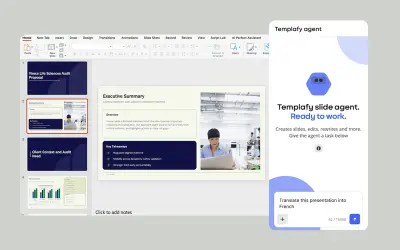
Templafy | AI Presentations and Slides
AI agent for PowerPoint that generates governed, on-brand slides from prompts using approved templates and business rules.
TemplafyPrice not published
Adds traffic lights, timers, notes, symbols, dice, and random name selection to PowerPoint slides.
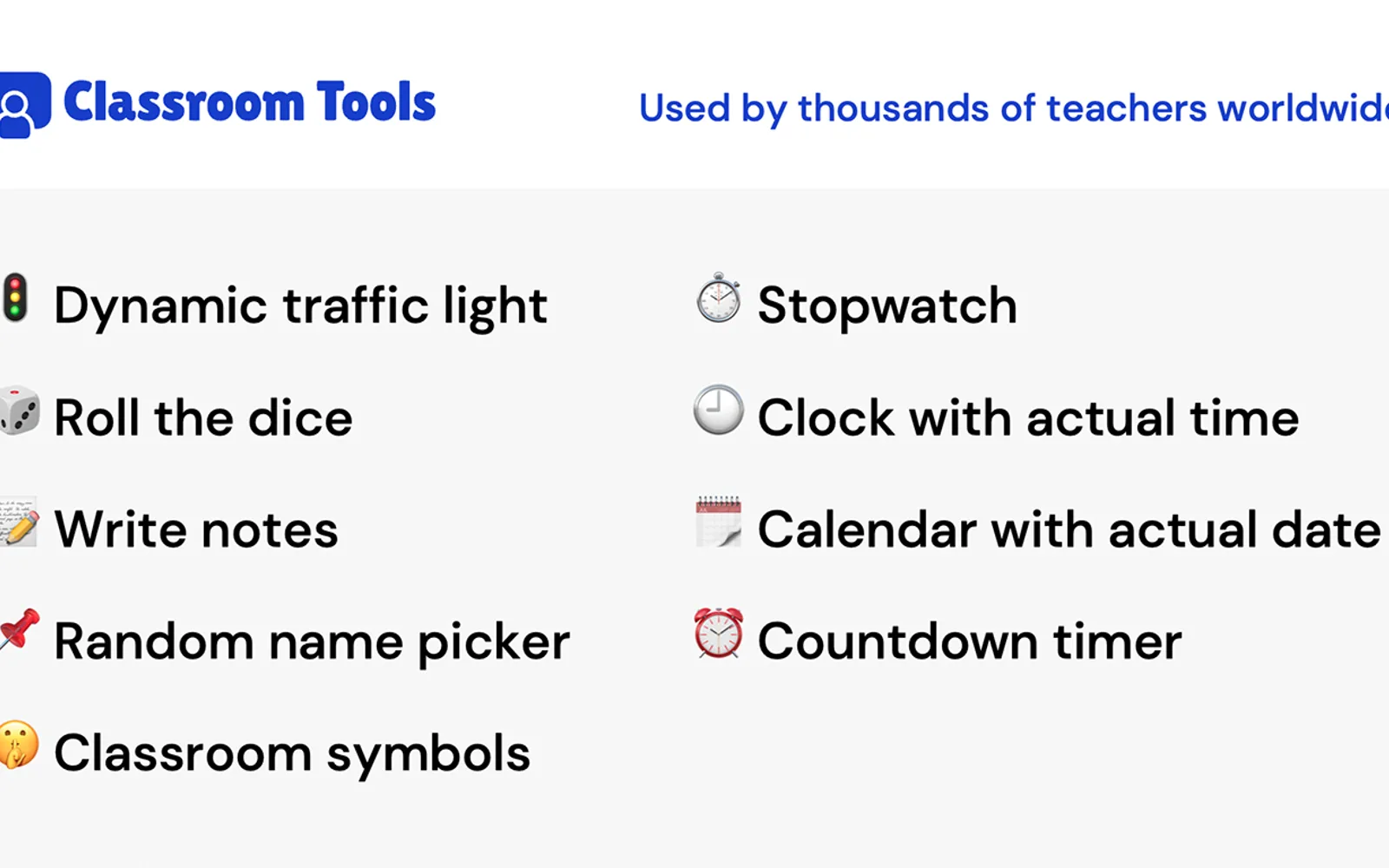
Adds tools that display or manage items directly in PowerPoint slides, including a traffic light, dice, notes, names, symbols, a stopwatch, a clock, a calendar, and a countdown timer.
Adds a traffic light that can be set to red, orange, or green.
Throws dice and produces a random number.
Allows notes to be typed and saved directly in a slide.
Picks a random name from names added to the tool.
Provides different symbols for display in a slide.
Tracks time directly in a slide.
Shows the current time and date.
Counts down to zero and plays a sound when the time is up.
10 plugins in PowerPoint · Utilities
Price distribution: 2 paid, 8 price not published
AI agent for PowerPoint that generates governed, on-brand slides from prompts using approved templates and business rules.
Templafy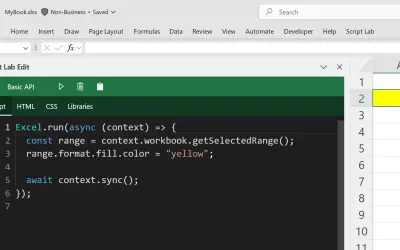
Script Lab Unity lets users create, edit, and run Office JavaScript API code snippets inside Excel, Outlook, PowerPoint, and Word.
Microsoft Corporation
WhoTeach provides an AI-powered digital learning platform with LMS, virtual classroom, and content generation tools.
Social Things S.r.l.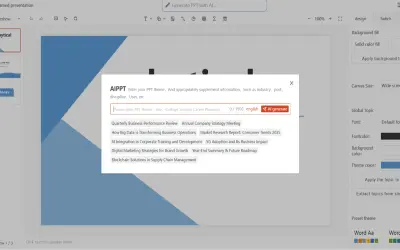
Bytical generates editable Microsoft PowerPoint decks from topics, outlines, or documents for sales teams and other presenters.
Bytical Solutions Private Limited«Improve your PowerPoint presentations with Classroom Tools. -- Free features: Traffic light Add a traffic light and set it to red, orange, or green. -- Paid features: Dice Throw dice and get a random number. Write notes Type and save notes directly in your slide. Name picker Add names and let the tool pick a random …»