arkLink
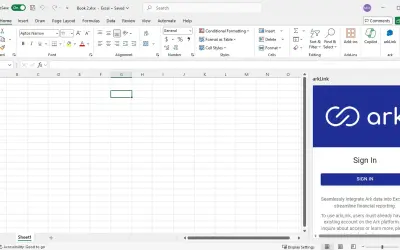
arkLink delivers clean, structured reporting from the Ark platform inside the Excel environment for back office teams.
ArkPESPrice not published
Accesses Chronograph investment data and builds formulas in Excel.
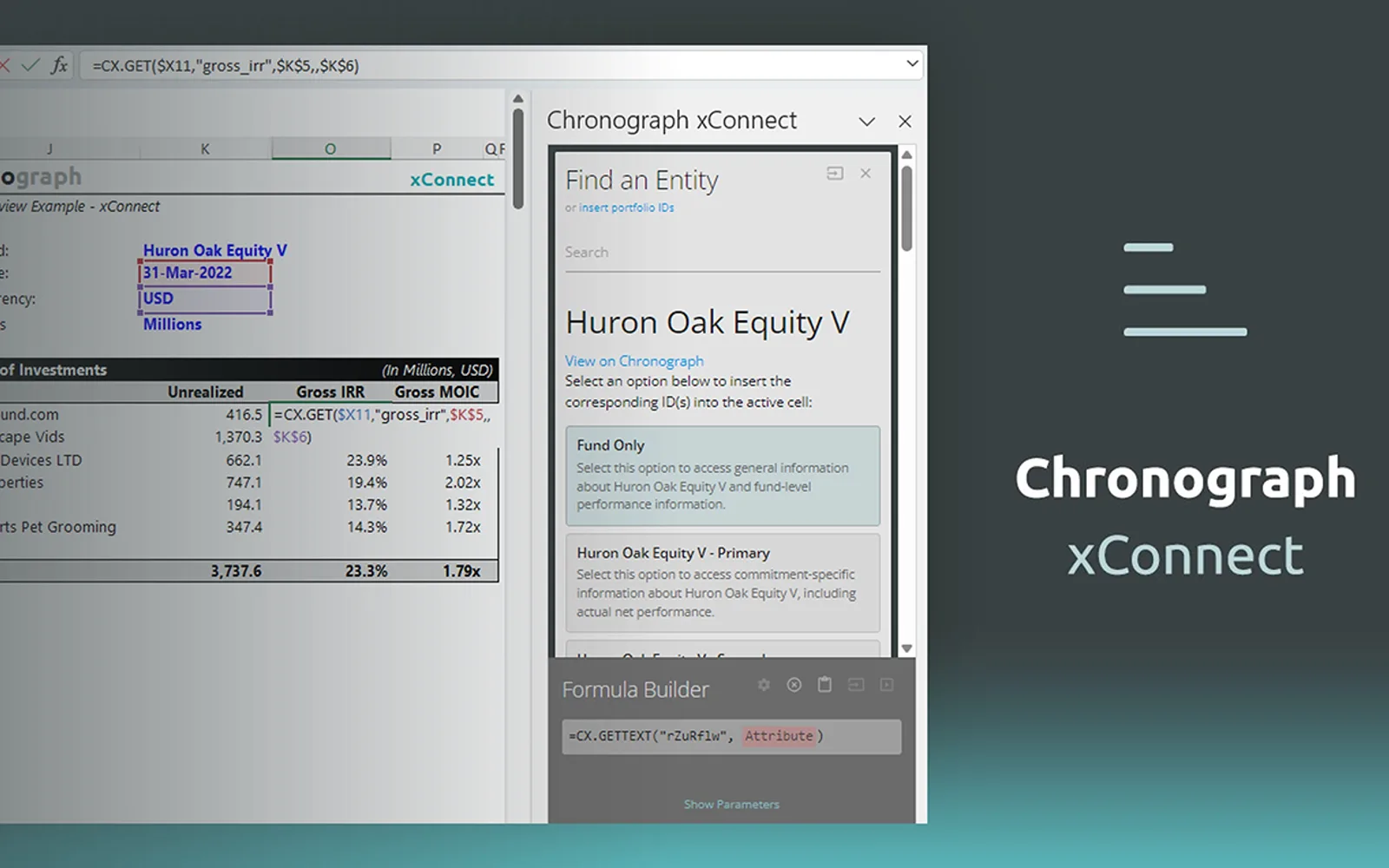
The Find an Entity tool searches the Chronograph database for companies, fund commitments, and other investments, then inserts entity IDs into Excel or a formula. The Find an Attribute tool searches data points and updates available attributes based on the selected entity. The Formula Builder shows required parameters such as date, period, and currency, supports formula testing, and inserts constructed formulas into the active cell. The add-in requires a valid Chronograph account and Chronograph's xConnectJS Functions.
Searches the Chronograph database for companies, fund commitments, and other investments.
Searches and browses data points associated with selected entities.
Constructs formulas with parameters such as date, period, and currency for insertion into Excel.
Private equity investors and Chronograph clients.
446 plugins in Excel · Analytics
Price distribution: 8 free, 17 freemium, 142 paid, 279 price not published
arkLink delivers clean, structured reporting from the Ark platform inside the Excel environment for back office teams.
ArkPES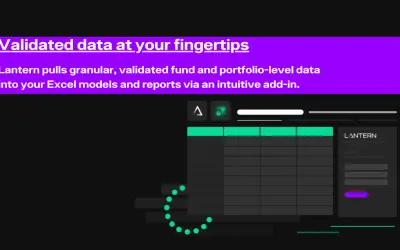
Excel add-in that lets Lantern clients refresh existing models and reports with the latest validated fund and portfolio data.
Lantern.ai
Button-based slicer for Power BI that can be arranged horizontally or as a matrix, with cross highlighting and image support.
Microsoft Corporation
Automates formulas, data cleanup, reporting, and bulk row-by-row tasks in Microsoft Excel from plain-language prompts.
TALARIAN S. à r.l.«Chronograph xConnectJS provides clients with an intuitive interface to access their database and find investment entities and their attributes within Excel. FIND AN ENTITY Using the Find an Entity tool, clients can search their whole database to easily find companies, fund commitments, or other investments. Helpful …»