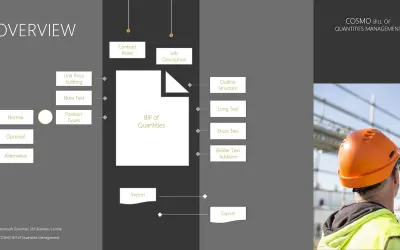
COSMO Bill of Quantities Management
Manages bill of quantities specifications, including GAEB and OeNorm files, within Microsoft Dynamics 365 Business Central.
COSMO CONSULTPaid
Checks a Chinese ID card number entered as a string in a cell.
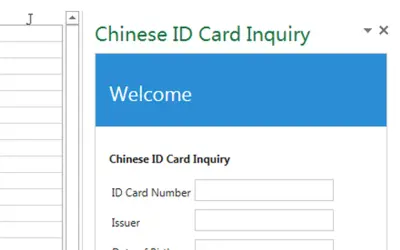
Enter a Chinese ID card number as a string in a cell and select the cell. The add-in displays information in a task pane. If the number is wrong, it displays "Invalid ID card number".
Accepts a Chinese ID card number entered as a string in a cell.
Displays information for the selected cell in a task pane.
Displays "Invalid ID card number" when the number is wrong.
568 plugins in Productivity
Price distribution: 8 free, 8 freemium, 164 paid, 388 price not published
Manages bill of quantities specifications, including GAEB and OeNorm files, within Microsoft Dynamics 365 Business Central.
COSMO CONSULT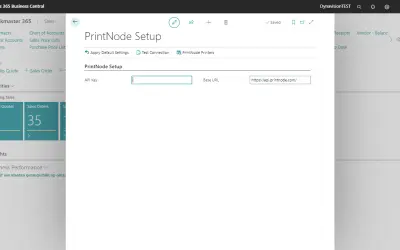
Connects Microsoft Dynamics 365 Business Central to cloud printing, FTP/SFTP, and external document storage services.
Dynavision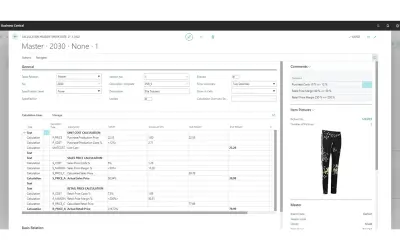
TRIMIT manages product variants, pricing, and inventory for fashion, apparel, and furniture businesses on Business Central.
TRIMIT Development A/S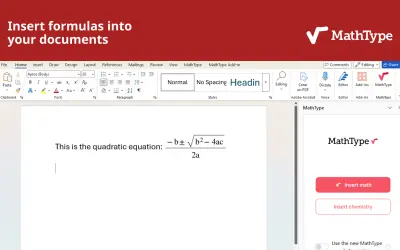
MathType is an equation editor add-in for Microsoft Word and PowerPoint that supports math and chemical notation input.
Wiris«Before you begin, input a Chinese ID card number in any cell, such as 341125197309155056. Be sure that it is not a number but a string. -Select the cell -The information display on taskpane -If the number is wrong, "Invalid ID card number" is displayed»