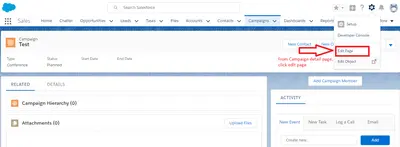
Campaign Member Helper
Add and manage Salesforce campaign members by searching leads or contacts and setting their statuses.
Astrea IT Services Pvt LtdFree
Manage Salesforce Platform campaign members on a Kanban board with drag-and-drop actions for leads, contacts, and accounts.
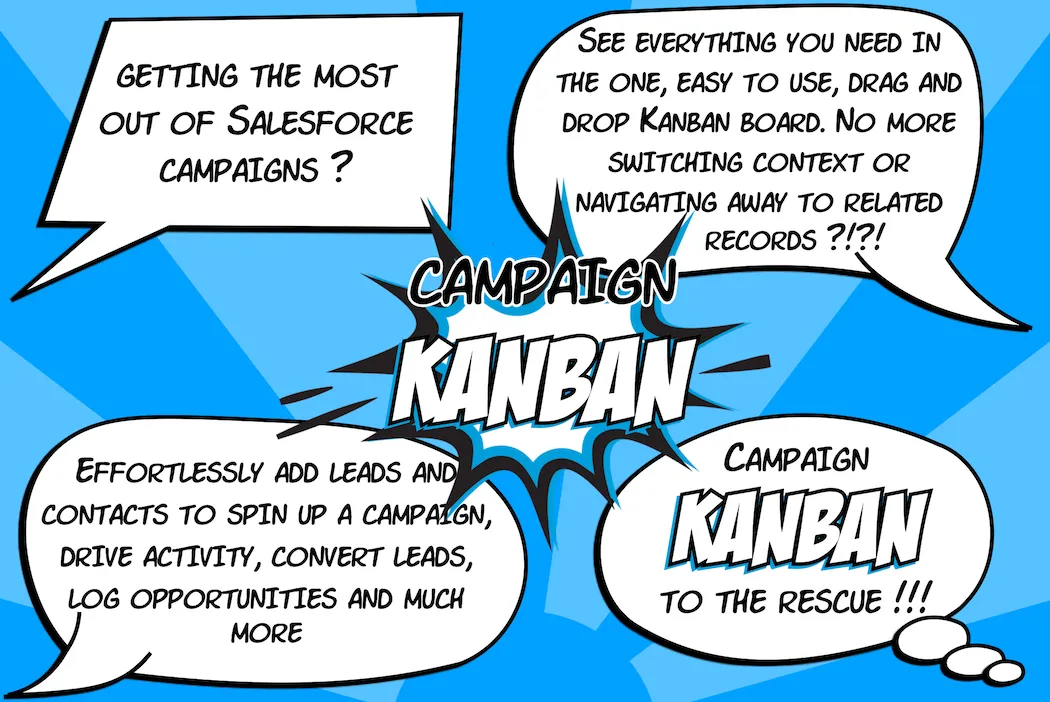
Campaign Kanban presents campaign members in columns representing their statuses and lets users move records between columns by dragging them. The add-in supports creating or assigning leads and contacts to campaigns, removing existing members, converting leads, and creating campaign opportunities. Users can search, filter, sort, and customize the information shown on cards and in a side panel. The separate Campaign Member Status Walloper add-on can generate status sets according to record type or type.
Move leads, contacts, and accounts between campaign status columns with drag-and-drop actions.
Create a lead or contact and assign the new record to a campaign through a drag-and-drop workflow.
Add existing leads or contacts to campaigns or remove them from campaigns using drag-and-drop actions.
Convert leads from the Kanban side panel.
Create opportunities from a column action and associate them with campaigns.
Search campaign members and apply filters or sorting separately for each campaign board.
Choose the information shown on campaign cards and in the side panel.
The Campaign Member Status Walloper add-on creates campaign member status sets according to record type or type.
Campaign Member Helper lets users select leads or contacts through filtered searches to add them to a campaign with a chosen status, and it supports editing or deleting records. Campaign Kanban instead uses status columns, drag-and-drop movement, configurable cards, and a side panel with additional record actions. Campaign Member Wizard focuses on adding contacts to a selected campaign in one click, while Campaign Kanban also handles leads and accounts and includes status movement, search, filtering, and sorting.
| Name | Pricing | Deployment | Updated |
|---|---|---|---|
| this plugin | Freemium | Cloud | |
| Campaign Member Helper | Free | Cloud |
210 plugins in Salesforce Platform · Marketing
Price distribution: 57 free, 33 freemium, 120 paid
Add and manage Salesforce campaign members by searching leads or contacts and setting their statuses.
Astrea IT Services Pvt Ltd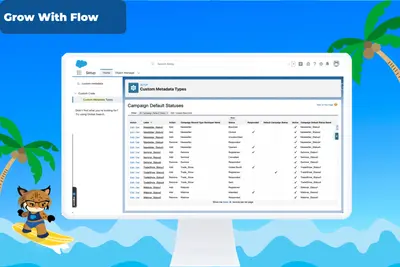
Automates default Campaign Member Status setup in Salesforce Platform using custom metadata and record types.
Salesforce Labs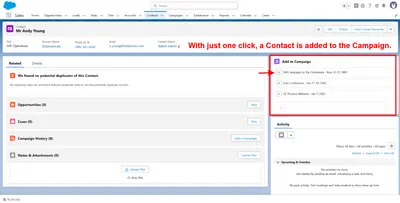
Add selected Contacts to Salesforce Campaigns with one click.
Hannes Ellerbrock
Automates customer satisfaction surveys and stores responses in Salesforce.
Dean Infotech Pvt Ltd«Column Actions - automatically convert Leads or create Opportunities in one simple drag and drop action and ensure Opportunities are appropriately attributed to Campaigns Easily Create Campaign Members – create a new Lead or Contact and add it to a Campaign in one simple drag and drop action Easily Manage Campaign …»