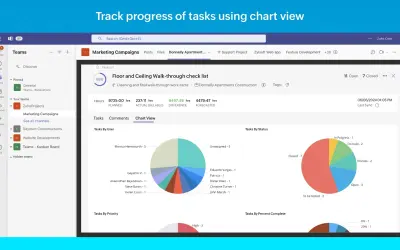
Zoho Projects for Email
Lets you create, view, and update Zoho Projects tasks and issues directly from your Outlook inbox without switching tabs.
Zoho Corporation Private LimitedPrice not published
Convert Outlook messages into Businessmap cards or attach their text to existing cards.
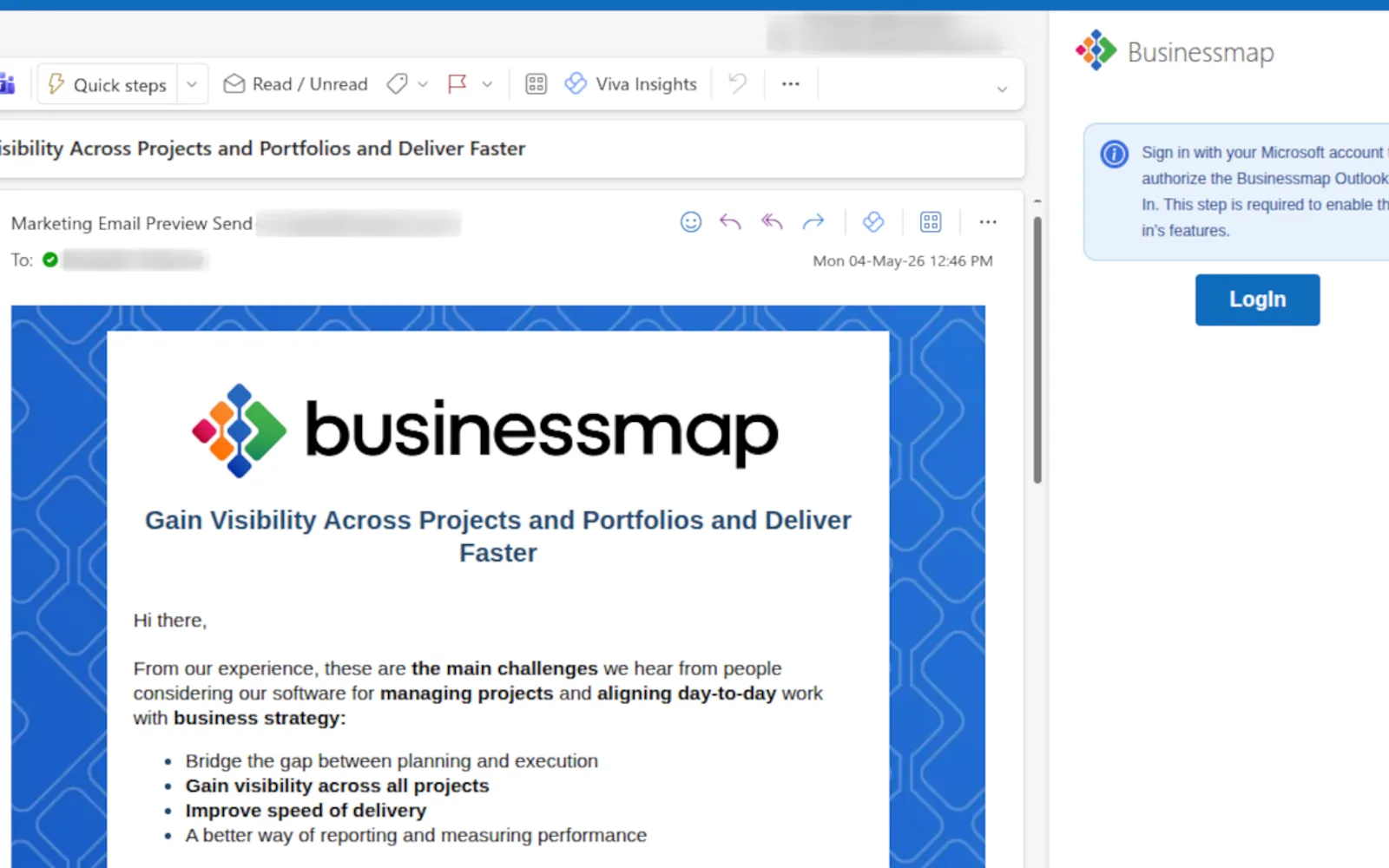
Creates a Businessmap card from an Outlook message using stored default options or selections made during the request. For custom cards, the available choices include board, workflow, column, lane, owner, and priority. The add-in can also place an email body on an existing card when a card ID is supplied.
Creates a Businessmap card from an Outlook message using saved creation settings.
Allows selection of the target board, workflow, column, lane, owner, and priority for a card.
Adds the body of an Outlook message to a Businessmap card identified by its ID.
Project teams and other Businessmap users working with project tasks from Outlook.
26 plugins in Outlook · Project Management
Price distribution: 2 paid, 24 price not published
Lets you create, view, and update Zoho Projects tasks and issues directly from your Outlook inbox without switching tabs.
Zoho Corporation Private Limited
CoreGPT AI for Outlook drafts, replies, summarizes, and translates emails inside Microsoft Outlook using GLM and GLM.
Shhapps Ltd. Liability Co.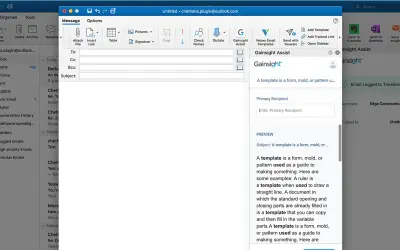
Gainsight Assist lets users access Gainsight email templates and log messages to the Gainsight Timeline directly from Outlook.
Gainsight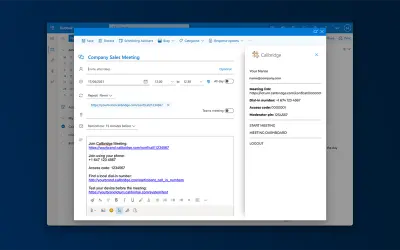
Adds the Callbridge meeting URL and information to the body of new or existing Microsoft Outlook calendar events.
Iotum Inc«Streamline your project management by creating task cards or comments directly from your Outlook emails without leaving your inbox. This powerful Office Add-in offers three key features to enhance your workflow: Create a card (default board): Convert an email into a card in a single click using your pre-configured …»