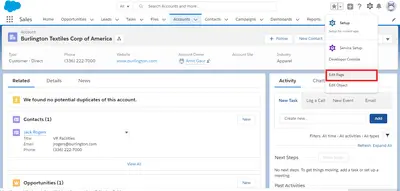
Files, Attachments & Notes
Displays child-record files, attachments, and notes in Salesforce Platform, with note creation in Lightning.
Astrea IT Services Pvt LtdFree
Capture handwritten signatures in Salesforce and save them as files or attachments on records.
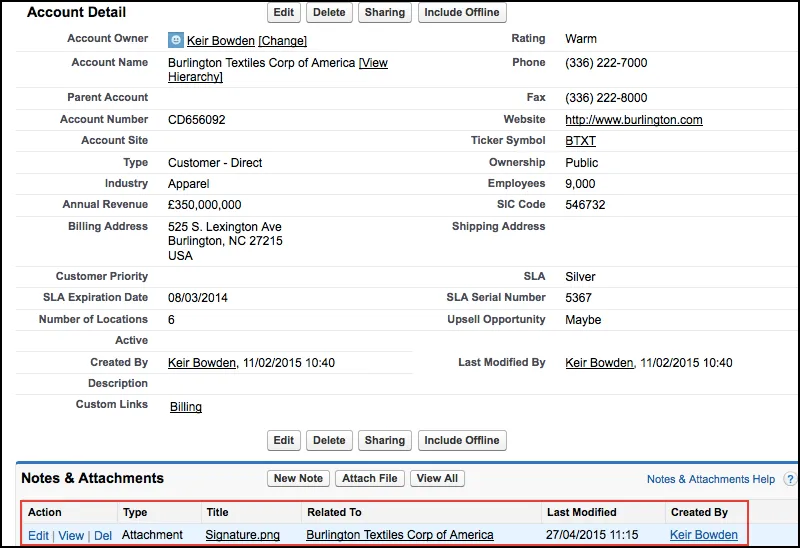
BrightSIGN lets users enter a signature on a web page linked to a Salesforce record. The signature can be recaptured until the user accepts it, then saved to Salesforce. Salesforce stores it as an image attached to the record or as a file. The component also supports guest user signing.
Users can enter a signature on a web page linked to a Salesforce record.
Users can recapture the signature until they accept the result.
The captured signature is converted into an image file.
The image is uploaded to Salesforce and stored against the record as an attachment or file.
The component supports guest user signing.
642 plugins in Salesforce Platform · Documents and content
Price distribution: 308 free, 63 freemium, 271 paid
Displays child-record files, attachments, and notes in Salesforce Platform, with note creation in Lightning.
Astrea IT Services Pvt Ltd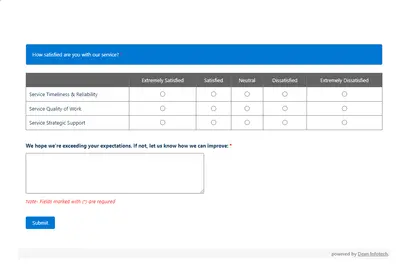
Automates customer satisfaction surveys and stores responses in Salesforce.
Dean Infotech Pvt Ltd
Send, sign, track, and store agreements from Salesforce records with DocuSign eSignature.
Docusign, Inc
Manage contracts in Salesforce with templates, negotiation tools, approvals, workflows, repository search, and analytics.
Docusign, Inc«New in V4.1: - Support for guest user signing ** Please read the implementation guide ** Release notes: https://bobbuzz.me.uk/SCRN BrightSIGN is a pure HTML5 native Lightning Component to allow users to draw a signature on a web page associated with a Salesforce record. This process is repeated until the user is happy …»