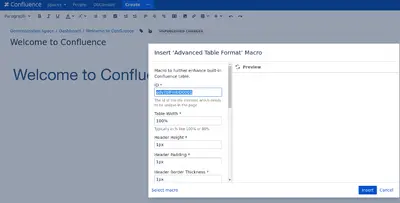
Advanced Table Formatting for Confluence
Format Confluence tables and cells with custom sizing, colors, borders, spacing, hover fills, currency, and date formats.
ReleaseTEAM Inc.Free
Edits images in Confluence with sizing, borders, effects, text, backgrounds, and other visual settings.
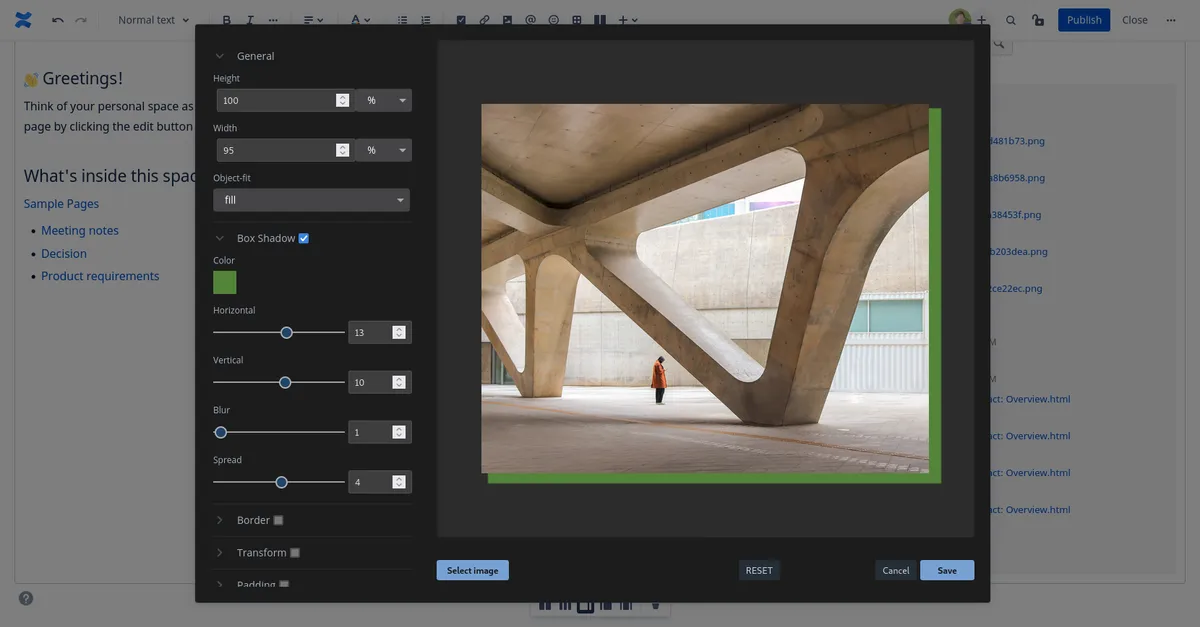
This Confluence macro provides an image editor for pages. It updates images with dimensions, borders, shadows, transforms, padding, filters, text, and backgrounds. The listed settings include controls for colors, positions, styles, and visual effects.
Adjusts image width, height, and object-fit settings.
Adds shadows with controls for color, position, blur, and spread.
Adds borders with controls for color, position, style, and radius.
Applies scale, rotation, translation, and skew adjustments.
Sets padding for the top, right, left, and bottom sides.
Applies blur, brightness, contrast, grayscale, hue-rotate, opacity, invert, saturate, and sepia filters.
Adds text with controls for font size, font family, location, and color.
Sets a background color, gradient, or image.
Better Image Macro is free and cloud-deployed, while Advanced Table Formatting for Confluence is free and supports data-center and server deployment. Panel Macro+ for Confluence is freemium and cloud-deployed. The alternatives were updated in Sep 2026, while this listing was updated in Jun 2022.
| Name | Pricing | Deployment | Updated |
|---|---|---|---|
| this plugin | Free | Cloud | |
| Advanced Table Formatting for Confluence | Free | Data Center · Server | |
| Panel Macro+ for Confluence | Freemium | Cloud |
990 plugins in Confluence · Content and communication
Price distribution: 228 free, 378 freemium, 384 paid
Format Confluence tables and cells with custom sizing, colors, borders, spacing, hover fills, currency, and date formats.
ReleaseTEAM Inc.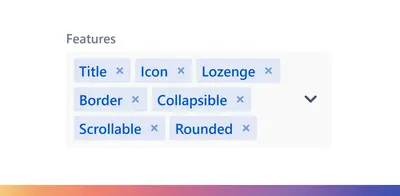
Customize panels in Confluence with configurable titles, icons, colors, borders, collapsible content, and scrollable heights.
Apps+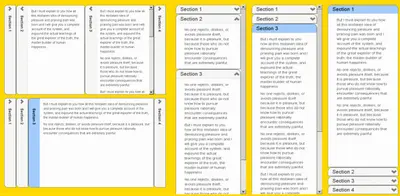
Adds expandable sections to Confluence pages with adjustable layout, size, and section-opening settings.
Zagdozar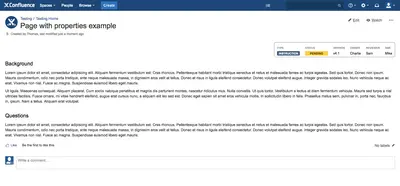
Display Confluence page properties in a compact panel with configurable alignment and placement.
Collaboration Services«Image new width / height / object-fit Box shadow - color / horizontal / vertical / blur / spread Border - color / position / style / radius Transform - scale / rotate / translate X & Y / Skew X & Y Padding - top / right / left / bottom Filter - blur / brightness / contrast / grayscale / hue-rotate / opacity / invert / …»