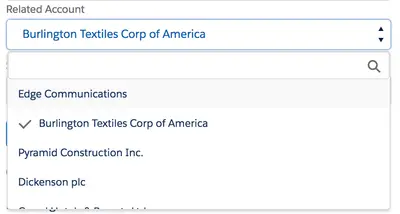
Lightning Search Enabled Drop-Down Component
Adds configurable single- or multi-select picklists with optional search to Salesforce Platform custom components.
AstonousFree
Groups picklist values into paths on Salesforce Platform record detail pages.
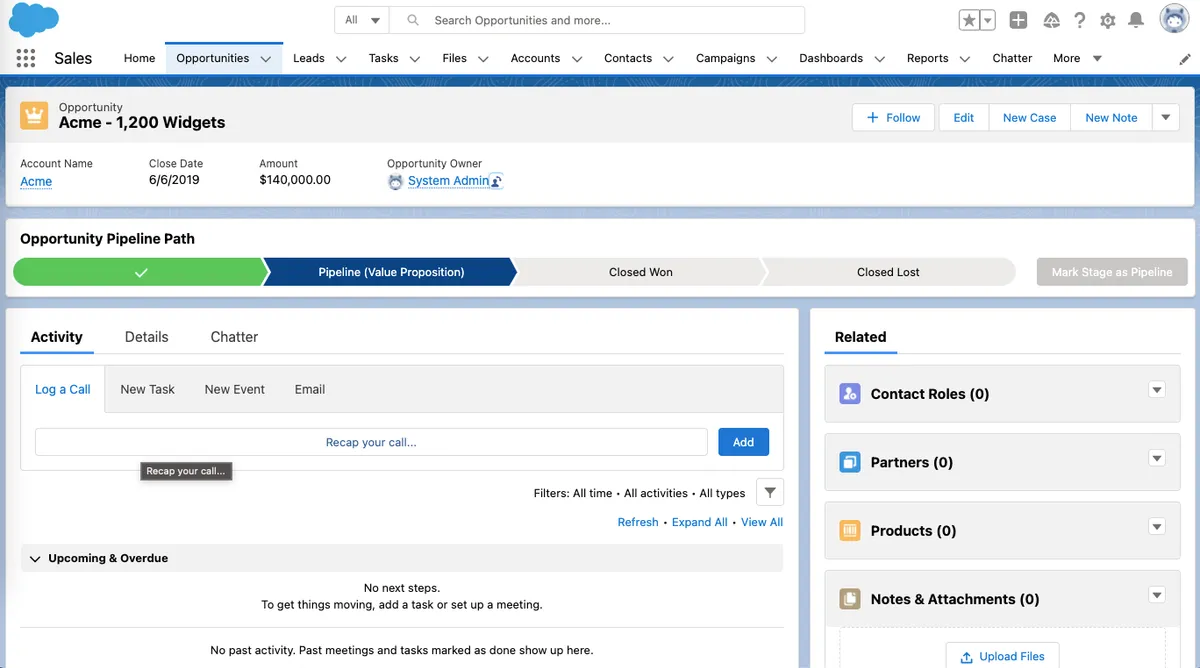
Groups picklist options and displays those groups as a path on a record detail page. It supports Opportunity and Case, all custom objects, and standard and custom picklists while applying org validation when values are saved.
Groups picklist options into categories for display in a path.
Shows grouped picklist options as a path on record detail pages.
Supports grouping Opportunity stages, including grouping by forecast categories.
Supports grouping Case statuses for display in a case detail path.
Supports all custom objects in the Salesforce org.
Follows org-defined validation when picklist options are saved.
BBT Path groups picklist values and displays them as paths for standard and custom objects. Welkin's Customizable Path focuses on status transitions, profile-based transition rules, and displaying key fields based on statuses.
| Name | Pricing | Deployment | Updated |
|---|---|---|---|
| this plugin | Free | Cloud | |
| Lightning Search Enabled Drop-Down Component | Free | Cloud | |
| Work Order Generator | Free | Cloud | |
| Lightning Universal Tagging | Free | Cloud | |
| Anytime Data Capture for Standard Sales Objects | Free | Cloud | |
| IntelligentTaskMaster | Free | Cloud |
642 plugins in Salesforce Platform · Productivity
Price distribution: 308 free, 63 freemium, 271 paid
Adds configurable single- or multi-select picklists with optional search to Salesforce Platform custom components.
Astonous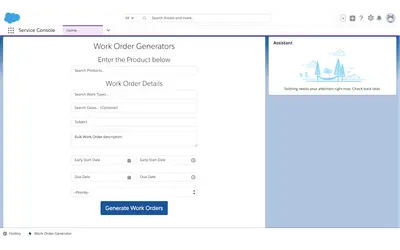
Generate bulk Work Orders in Salesforce Platform for Assets matching an administrator-defined status.
Salesforce Labs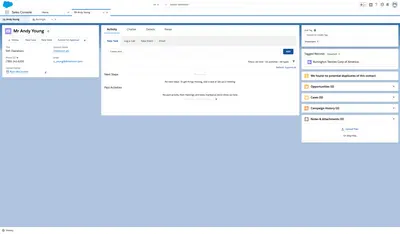
Add and browse custom tags on standard or custom records in Salesforce Platform.
Salesforce Labs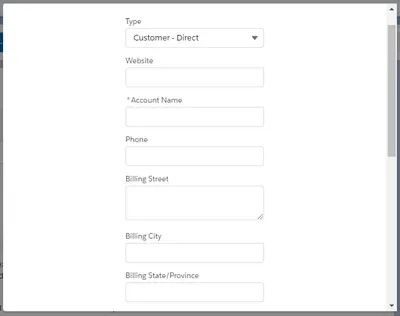
Create Leads, Contacts, Accounts, and Opportunities from configurable Salesforce components and quick actions.
QSOL Inc«Now you can group your picklist option and show them as path. You can group your opportunity stage as per the forecast categories or you can categorise the options and show those groups in path on record detail page. This is also helpful to group your case status and show it's groups on case detail path. It's follow …»