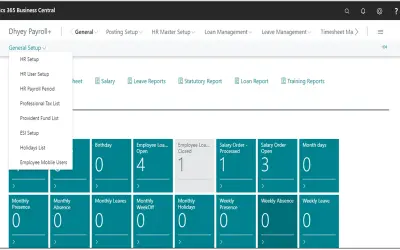
Payroll
Payroll manages employee data, attendance, leave, compliance, and salary processing within Dynamics 365 Business Central.
Dhyey Consulting Services Pvt. Ltd.Paid
Track employee or student attendance in Excel with monthly date headers and automatic attendance marking.
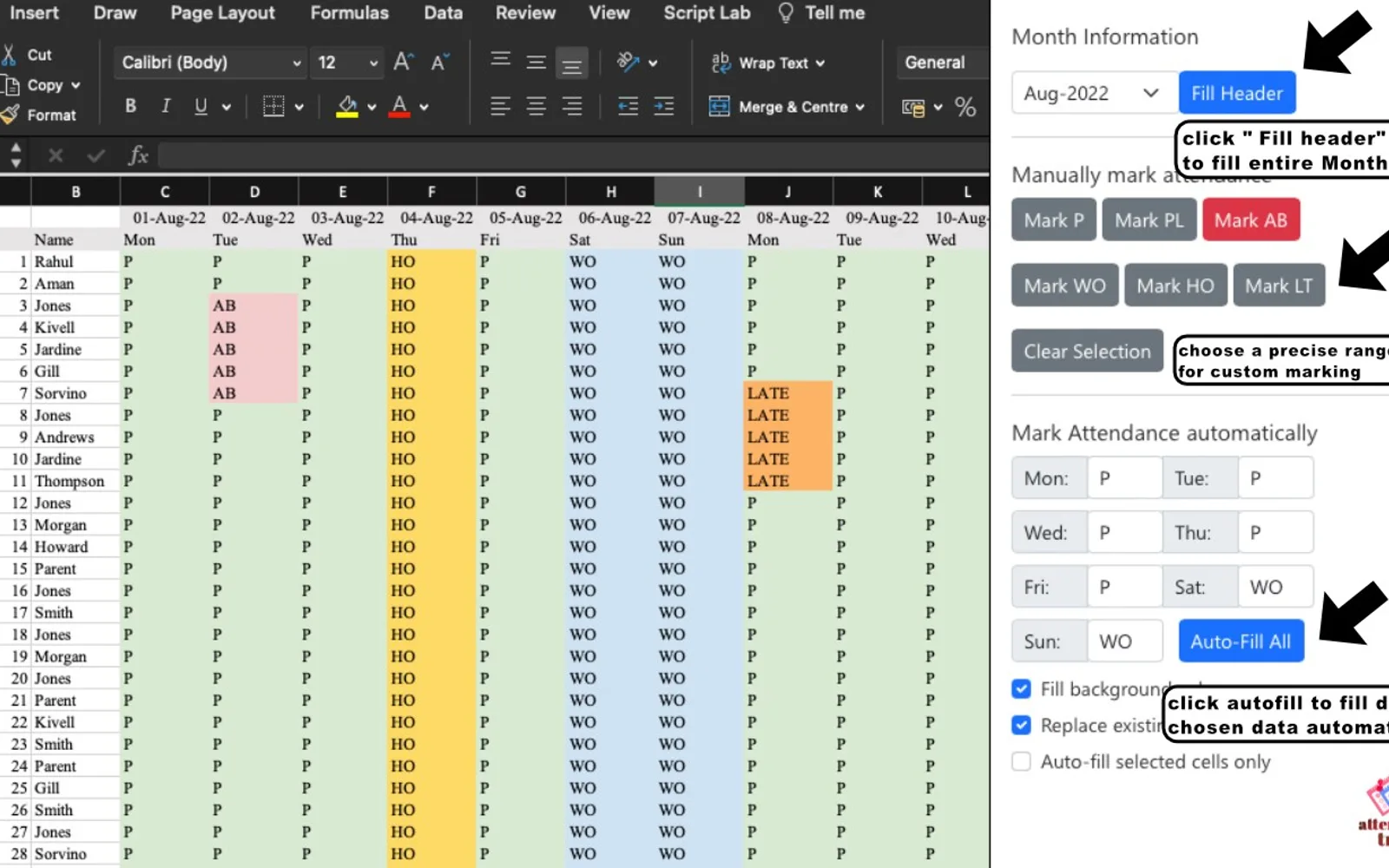
Fills dates from the first to the last day of a selected month. Names can be entered in columns A or B, then attendance can be marked automatically for the month. A selected range can be assigned types such as P for present, PL for planned, or AB for absent.
Fills dates from the first to the last day of the selected month.
Accepts employee or student names in columns A or B.
Marks attendance for the entire month for entered names.
Applies types such as P, PL, or AB to a selected range.
Employees, students, or anyone tracking attendance.
719 plugins in HR
Price distribution: 12 free, 13 freemium, 256 paid, 438 price not published
Payroll manages employee data, attendance, leave, compliance, and salary processing within Dynamics 365 Business Central.
Dhyey Consulting Services Pvt. Ltd.
Fully managed AI chatbot for SharePoint, powered by Claude, that answers from your documents with no API key required.
OBTechnologies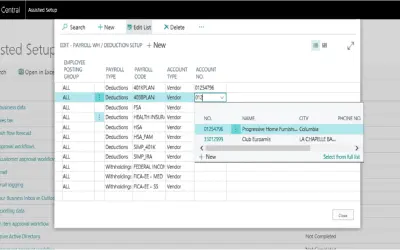
Primo Payday runs payroll directly inside Microsoft Dynamics 365 Business Central with automatic GL posting and tax updates.
Primo Payday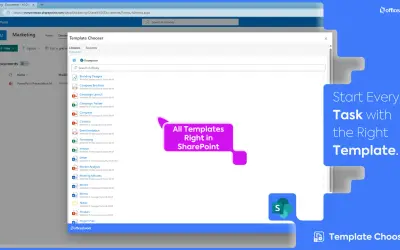
Centralizes shared organizational templates for SharePoint so Microsoft 365 users always work with current, branded versions.
officeatwork«Simple and Time Saving Attendance Tracker can be very helpful for your employees / students or anyone where you want to keep track of attendance for employees or students . STEP1: Click on “Fill Header” button , it will automatically fill date from first to last of the month selected. STEP2: Enter employee/ students …»