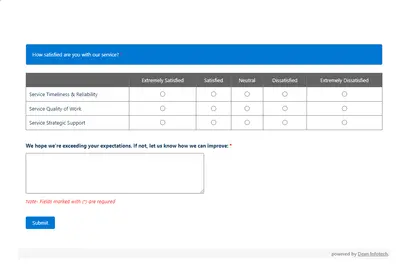
Automated CSAT Survey
Automates customer satisfaction surveys and stores responses in Salesforce.
Dean Infotech Pvt LtdFree
Manage aid containers, requests, product types, shipments, and invoices in Salesforce Platform.
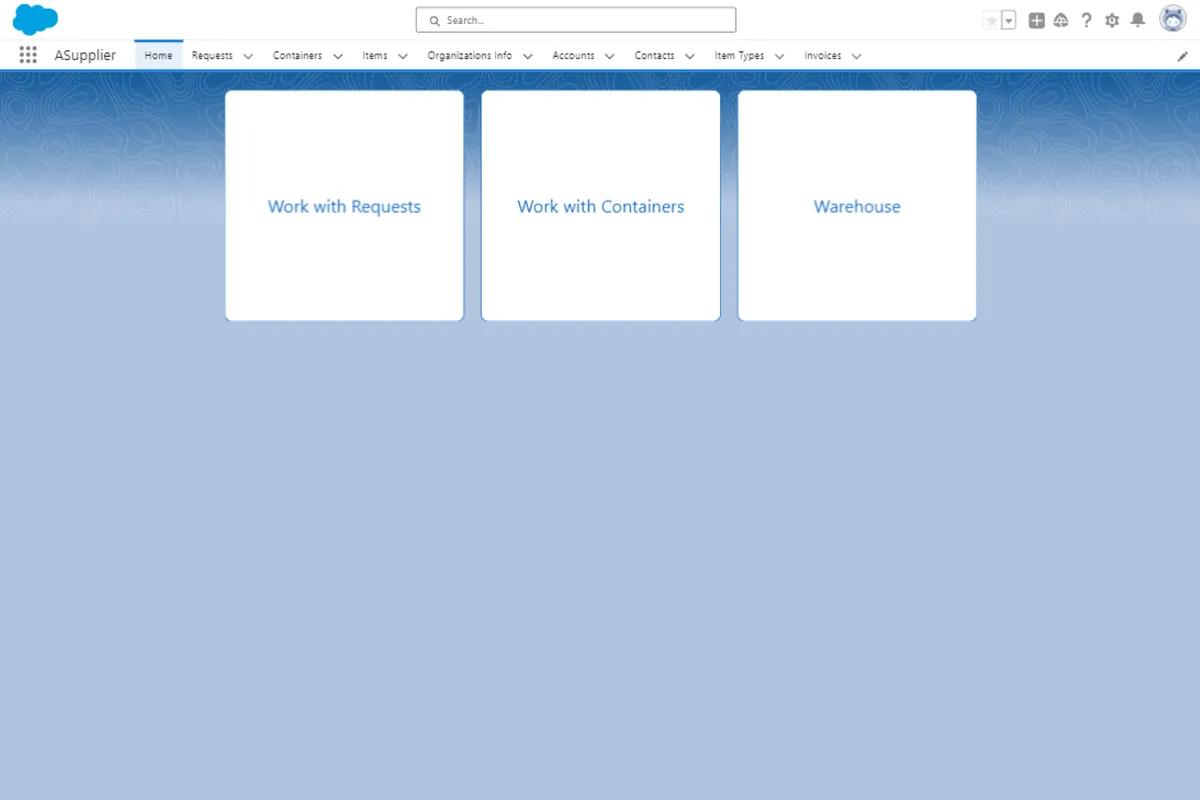
ASupplier records available assistance by registering containers with organization, product, quantity, and measurement details. It stores humanitarian aid reception requests linked to organizations and product types. The Work On Requests tab displays available product types for selecting products for shipment. Users can generate an invoice, create a record, and open a printable view.
Records container identifiers, assisting organizations, product types, quantities, and units of measurement.
Stores humanitarian aid reception requests with an organization, product type, and required quantity.
Allows creation of custom product categories for subsequent items.
Displays available product types for selecting products slated for shipment.
Generates an invoice and provides a printable view.
Includes an automated balance calculation process.
99 plugins in Salesforce Platform · Commerce
Price distribution: 29 free, 20 freemium, 50 paid
Automates customer satisfaction surveys and stores responses in Salesforce.
Dean Infotech Pvt Ltd
Send, sign, track, and store agreements from Salesforce records with DocuSign eSignature.
Docusign, Inc
Manage contracts in Salesforce with templates, negotiation tools, approvals, workflows, repository search, and analytics.
Docusign, Inc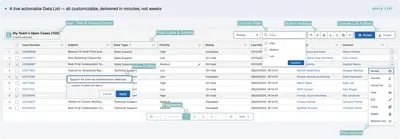
Automates data processing, rules, UI lists, action buttons, and cross-org synchronization in Salesforce Platform.
PUSHTOPIC«Registration of available assistance • Creating help requests • Distribution of aid To begin, initiate by adding a new cargo, referred to as containers. Navigate to the "Work with Containers" tab and choose "Register New Containers." Input the following details: • Container Identifier: to facilitate future …»