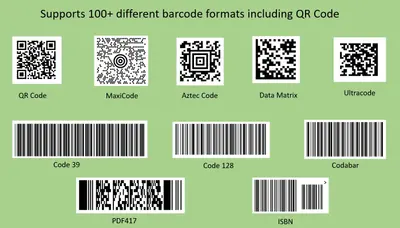
Barcode and QR Code Generator
Generate barcodes and QR codes from Salesforce fields for Lightning, Classic, and community pages.
AppColab LLCFree
Generate barcodes from Salesforce fields and objects using four barcode techniques.
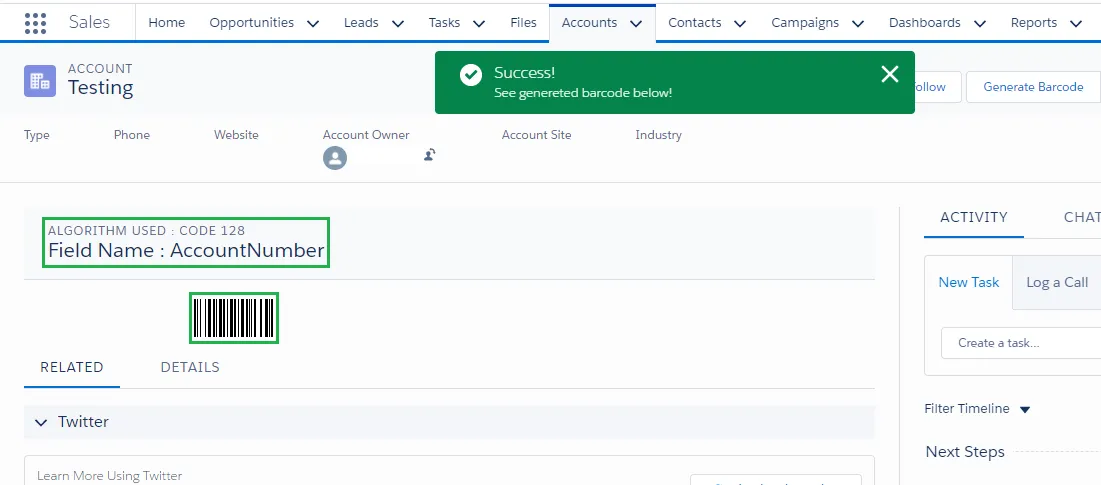
Creates barcodes from fields and objects in Salesforce. Supported techniques are Code 128, Code 39, EAN 13, and EAN 8. The component is available in Salesforce1, Salesforce Lightning, and Salesforce Communities.
Creates a barcode from any Salesforce field.
Creates barcodes for Salesforce objects.
Supports the Code 128 barcode technique.
Supports the Code 39 barcode technique.
Supports EAN 13 and EAN 8 barcode techniques.
Works with Salesforce Communities.
Sales and inventory teams.
Astrea Barcode Component creates barcodes from Salesforce fields and objects and supports Code 128, Code 39, EAN 13, and EAN 8. Barcode and QR Code Generator displays barcodes on Lightning, Classic, and Community pages through configuration records. Barcode Zone supports linear barcodes, EAN-13, and QR codes in Visualforce and Lightning, while Scan Fizz scans linear and two-dimensional barcodes and can create or update Salesforce records and upload documents.
| Name | Pricing | Deployment | Updated |
|---|---|---|---|
| this plugin | Free | Cloud | |
| Barcode and QR Code Generator | Free | Cloud | |
| Zone | Paid | Desktop | |
| Scan Fizz | Free | Cloud | Not published |
642 plugins in Salesforce Platform · Productivity
Price distribution: 308 free, 63 freemium, 271 paid
Generate barcodes and QR codes from Salesforce fields for Lightning, Classic, and community pages.
AppColab LLC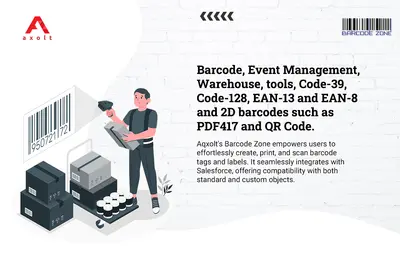
Generate barcodes and QR codes inside Salesforce Visualforce pages and Lightning components.
Axolt
Scan barcodes in Salesforce Platform to create leads, manage products, and upload documents.
Axolt
Update a Salesforce profile picture from a mobile component with Lightning App Builder configuration.
Salesforce Labs«1. User can generate Barcode for any field and for any object in Salesforce using Code 128, Code 39, EAN 13 and EAN 8 techniques. 2. This Component is also available on Salesforce1. 3. This Component is also useful for Salesforce Lightning User. 4. This Component is compatible with Salesforce Communities. Optimize …»