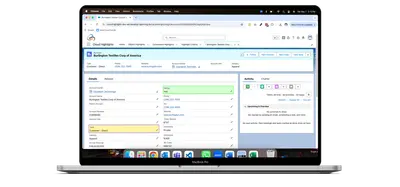
Cloud Highlights
Configure color highlights for Salesforce fields, buttons, headers, backgrounds, and related lists using filter criteria.
Cloudarsh TechnologyPaid
View and manage standard or custom object records in day, week, month, and list calendars on Salesforce Platform.
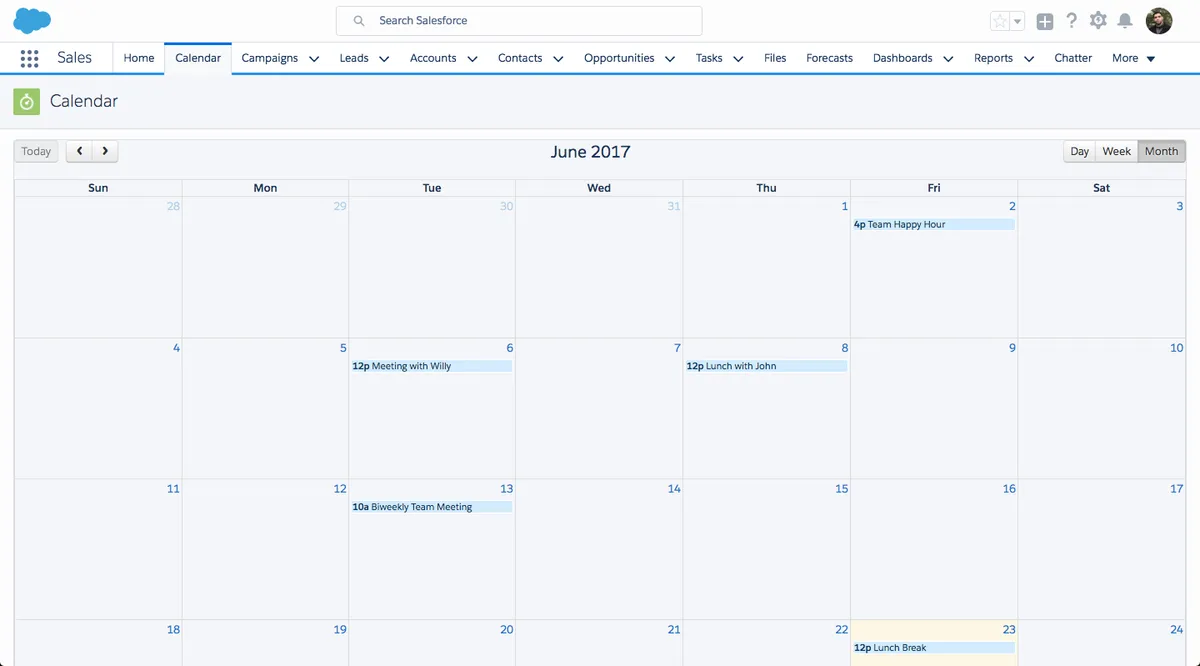
AnyCalendar displays records from standard or custom objects in day, week, month, and list views. Records can be created by selecting an empty day slot, or opened for editing by selecting an existing record; records can also be created, edited, and deleted from the calendar. Dragging, dropping, or resizing a record changes its date and time.
Configure the calendar for standard or custom objects using the object's API name and selected fields.
Display records in day, week, month, or list views.
Create, edit, and delete records directly from the calendar.
Drag, drop, or resize a record to change its date and time.
Configure logged-in-user filtering, displayed buttons, weekend visibility, and event colors.
642 plugins in Salesforce Platform · Productivity
Price distribution: 308 free, 63 freemium, 271 paid
Configure color highlights for Salesforce fields, buttons, headers, backgrounds, and related lists using filter criteria.
Cloudarsh Technology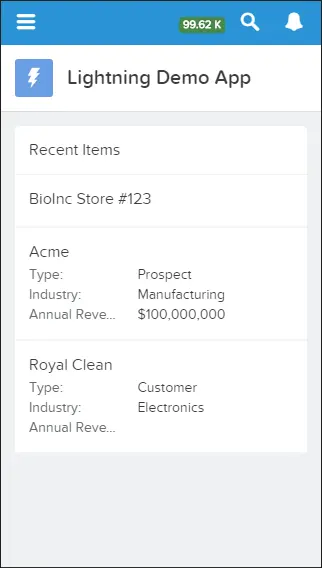
View recently accessed records in Salesforce Platform apps.
Salesforce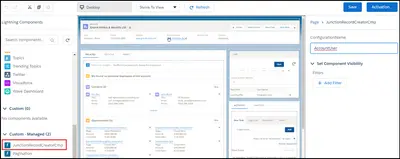
Create and manage junction records between standard and custom objects in Salesforce Platform.
ABSYZ Software Consulting Pvt. Ltd.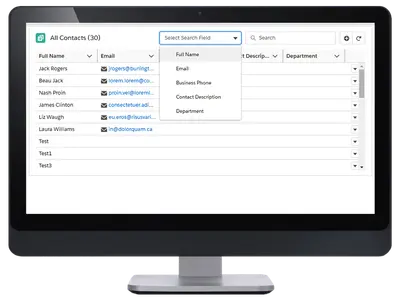
Adds sorting, filters, search, scrolling, formatted fields, and record actions to Salesforce related lists.
Extentia«Supports standard and custom objects, simply fill in the relevant API name for the object and appropriate fields in the builder. Click on an empty day slot to create a new record or on an existing record to edit. Each record can be dragged, dropped and resized, which modifies its date & time accordingly.»