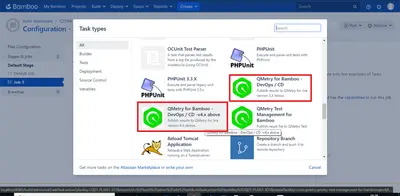
QTM4J Integration for Bamboo
Bamboo integration for sending automated test results to QMetry Test Management for Jira.
SmartBear SoftwareFree
Controls when Bamboo deployments can run for each environment and reschedules those blocked by the schedule.
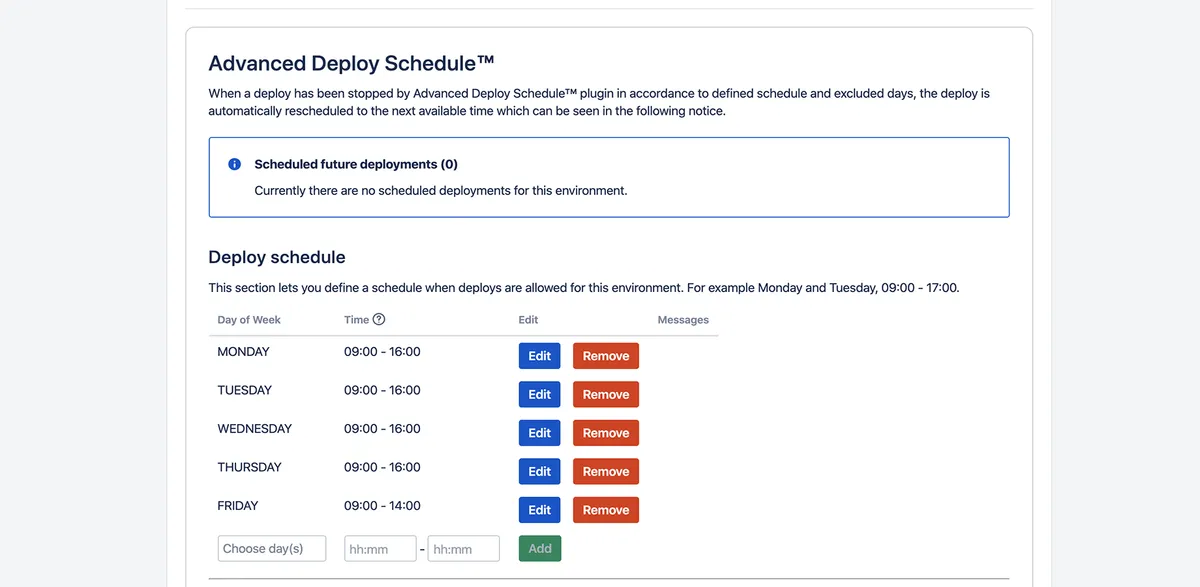
Sets recurring weekly time windows for deployments to each environment and records dates when deployment is disallowed. A deployment launched outside an allowed window is stopped and receives a "Not built" status. The add-in schedules it for the next permitted time and adds a rescheduling note at the start of the deployment logs.
Specifies the weekdays and times during which deployment is allowed for an environment.
Records individual dates on which deployment to an environment cannot run.
Moves a stopped deployment to the next permitted time and records the event in the deploy logs.
75 plugins in Bamboo · Software development
Price distribution: 44 free, 31 paid
Bamboo integration for sending automated test results to QMetry Test Management for Jira.
SmartBear Software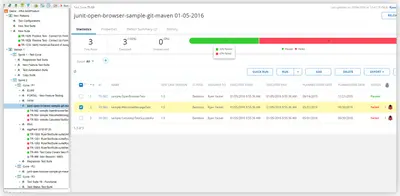
Connects Bamboo build and test data with qTest Manager, including test-run logs and spreadsheet export.
Tricentis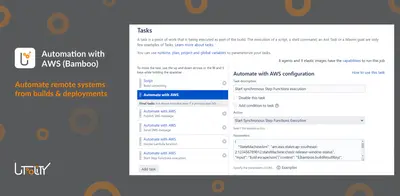
Adds AWS actions and conditions to Bamboo builds, deployments, notifications, and jobs.
Utoolity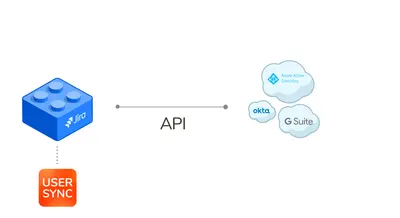
Synchronizes Bamboo users, groups, and attributes with identity providers through SCIM and APIs.
resolution Reichert Network Solutions GmbH«You can create a weekly schedule when deployments are allowed and add specific dates when deployments are not permitted. For example you can allow deployments only on weekdays from 9 to 5 and prohibit deployments on Christmas Eve and other holidays.When a deployment starts during the middle of the night or on …»