
Sign.Plus - Sign for Word
Save time and enhance efficiency by electronically signing Word documents online or sending them for signature directly from Microsoft Word or Word Online!
AlohiPrice not published
Send, sign, route, and track agreements within Microsoft Teams and Microsoft 365 apps.
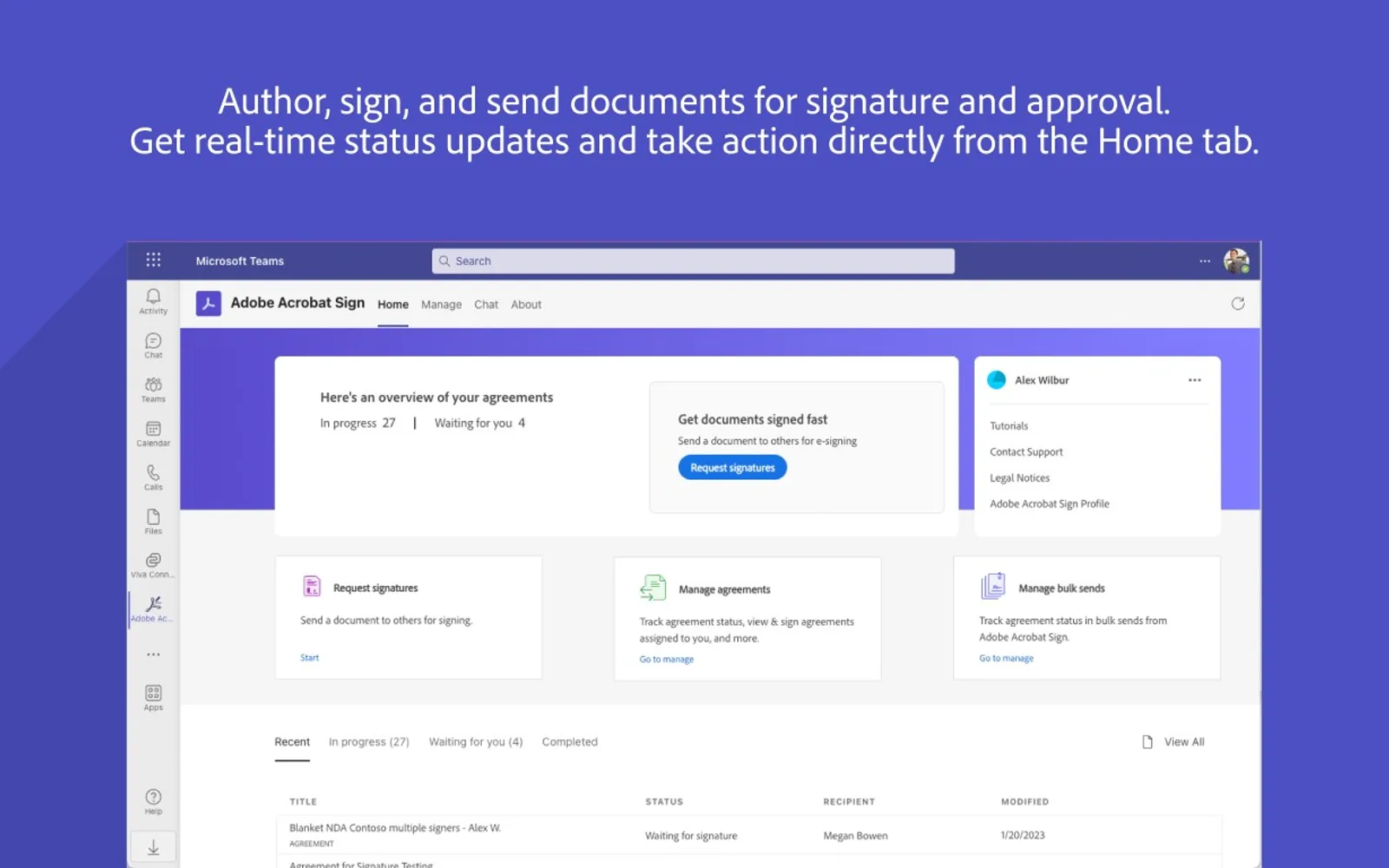
Creates agreements and sends documents, contracts, and forms for signature or approval from Microsoft Teams, Outlook, Word, PowerPoint, and Microsoft 365. Documents can be routed to one or more recipients, signed within the apps, and monitored through their signing status. Recipients can sign through a browser or mobile device, and participants can sign live during a Microsoft Teams meeting. The add-ins require a valid Acrobat Sign or Acrobat Pro license.
Sends documents, contracts, and digital forms for signature or approval from supported Microsoft applications.
Displays document status, including who has signed and who is next to sign.
Checks status, sends reminders, and displays details for completed documents.
Allows documents to be signed live during Microsoft Teams meetings.
Selects files from recent Office files, shared Teams files, OneDrive, Sign templates, or a personal hard drive.
Shows notifications for documents ready to sign and documents that have been completed.
Provides access through single sign-on.
Adobe Acrobat Sign for Microsoft Teams and Microsoft 365 has unknown pricing and cloud deployment, like Sign.Plus - Sign for Word and DocuSign for Outlook. PandaDoc for Dynamics 365 Business Central is paid, while Adobe Acrobat Sign for Microsoft Teams and Microsoft 365 has unknown pricing; both use cloud deployment. DocuSign for Dynamics 365 Business Central is freemium, while Adobe Acrobat Sign for Microsoft Teams and Microsoft 365 has unknown pricing; both use cloud deployment.
| Name | Pricing | Deployment | Updated |
|---|---|---|---|
| this plugin | Price not published | Cloud | |
| Sign.Plus - Sign for Word | Price not published | Cloud | |
| DocuSign for Outlook | Price not published | Cloud | |
| PandaDoc for Dynamics 365 Business Central | Paid | Cloud | |
| DocuSign for Dynamics 365 Business Central | Freemium | Cloud |
330 plugins in Microsoft 365 · Legal & Compliance
Price distribution: 9 free, 16 freemium, 105 paid, 200 price not published
Save time and enhance efficiency by electronically signing Word documents online or sending them for signature directly from Microsoft Word or Word Online!
Alohi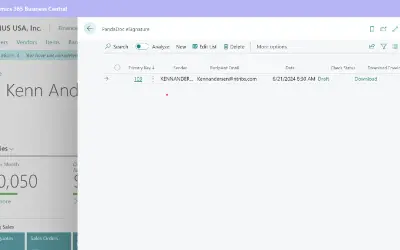
Enables sending PandaDoc eSignature envelopes and tracking signature status directly within Dynamics 365 Business Central.
New Technology Research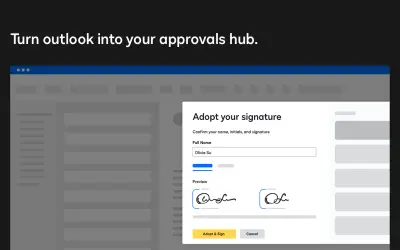
Send and sign email attachments directly in Microsoft Outlook using the Docusign electronic signature solution.
DocuSign, Inc.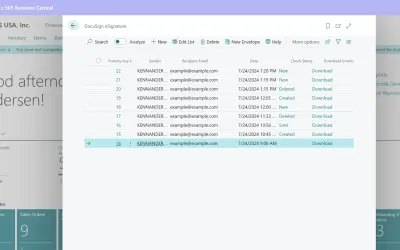
Official DocuSign Partner Integration: Seamless DocuSign eSignatures Within Business Central Remove the hassle of switching between apps and add DocuSign's eSignature capabilities to your Business Central.
New Technology Research«Get your documents signed faster than ever when you add Acrobat Sign to Microsoft Teams, Microsoft 365, Microsoft Outlook, Microsoft Word and Microsoft PowerPoint. Create an agreement and send it for signature, automatically route to one or more people, sign documents yourself, and track signing status at every step - …»