Chiclet Slicer
Button-based slicer for Power BI that can be arranged horizontally or as a matrix, with cross highlighting and image support.
Microsoft CorporationPaid
Generate, link, position, and format barcodes in Excel from cell values.
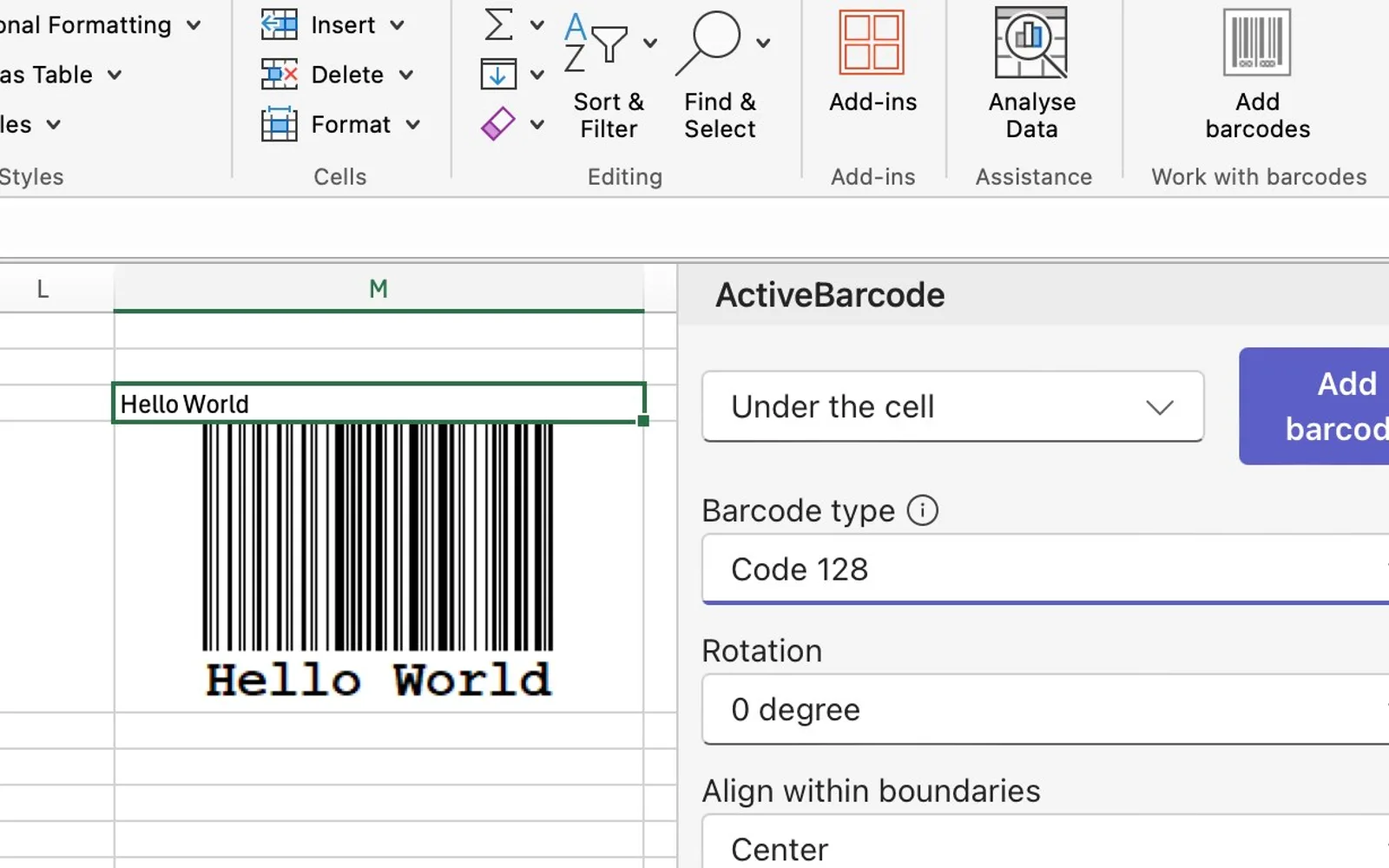
Generates barcodes from Excel cell values and inserts them into worksheets as images. Barcodes can remain linked to cells and update when cell content changes. The add-in supports single or multiple selected ranges, positioning, scaling, rotation, color, and alignment. A developer API supports automation, while production API use requires an API key.
Barcodes can be linked to Excel cells and update when the cell content changes.
The add-in can create one or multiple barcodes from selected workbook ranges.
Barcode images can be positioned, scaled, rotated, and formatted with color and alignment settings.
Check digits are calculated and output automatically.
The ActiveBarcode API supports automation and additional barcode use cases.
The add-in supports barcode types including Code 128, QR Code, Data Matrix, EAN, GTIN, UPC, PDF417, and others.
36 plugins in Excel · Automation
Price distribution: 8 paid, 28 price not published
Button-based slicer for Power BI that can be arranged horizontally or as a matrix, with cross highlighting and image support.
Microsoft Corporation
Automates formulas, data cleanup, reporting, and bulk row-by-row tasks in Microsoft Excel from plain-language prompts.
TALARIAN S. à r.l.
Artemis Sheets pulls blockchain, protocol, and stablecoin metrics into Excel workbooks using CapIQ-like formula syntax.
Artemis Analytics
Excel add-in providing real-time quotes and up to 30+ years of historical price and fundamental data for 80,000+ global assets.
SheetsFinance«The Excel Add-In extends Excel with barcodes. This makes it possible to easily design barcodes and insert them into Excel documents. Simple and flexible integration of barcodes into Excel tables. Generation of barcodes that accept the value of a cell: Move the cursor to the desired cell - Insert barcode - done. Adds …»